
Best AI Video Editing Tools in 2026
The Best AI Video Editors for YouTube, Reels, Shorts, Content Creation, and Social Media Growth
Introduction
Video content is growing faster than ever, but editing still takes a huge amount of time for most creators. Cutting clips, adding captions, removing mistakes, syncing audio, creating shorts, and managing exports can easily turn a simple video into hours of work. That is exactly why the best AI video editing tools are becoming essential in 2026.
Modern creators are no longer using AI only for effects or filters. They now rely on AI video editing software to speed up workflows, improve content quality, create social clips automatically, and manage production more efficiently. Whether someone runs a YouTube channel, edits client projects, creates Instagram reels, or posts daily short form videos, AI editing tools can reduce repetitive work significantly.
The important part is knowing which tools genuinely help creators instead of adding more complexity. Some AI video creator tools save hours every week, while others create messy edits that still need heavy correction. This guide explains the best tools available right now, how creators actually use them, and what beginners should know before depending too heavily on automation.
Table of Contents
-
- Why AI Video Editing Is Growing Fast?
- What Makes a Good AI Video Editing Tool?
- Best AI Video Editing Tools in 2026
- Best AI Video Editors for YouTube Creators
- AI Video Creator Tools for Shorts and Reels
- Common Mistakes Creators Make With AI Editing Software
- Best Practices for Using AI Video Editing Software
- FAQ Section
- Conclusion
Why AI Video Editing Is Growing Fast?
Creators today publish more content than ever before.
A YouTuber may upload long videos, shorts, Instagram reels, TikToks, thumbnails, podcasts, and clips from the same recording session. Managing all of that manually becomes exhausting.
This is where AI editing software helps.
Instead of spending hours trimming silence, generating subtitles, or finding highlights, AI tools can automate many repetitive tasks in minutes.
For example, podcast creators now use AI to:
- Remove filler words
- Generate captions automatically
- Create short clips for social media
- Improve audio quality
- Detect important moments
Another reason AI video editing software is growing quickly is audience behavior. Short form content moves fast. Trends change daily. Creators who edit faster often publish more consistently.
Consistency matters more than perfect cinematic editing for most social platforms.
What Makes a Good AI Video Editing Tool?
Not every AI editor is actually useful.
Some tools promise automation but still require heavy manual corrections afterward. A good AI video editor should simplify workflows without damaging creative control.
The best tools usually help with:
- Automatic subtitles
- Silence removal
- Smart cuts
- Audio cleanup
- Clip generation
- Background removal
- Script based editing
- Fast exports
Reliability matters too.
Many creators stop using certain AI video creator tools because the outputs feel unnatural or repetitive. A good tool should support creativity instead of replacing it completely.
Best AI Video Editing Tools in 2026
Descript
Descript remains one of the most practical AI video editing tools for creators who work with talking videos, podcasts, tutorials, and interviews.
Its script based editing system feels surprisingly natural. Instead of cutting clips manually on timelines, creators can edit videos by editing text transcripts.
Creators commonly use Descript for:
- Podcast editing
- Subtitle generation
- Removing filler words
- Screen recording
- Audio enhancement
- Social clips
One helpful example comes from educational YouTubers. Many record long tutorials with pauses and mistakes. Descript automatically removes filler words and awkward silence, which speeds up editing dramatically.
For beginner creators, the learning curve is also much easier than traditional editing software.
CapCut
ByteDance built CapCut into one of the most popular AI editing software platforms for short form content creators.
CapCut works especially well for:
- TikTok videos
- Instagram reels
- YouTube shorts
- Fast mobile editing
- Auto captions
- Trending templates
Many creators underestimate how important speed is for social media growth. CapCut helps users edit and upload quickly without needing expensive desktop setups.
A small creator posting daily reels can easily edit multiple videos from a phone in one afternoon.
However, relying too heavily on templates can make content look repetitive. Strong creators usually customize edits instead of copying viral styles completely.
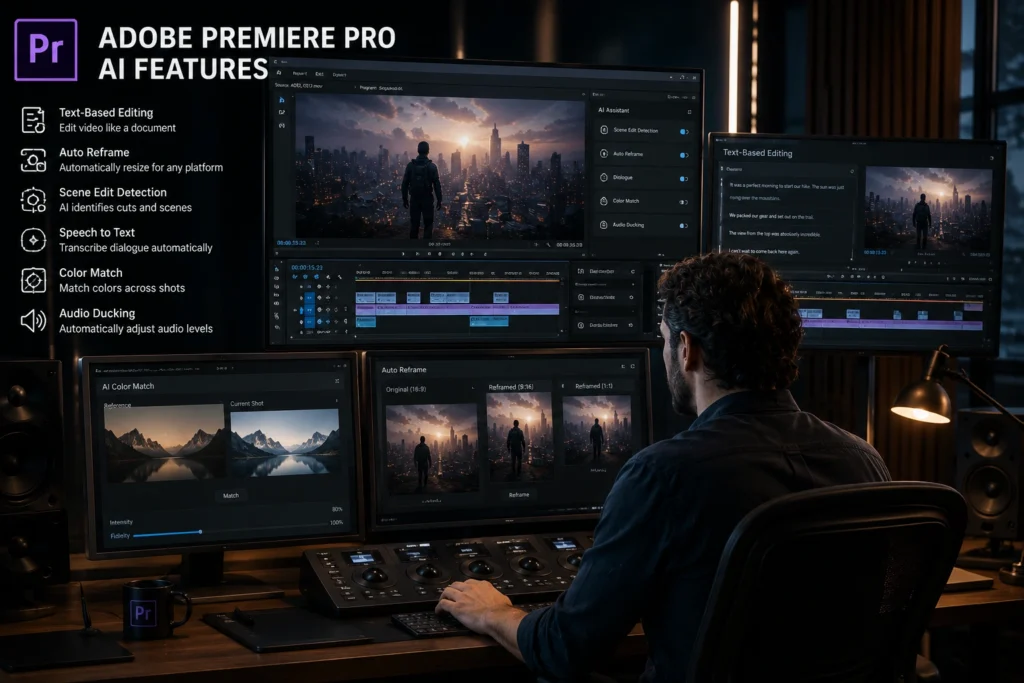
Adobe Premiere Pro AI Features
Adobe continues improving its AI powered editing features inside Premiere Pro.
Professional editors use Premiere for:
- Commercial projects
- YouTube production
- Documentary editing
- Client work
- Multi camera workflows
The AI features now assist with:
- Auto reframing
- Speech enhancement
- Scene editing
- Caption generation
- Object selection
One major advantage is flexibility. Editors still maintain deep creative control while saving time on repetitive technical work.
Freelance editors working with clients often prefer Premiere because it combines automation with professional level editing precision.
Runway
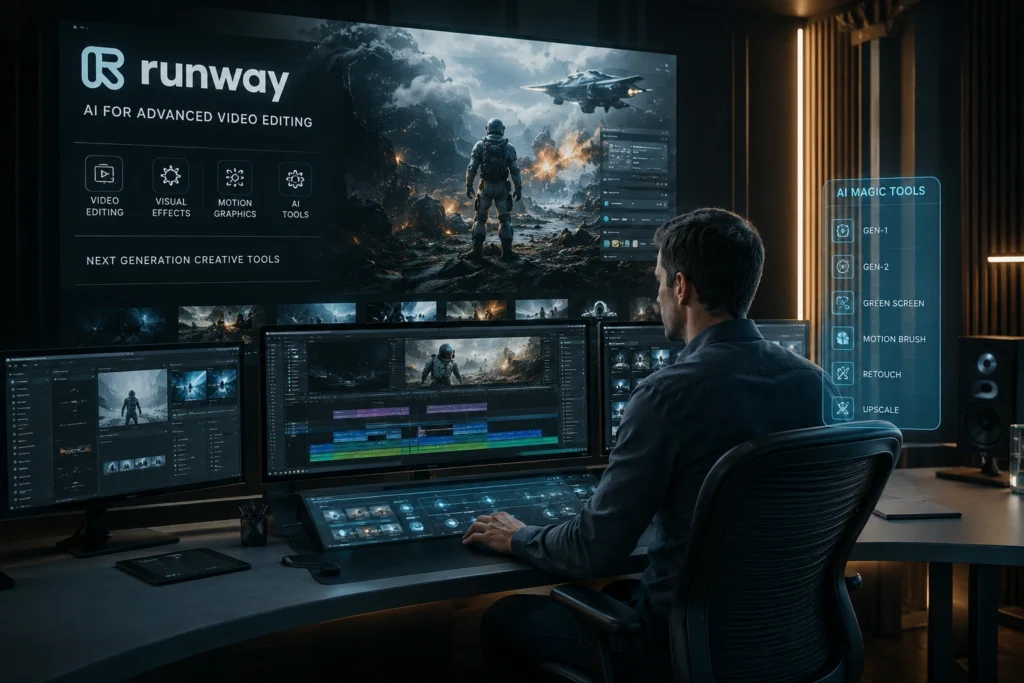
Runway became extremely popular among creators experimenting with AI generated visuals and cinematic editing workflows.
Runway helps with:
- Background removal
- AI video generation
- Motion tracking
- Object removal
- Visual effects
Creative agencies and experimental creators often use it for artistic projects and social media campaigns.
For example, short film creators can remove unwanted objects from scenes without complex manual masking. That type of editing once required advanced visual effects skills.
Still, creators should avoid depending entirely on AI generated visuals. Audiences usually connect more with authentic storytelling than flashy automation alone.
VEED.IO
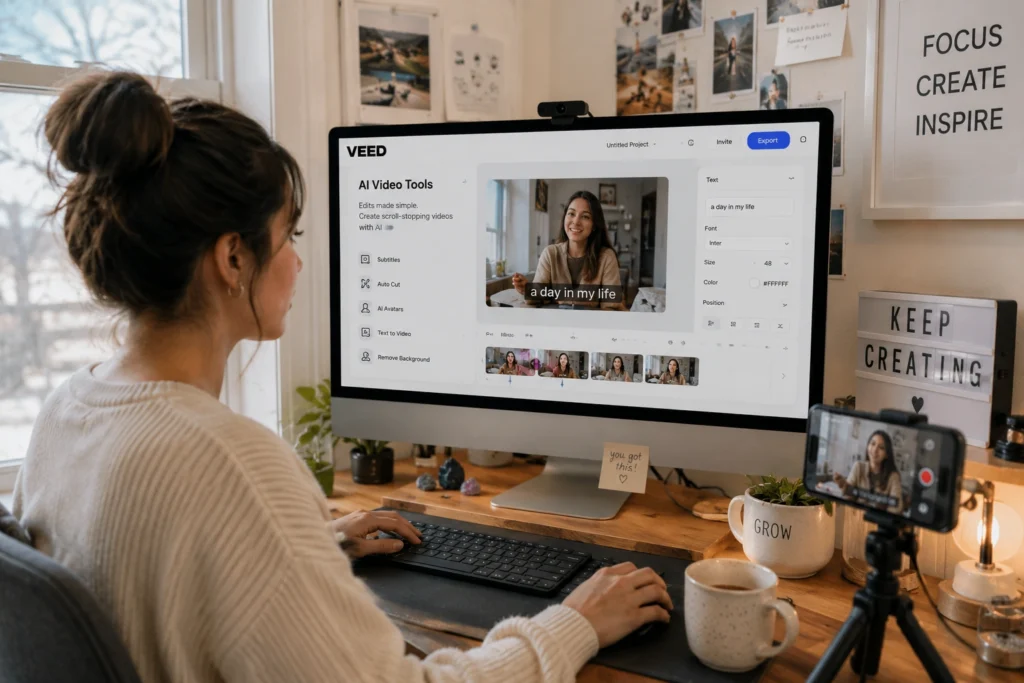
VEED.IO focuses heavily on simplicity and browser based editing.
It is useful for:
- Quick social media videos
- Subtitle generation
- Online editing
- Team collaboration
- Marketing videos
Small businesses and solo creators often prefer VEED because it avoids the complexity of professional editing software.
A marketing manager, for example, can quickly create captioned product videos without learning advanced editing timelines.
Opus Clip
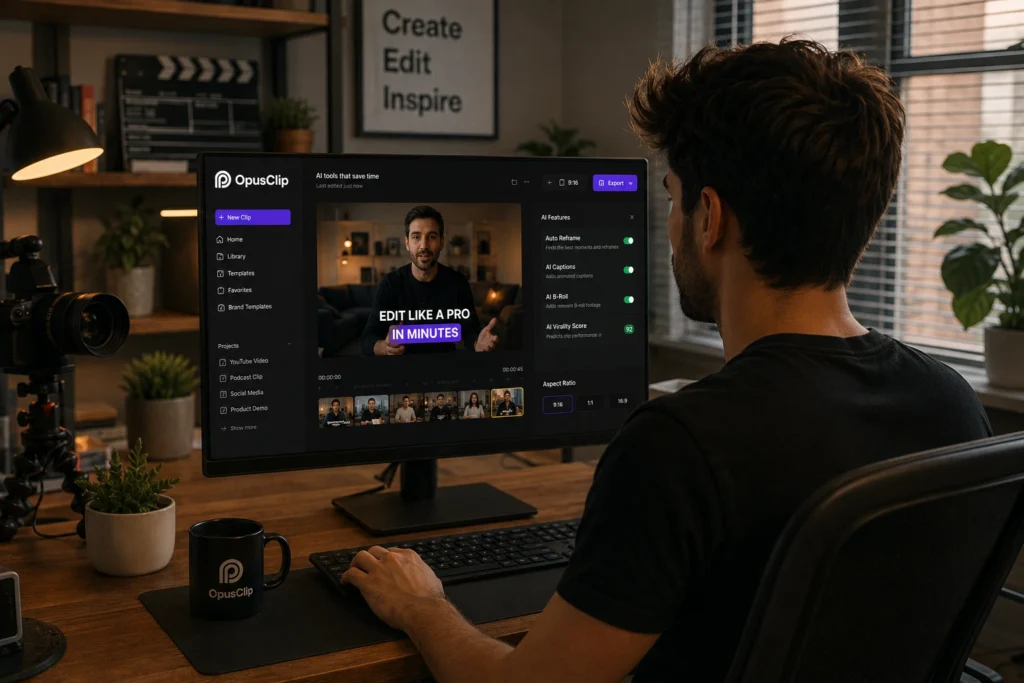
OpusClip specializes in turning long videos into short viral style clips automatically.
Creators use it for:
- Podcast highlights
- YouTube shorts
- Reels
- TikTok repurposing
This tool became especially popular among podcast creators and coaches who publish long discussions regularly.
Instead of manually searching for strong moments, Opus Clip identifies potentially engaging sections automatically.
The tool works best when creators still review clips manually before publishing. AI can identify attention grabbing moments, but human judgment still matters for context and quality.
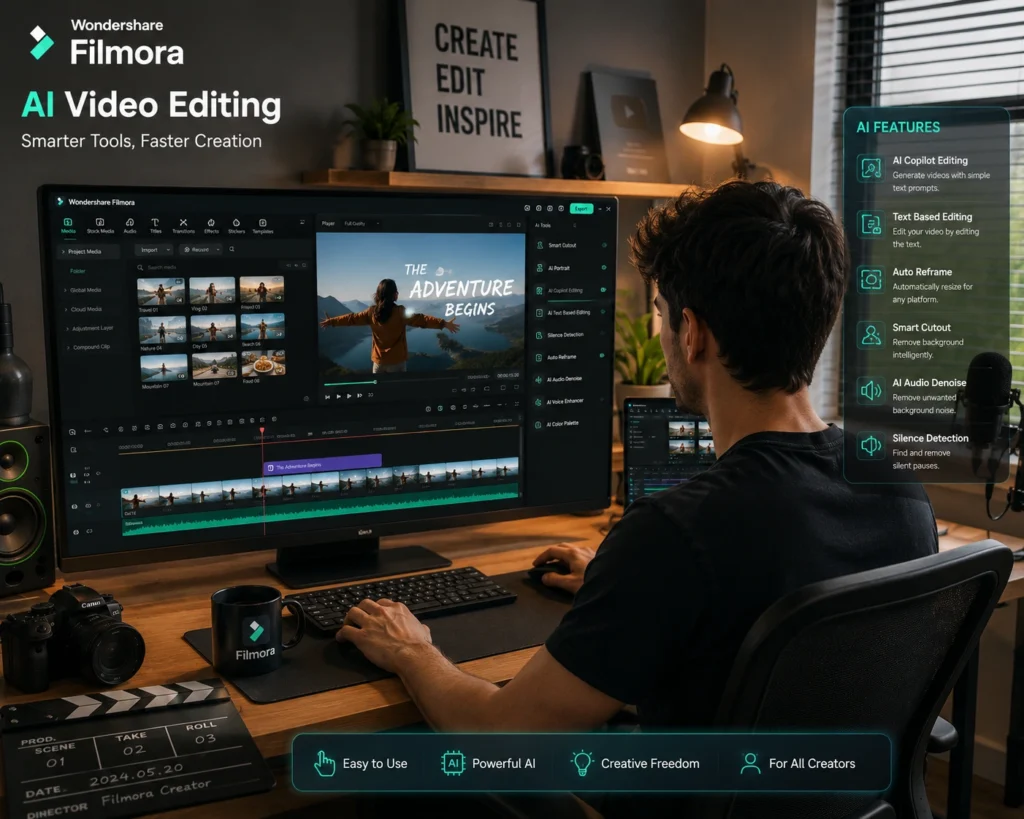
Filmora AI Tools
Wondershare added several beginner friendly AI features into Filmora.
These include:
- AI audio cleanup
- Smart cutouts
- Auto captions
- Background editing
- AI music tools
Filmora is often recommended for beginner YouTubers because the interface feels less intimidating than advanced editing platforms.
A student creator starting a YouTube channel can usually learn Filmora much faster than professional editing suites.
Best AI Video Editors for YouTube Creators
Long form YouTube creators usually need tools that handle:
- Audio cleanup
- Subtitle generation
- Timeline organization
- Multi layer editing
- Export quality
For most YouTubers:
- Descript works well for talking content
- Premiere Pro suits advanced editing
- Filmora helps beginners
- Runway supports creative visuals
The best choice depends on editing style rather than popularity alone.
A commentary creator has very different needs compared to a cinematic travel filmmaker.
AI Video Creator Tools for Shorts and Reels
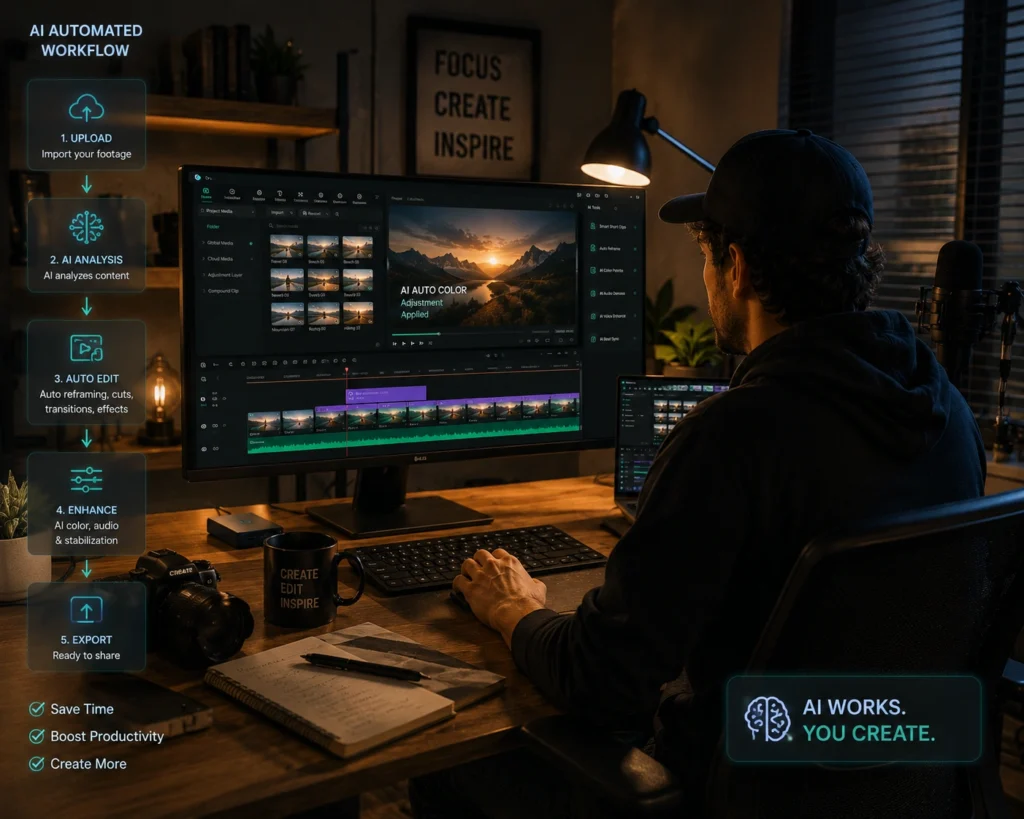
Short form content creators prioritize speed.
Tools like CapCut and Opus Clip became popular because they reduce editing friction significantly.
For example:
- Auto captions improve retention
- Quick templates save editing time
- AI clip detection speeds up repurposing
- Mobile editing improves consistency
However, creators should still develop their own editing identity. Audiences quickly recognize overused editing trends.
Common Mistakes Creators Make With AI Editing Software
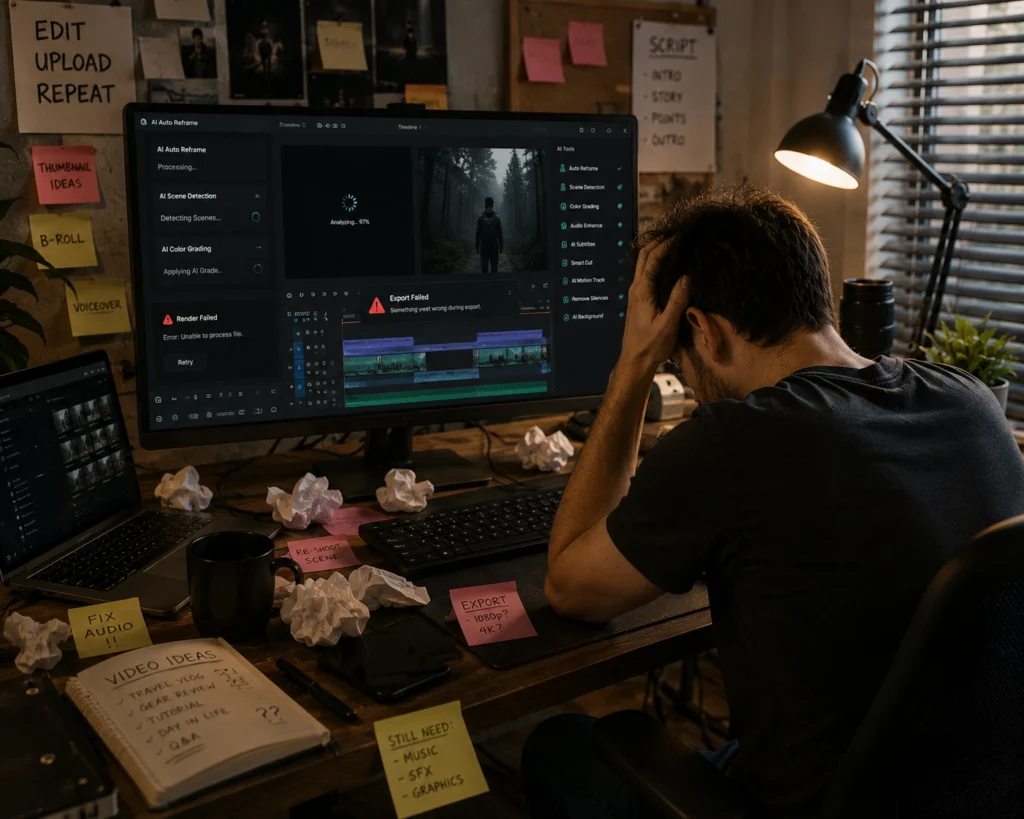
Over Automating Everything
AI can speed up editing, but fully automated videos often feel lifeless.
Good creators still review pacing, storytelling, and emotional flow manually.
Ignoring Audio Quality
Many beginners focus only on visuals.
In reality, viewers tolerate average video quality more easily than bad audio. AI audio cleanup tools help, but recording quality still matters.
Publishing Too Fast
Faster editing should improve consistency, not reduce quality control.
Creators should always review captions, cuts, and transitions before uploading.
Best Practices for Using AI Video Editing Software
Use AI for Repetitive Tasks
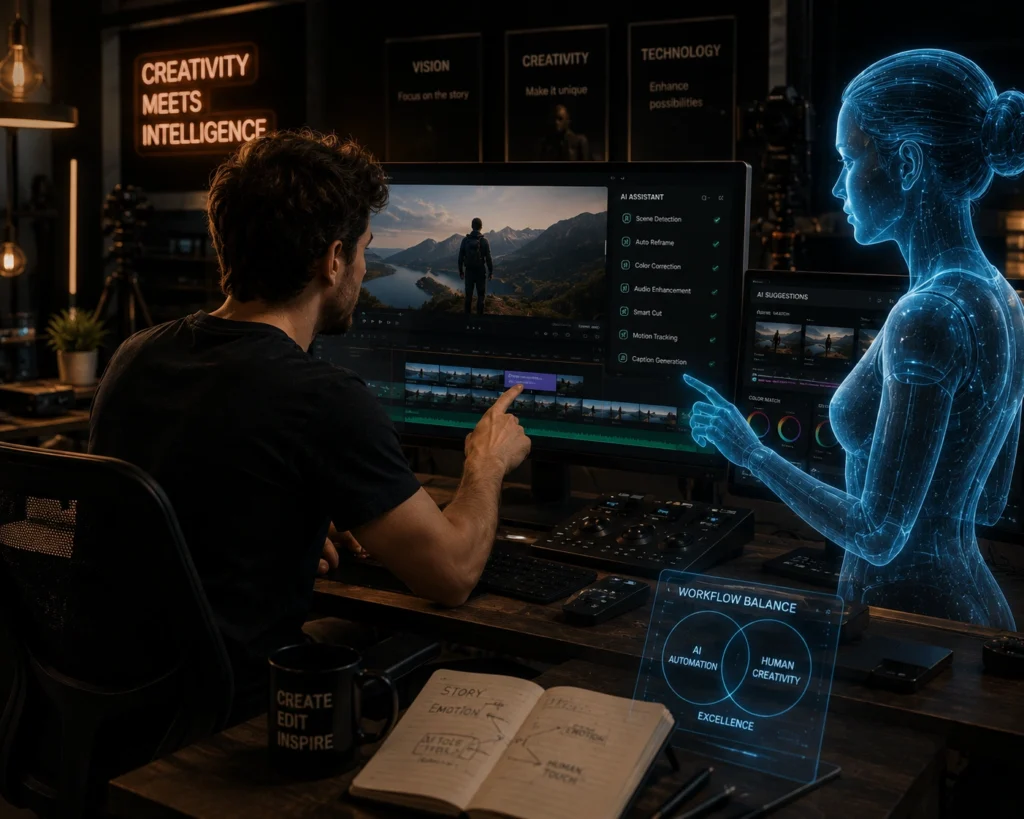
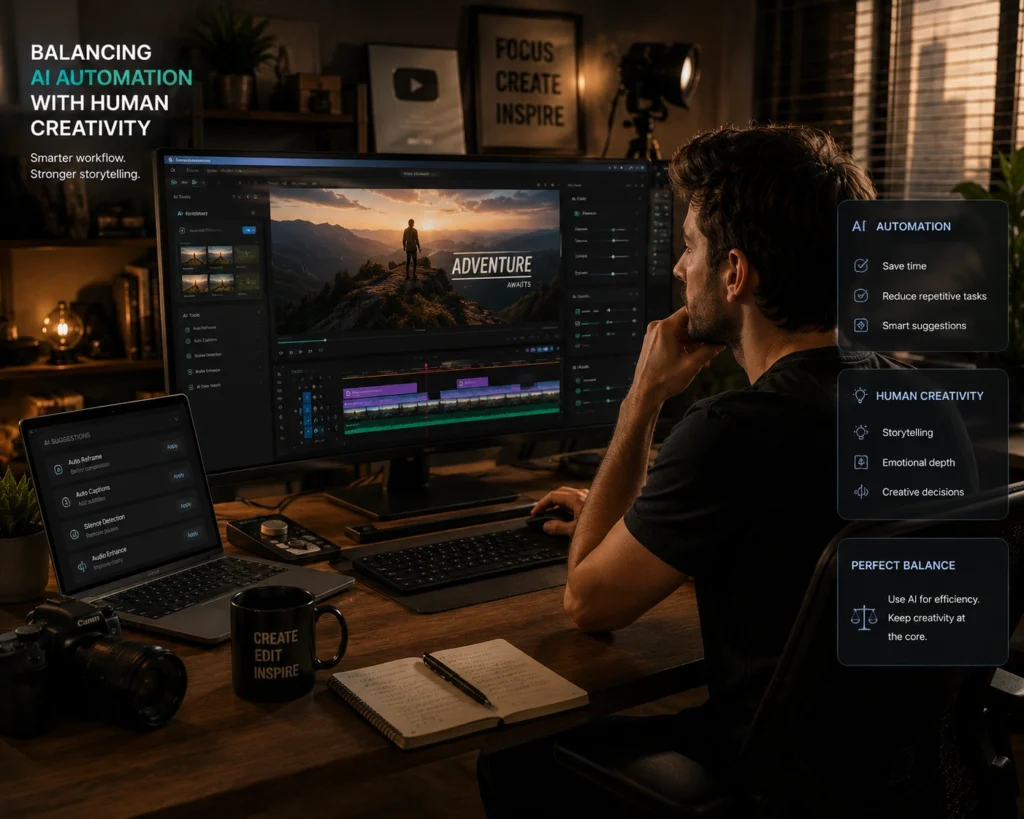
The smartest workflow is letting AI handle repetitive technical work while creators focus on storytelling and creativity.
Keep Human Creativity in the Process
Audiences connect with personality and originality.
AI editing software should support content quality, not replace authentic ideas.
Build a Simple Workflow
Many successful creators use only two or three core editing tools consistently.
Complex workflows often slow creators down more than they help.
Frequently Asked Questions
What are the best AI video editing tools in 2026?
Some of the best AI video editing tools in 2026 include Descript, CapCut, Premiere Pro AI features, Runway, VEED.IO, Opus Clip, and Filmora.
Which AI video editor is best for YouTube creators?
Descript and Adobe Premiere Pro are strong choices for YouTube creators because they support long form editing, captions, and workflow management.
Are AI video creator tools good for beginners?
Yes. Tools like CapCut and Filmora are beginner friendly and easier to learn than traditional editing software.
Can AI editing software create shorts automatically?
Yes. Tools like Opus Clip can turn long videos into short clips automatically for reels, TikTok, and YouTube shorts.
Is AI video editing software free?
Many platforms offer free plans with limited exports or features. Advanced tools usually require paid subscriptions.
Conclusion
The best AI video editing tools in 2026 are helping creators save time, publish content faster, and manage heavier workloads more efficiently.
Still, great content is not created by automation alone. Strong storytelling, clear communication, creative pacing, and authentic personality remain far more important than any software feature.
The creators who benefit most from AI editing software are usually the ones who use automation strategically instead of depending on it completely.
AI can speed up production. Human creativity still shapes the experience people remember.
If you want more practical guides about AI tools, creator workflows, content strategy, and social media growth, explore more tutorials and resources on AI With Sahil.