
AI Tools Every Freelancer Should Use in 2026
The Best AI Tools for Productivity, Client Work, Content Creation, and Online Freelancing
Introduction
Freelancing in 2026 looks very different from what it did a few years ago. Clients expect faster communication, better quality work, quick revisions, and consistent delivery. At the same time, freelancers are managing multiple projects, handling research, creating content, replying to emails, and trying to stay productive without burning out.
That is exactly why more professionals are using AI tools for freelancers in their daily workflow.
The right AI tools do not replace creativity or skill. Instead, they help freelancers save time on repetitive tasks so they can focus on better work and stronger client relationships. Writers use AI to organize ideas faster. Designers use AI to simplify editing work. Virtual assistants use AI for scheduling and communication. Even beginners are now using freelance AI tools to compete more efficiently in crowded markets.
This guide covers practical tools freelancers are actually using in 2026 and explains how they help with productivity, content creation, research, and client management.
Table of Contents
- Why Freelancers Are Using AI in 2026?
- What AI Tools Help Freelancers Do?
- Best AI Tools for Freelancers in 2026
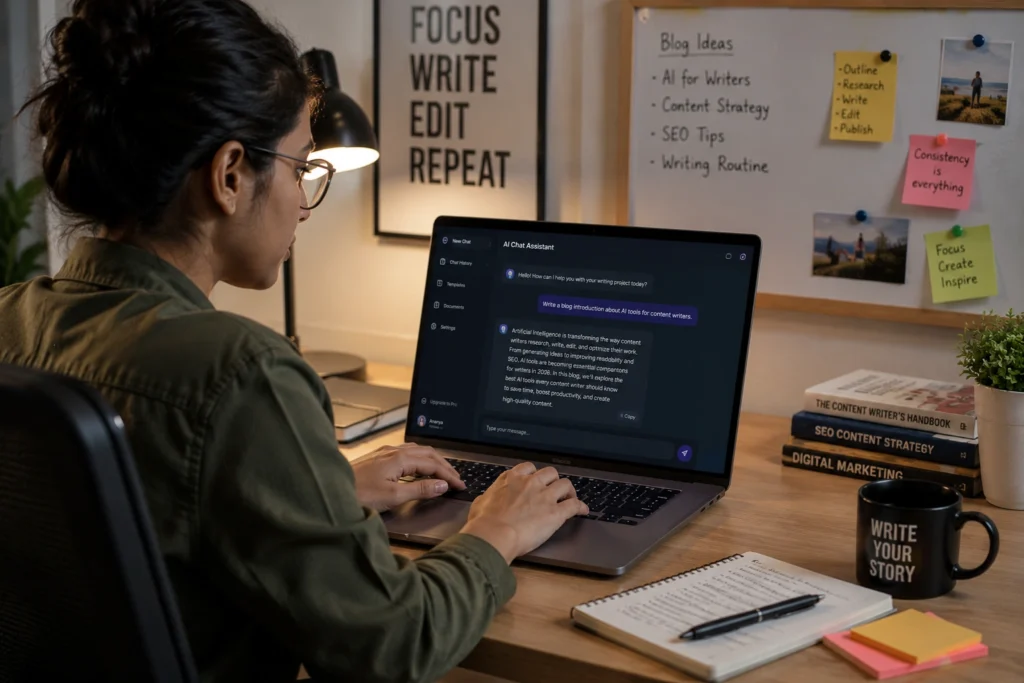
- ChatGPT for Freelance Writing and Productivity
- Notion AI for Project and Client Management
- Canva AI for Social Media and Design Work
- Grammarly for Professional Communication
- Perplexity AI for Faster Research
- How Freelancers Are Saving Time With AI?
- Common Mistakes Freelancers Make With AI
- Best Practices for Using AI as a Freelancer
- The Future of Freelancing With AI
- FAQs
- Conclusion
Why Freelancers Are Using AI in 2026?
Freelancing has become more competitive across almost every online industry. Clients now compare freelancers not only on price but also on speed, communication, and consistency.
AI tools help freelancers handle more work without increasing stress unnecessarily.
For example, a freelance writer may spend:
- Less time brainstorming topics
- Less time rewriting drafts
- Less time organizing research
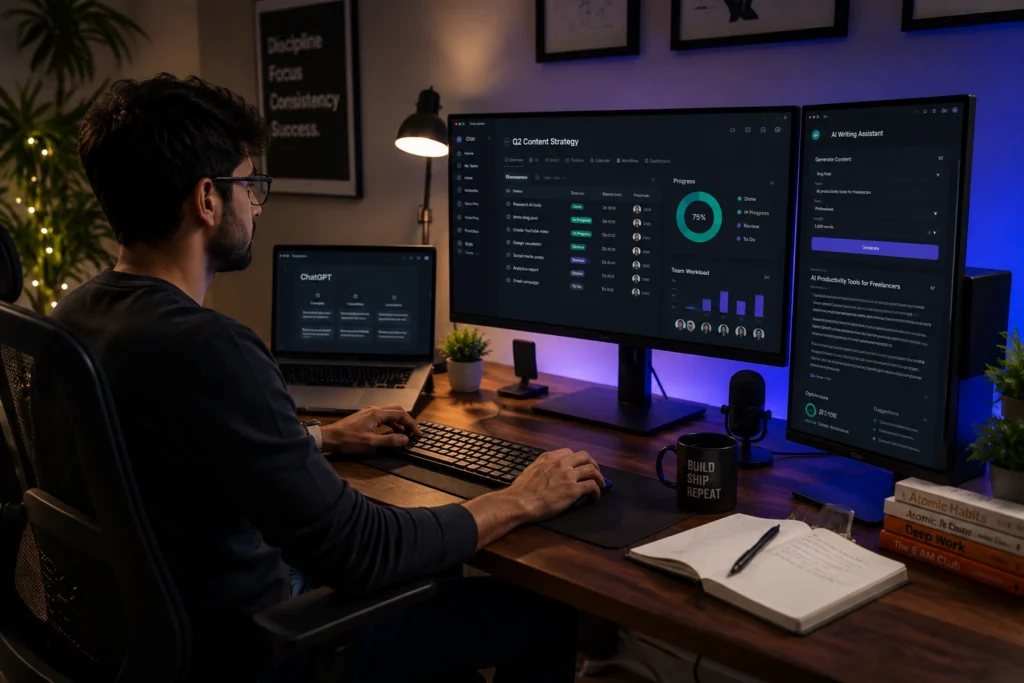
Meanwhile, a social media freelancer can create captions, organize content calendars, and generate design ideas much faster than before.
Many freelancers also work alone without large teams. AI helps fill small operational gaps that would normally require additional support.
One important thing to understand is that successful freelancers are not using AI to avoid work. They are using it to remove repetitive tasks that waste energy.
What AI Tools Help Freelancers Do?
AI tools for work now support many parts of freelancing, including:
- Writing and editing
- Client communication
- Content planning
- Research
- Graphic design
- Meeting summaries
- Time management
- Project organization
For instance, a freelance marketer may use one tool for writing proposals, another for creating social media visuals, and another for organizing client projects.
This creates smoother workflows and improves delivery speed.
Freelancers who learn how to combine these systems properly often gain a major advantage over those still managing everything manually.
Best AI Tools for Freelancers in 2026
ChatGPT for Freelance Writing and Productivity
OpenAI created ChatGPT, and it remains one of the most useful freelance AI tools available right now.
Freelancers use ChatGPT for:
- Content outlines
- Client email drafts
- Brainstorming ideas
- Research summaries
- Marketing copy
- Productivity planning
A freelance blogger, for example, might use ChatGPT to organize article structures before writing manually. This reduces blank page frustration and speeds up workflow.
One thing experienced freelancers understand is that AI generated content still needs human editing. Clients value originality, accuracy, and personality. AI helps with structure and speed, but the final polish still matters.
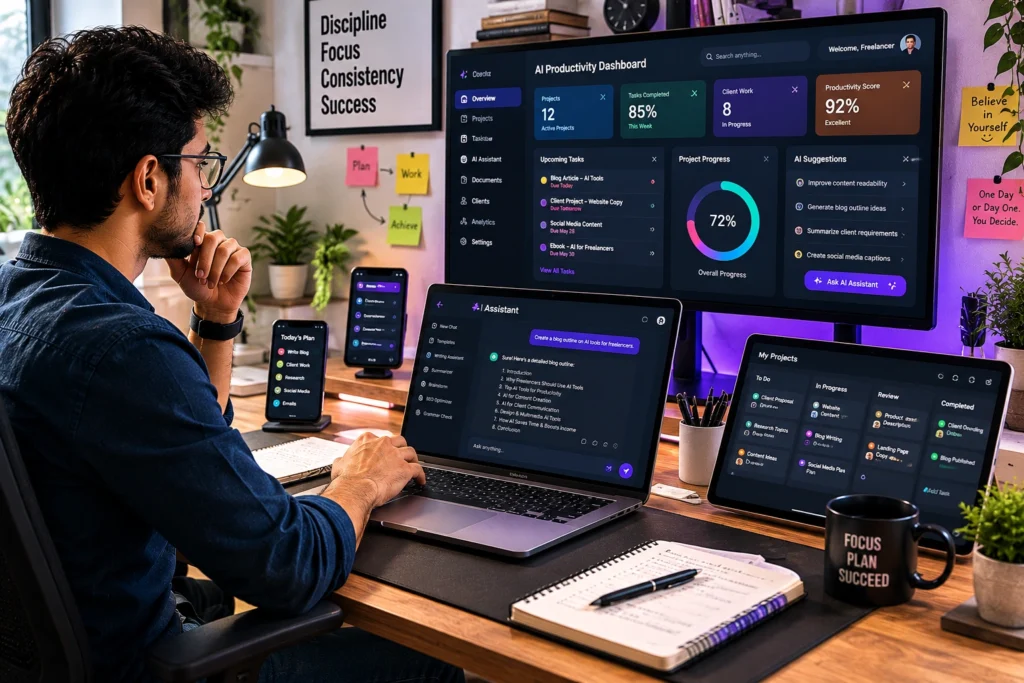
Notion AI for Project and Client Management
Notion Labs has become extremely popular among freelancers because it combines organization with AI assistance.
Freelancers use Notion AI for:
- Managing client tasks
- Tracking deadlines
- Organizing research
- Storing content ideas
- Creating project systems
A freelance video editor handling several clients at once may create separate dashboards for revisions, deadlines, invoices, and project notes.
Instead of searching through scattered folders and messages, everything stays organized in one place.
This becomes especially useful when freelancing income starts growing and workloads become more demanding.
Canva AI for Social Media and Design Work
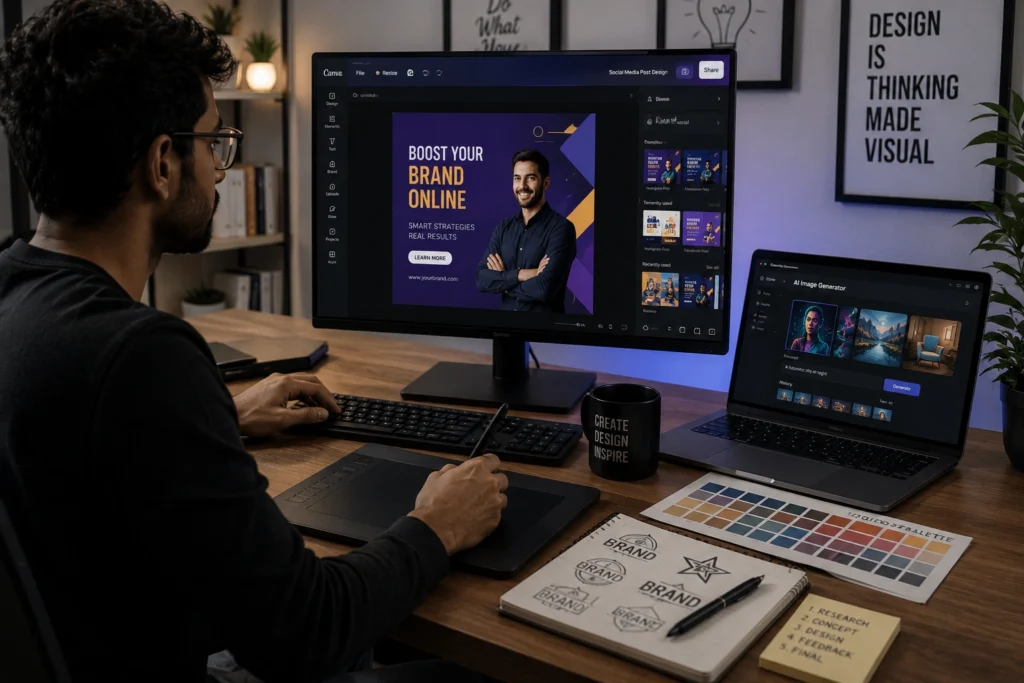
Canva continues to be one of the best AI tools for freelancers working with visual content.
Freelancers use Canva AI for:
- Social media graphics
- Presentation design
- Thumbnail creation
- Marketing visuals
- Quick editing tasks
Many beginner freelancers use Canva because it reduces the learning curve compared to advanced design software.
For example, a freelance social media manager can quickly create branded Instagram posts, LinkedIn graphics, and client presentations without spending hours designing from scratch.
The AI tools inside Canva also help generate layouts, remove backgrounds, and improve visual consistency.
Grammarly for Professional Communication
Grammarly helps freelancers maintain professional communication with clients.
It is commonly used for:
- Proposal writing
- Grammar correction
- Client emails
- Content editing
- Tone improvement
Good communication often decides whether freelancers receive repeat work.
Clients notice clarity, professionalism, and attention to detail. Poor grammar and rushed messaging can damage trust quickly.
Many experienced freelancers review every important proposal carefully before sending it, even when using AI writing support.
Perplexity AI for Faster Research
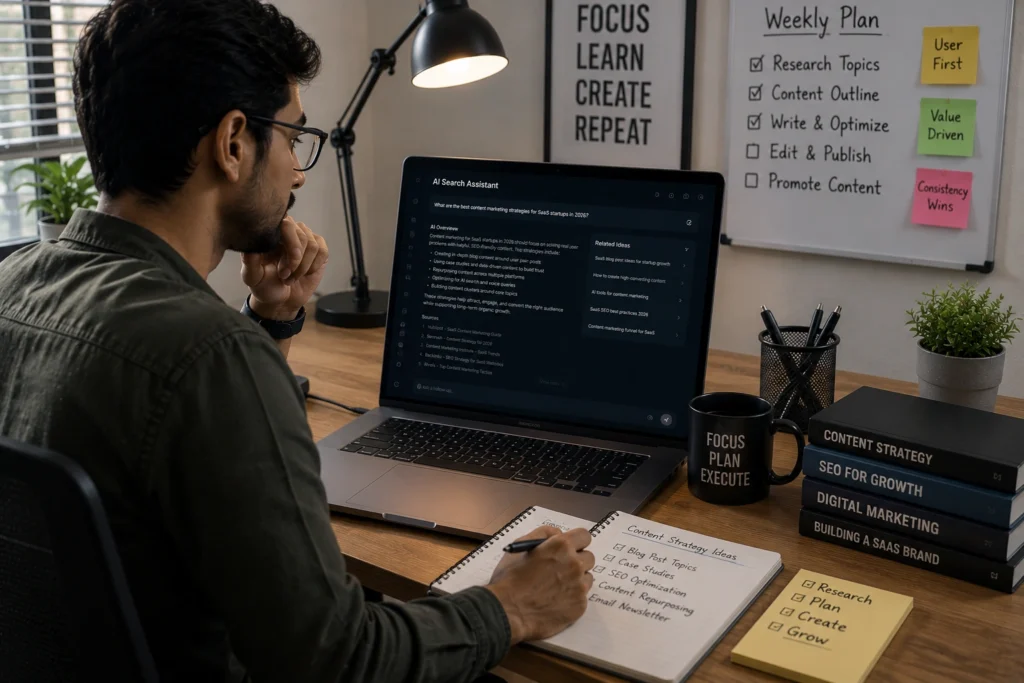
Perplexity AI has become one of the best AI websites for freelancers who rely heavily on research.
Freelancers use it for:
- Market research
- Content planning
- Learning new topics
- Competitor analysis
- Finding references
For example, a freelance SEO writer working on finance content may need accurate data quickly. Instead of opening dozens of browser tabs, Perplexity AI summarizes information with sources attached.
This helps freelancers work faster while improving research quality.
How Freelancers Are Saving Time With AI?
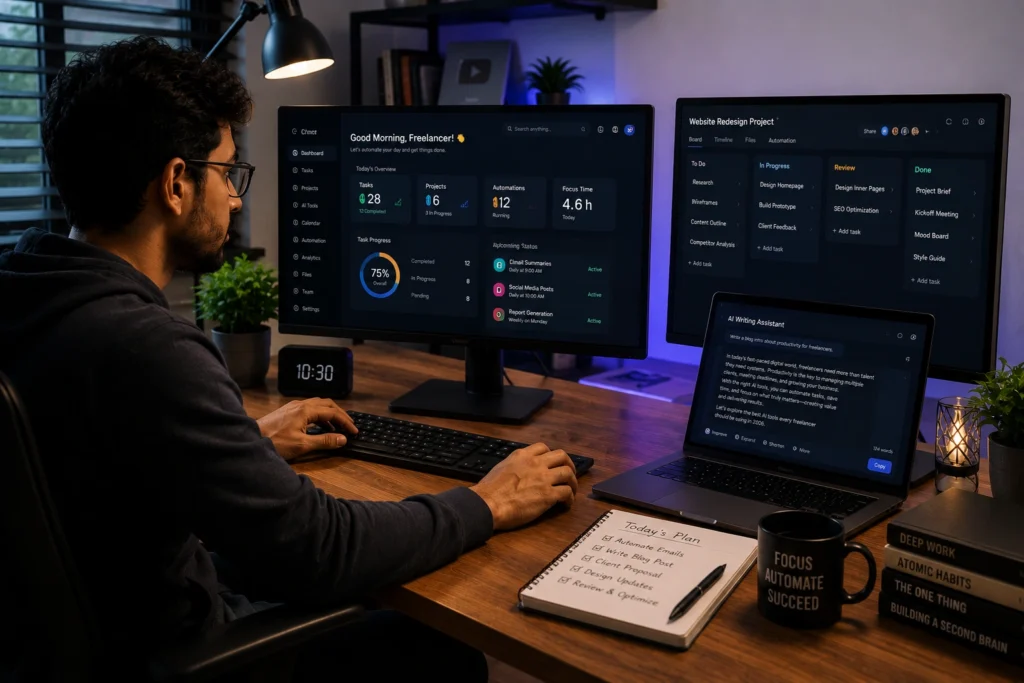
One of the biggest benefits of AI is time reduction.
Freelancers are using AI to:
- Draft proposals faster
- Organize daily tasks
- Generate content ideas
- Automate repetitive writing
- Simplify research
- Improve workflow management
A freelance content creator who once spent five hours planning weekly posts might now complete the same process in two hours.
That extra time can be used for:
- More client work
- Skill development
- Portfolio building
- Rest and recovery
The freelancers benefiting most from AI are usually the ones using it strategically instead of depending on it blindly.
Common Mistakes Freelancers Make With AI
Depending Too Much on Automation
Some freelancers publish raw AI content without editing or fact checking.
Clients usually notice generic work very quickly.
Strong freelancers use AI for assistance, not replacement.
Using Too Many Tools
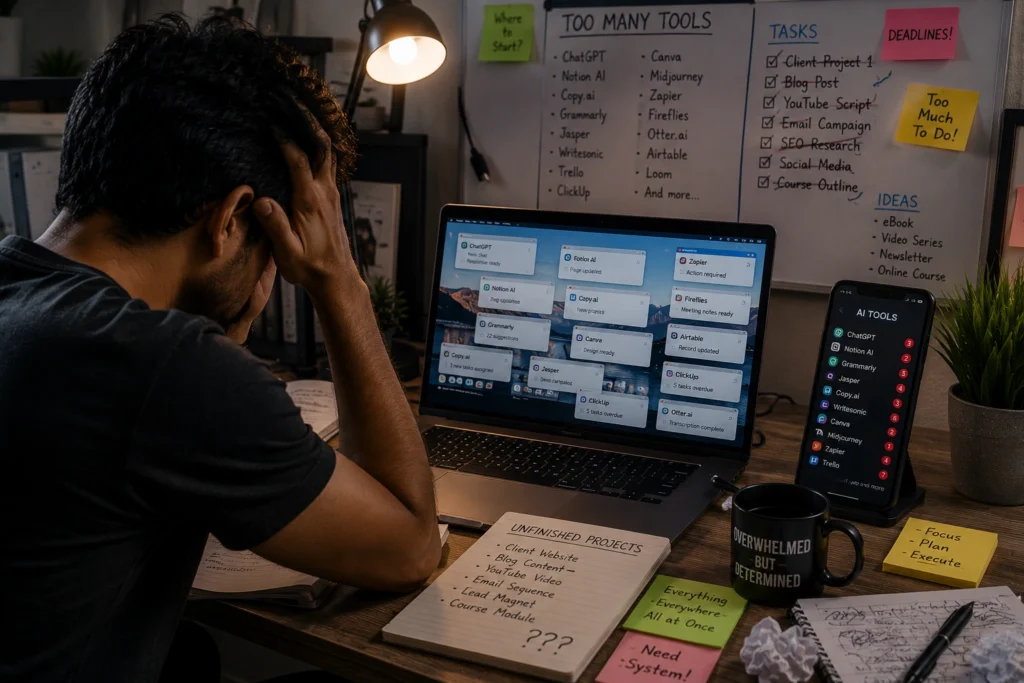
Another common problem is tool overload.
Many beginners install every trending app they see online. Eventually, their workflow becomes more confusing than productive.
Simple systems usually perform better.
Ignoring Personal Skill Development
AI can speed up work, but clients still pay for human judgment, creativity, communication, and expertise.
Freelancers who stop improving their real skills may struggle long term.
Best Practices for Using AI as a Freelancer
Build a Small Reliable Workflow
Choose tools based on actual needs.
For example:
- ChatGPT for writing
- Canva AI for visuals
- Notion AI for organization
That setup alone can improve productivity significantly.
Edit Everything Carefully
Even strong AI outputs need human review.
Freelancers should always:
- Check facts
- Improve tone
- Add personal insights
- Adjust formatting
The final output should feel authentic and client focused.
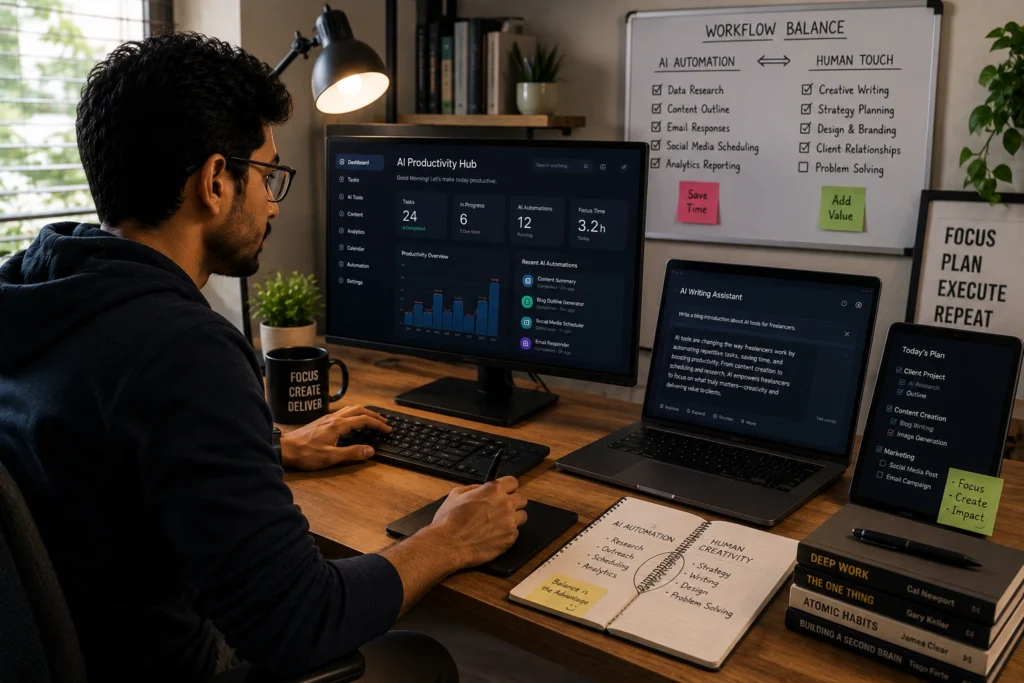
Use AI to Reduce Stress, Not Creativity
The best freelancers still think independently.
AI works best when it supports ideas rather than replacing them entirely.
The Future of Freelancing With AI
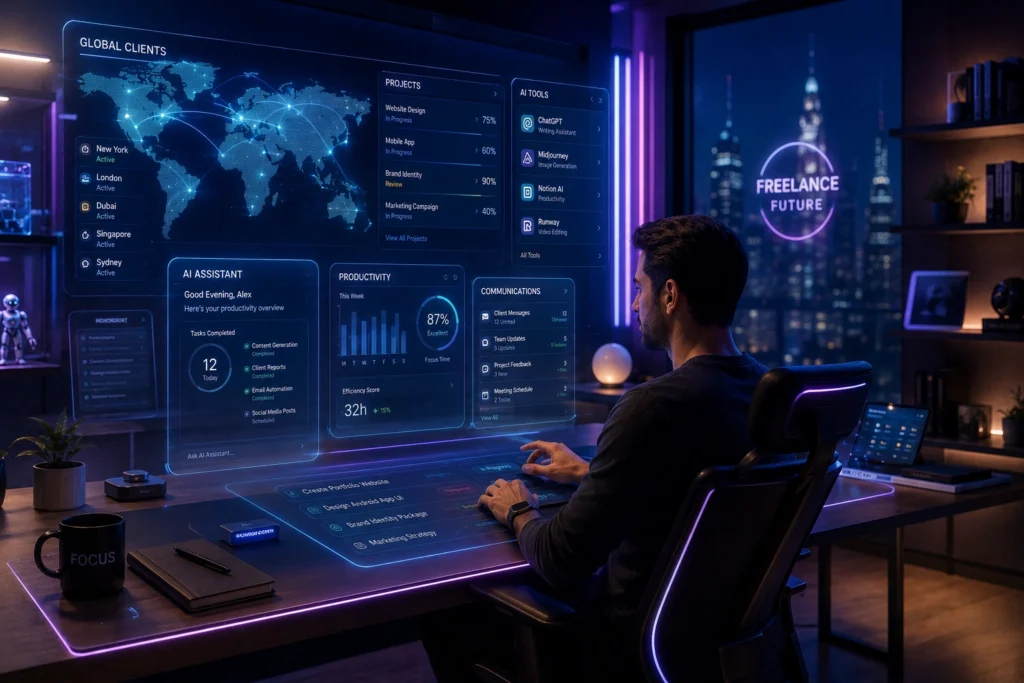
AI will continue changing freelancing over the next few years.
Routine work will become faster. Clients may expect quicker delivery times. Competition may also increase as beginners gain access to better tools.
However, human skills will remain valuable.
Clients still care about:
- Reliability
- Creativity
- Clear communication
- Problem solving
- Original thinking
Freelancers who combine AI efficiency with real expertise will likely stay ahead.
In many ways, AI is becoming a support system rather than a replacement for freelancers.
Frequently Asked Questions
What are the best AI tools for freelancers in 2026?
Some of the best AI tools for freelancers include ChatGPT, Notion AI, Canva AI, Grammarly, and Perplexity AI.
How do freelancers use AI tools for work?
Freelancers use AI tools for writing, design, project management, research, communication, and productivity improvement.
Are freelance AI tools useful for beginners?
Yes. Many beginner freelancers use AI to organize tasks, improve writing quality, create content faster, and manage client work more efficiently.
Which AI tools help freelancers save time?
ChatGPT, Notion AI, and Perplexity AI are commonly used to reduce research time, automate repetitive tasks, and improve workflow organization.
Are AI tools replacing freelancers?
No. AI tools assist freelancers with efficiency, but clients still value human creativity, expertise, communication, and decision making.
Conclusion
The best AI tools for freelancers in 2026 are helping people work smarter without making workflows unnecessarily complicated.
Whether someone is writing content, managing clients, designing graphics, or researching topics, AI can reduce repetitive work and improve productivity significantly.
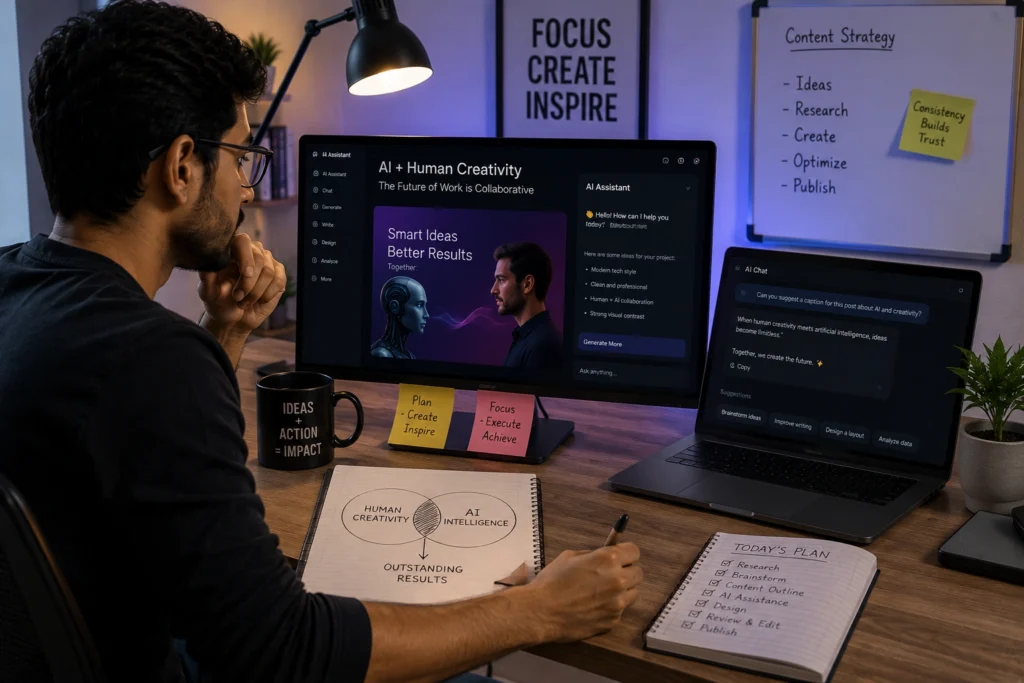
Still, the freelancers who stand out are not the ones relying entirely on automation. They are the ones combining AI efficiency with strong personal skills and consistent quality.
Technology will continue evolving, but trust, creativity, and reliability will remain essential parts of successful freelancing.
If you want more practical guides about AI tools, freelancing, productivity, and online work, explore more resources on AI With Sahil.