
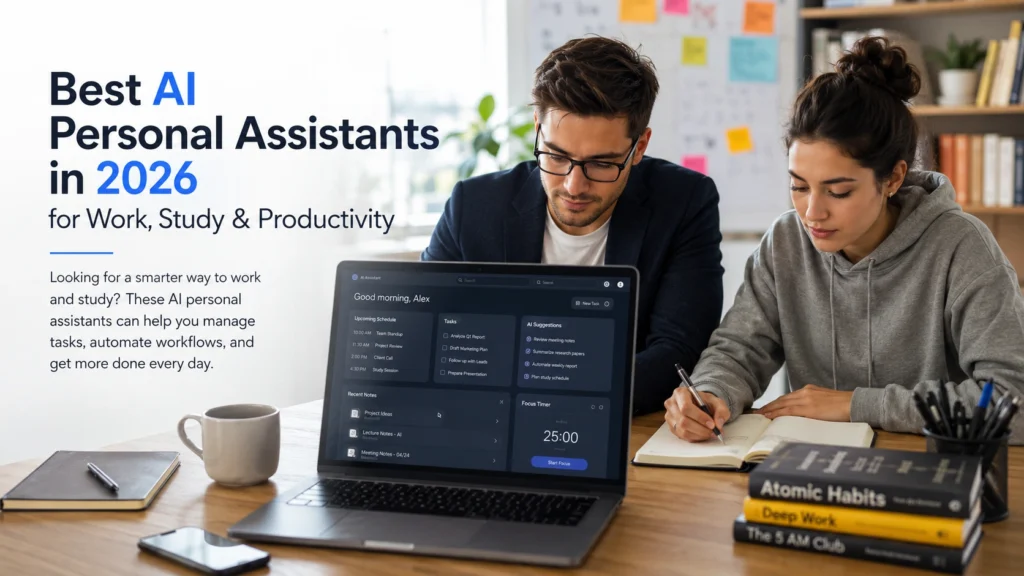
Best AI Personal Assistants in 2026 for Work, Study & Productivity
Looking for a smarter way to work and study? These AI personal assistants can help you manage tasks, automate workflows, and get more done every day.
Introduction
Most people are not struggling because they lack motivation. They are struggling because there is simply too much to manage. Emails keep arriving, tasks pile up, meetings fill the calendar, and important information gets buried under endless notifications. This is where modern AI personal assistants are making a real difference.
Unlike traditional productivity apps, today’s AI assistants can understand context, organize information, generate content, summarize research, manage schedules, and automate repetitive tasks. Whether you are a student preparing for exams, a researcher handling large amounts of information, or a professional trying to stay organized, the right AI assistant can help reduce workload and improve focus.
The challenge is knowing which assistant actually fits your needs. Some are excellent for writing. Others focus on scheduling, research, or workflow automation. In this guide, we will explore the best AI personal assistants in 2026 and explain where each one performs best.
Table of Contents
- What Are AI Personal Assistants?
- Why AI Assistants Are Becoming Essential in 2026?
- 10 Best AI Personal Assistants in 2026
- How Students Can Use AI Personal Assistants?
- Best AI Personal Assistants for Work and Productivity
- Common Mistakes People Make When Using AI Assistants
- Best Practices for Getting Better Results
- Frequently Asked Questions
- Conclusion
What Are AI Personal Assistants?
An AI personal assistant is software that uses artificial intelligence to help people complete tasks more efficiently.
Depending on the tool, an AI assistant may help with:
- Writing emails
- Managing schedules
- Organizing notes
- Summarizing documents
- Conducting research
- Creating content
- Automating repetitive tasks
- Managing projects

Think of them as digital assistants that can handle routine work while allowing you to focus on higher value tasks.
The biggest difference between older virtual assistants and modern AI assistants is context awareness. Today’s systems understand conversations, remember instructions within a session, and help solve more complex problems.
Why AI Assistants Are Becoming Essential in 2026?
The average knowledge worker deals with hundreds of messages, documents, meetings, and notifications every week.
Many people spend more time organizing work than actually doing work.
AI assistants help reduce this problem by handling repetitive tasks and simplifying information management.
For example, a student can upload study material and receive summarized notes. A marketer can generate content ideas and draft emails. A researcher can organize findings from multiple sources without manually sorting through pages of information.
As AI models improve, these assistants are becoming practical tools rather than simple chatbots.
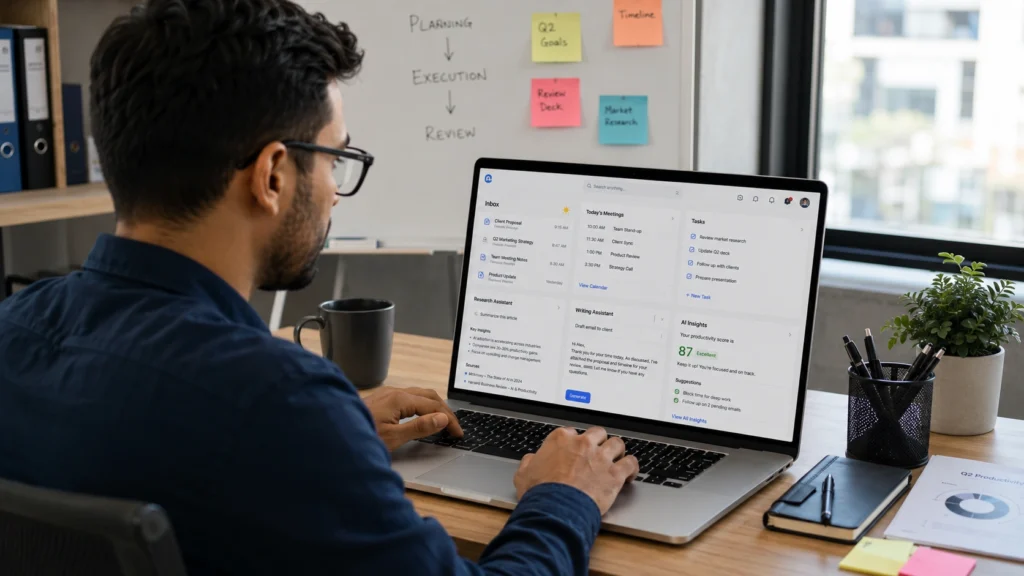
10 Best AI Personal Assistants in 2026
1. ChatGPT
ChatGPT remains one of the most versatile AI personal assistants available.
Best for:
- Writing assistance
- Brainstorming
- Learning new topics
- Research support
- Productivity planning
A freelance writer, for example, can use ChatGPT to outline articles, improve drafts, and organize content calendars.
Students often use it to simplify complex concepts and prepare study materials.
One reason ChatGPT remains popular is flexibility. It adapts to many different tasks without requiring specialized knowledge.
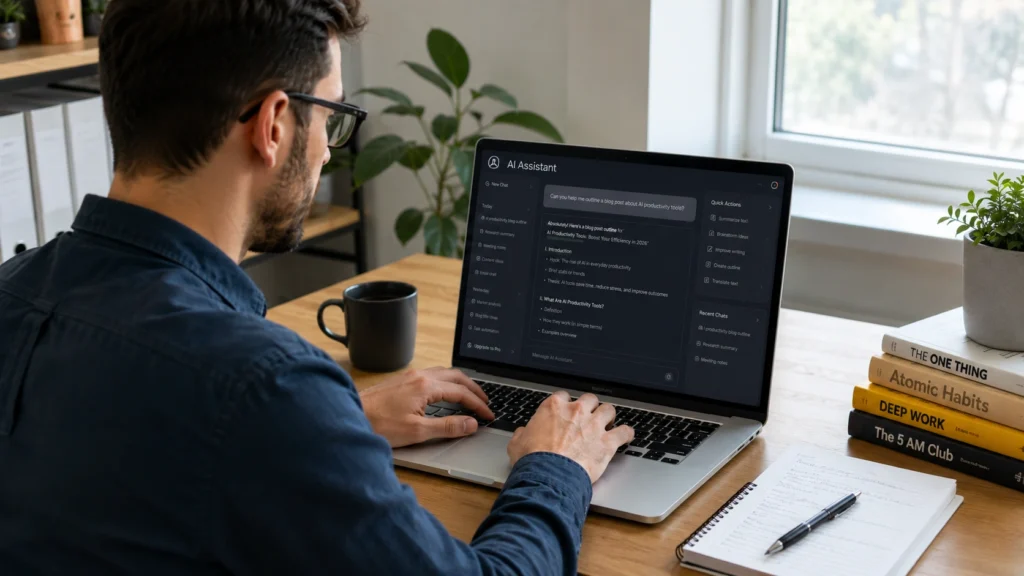
2. Claude
Claude has built a strong reputation for handling long documents and thoughtful analysis.
Best for:
- Document review
- Research
- Detailed explanations
- Academic work
- Strategic thinking
Researchers often appreciate Claude because it performs well with large amounts of text and nuanced discussions.
If your work involves reading lengthy reports or analyzing information, Claude can save significant time.
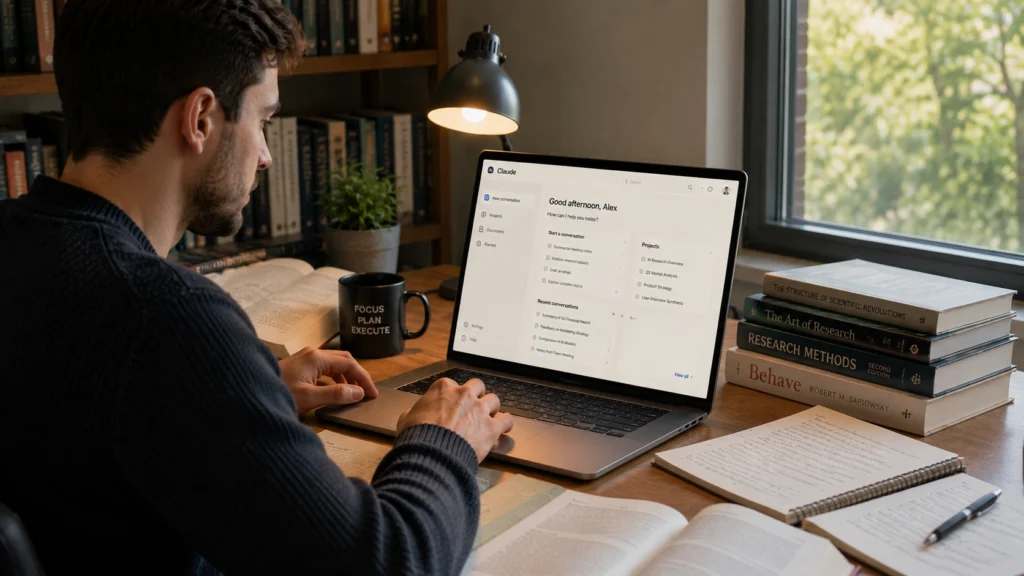
3. Gemini
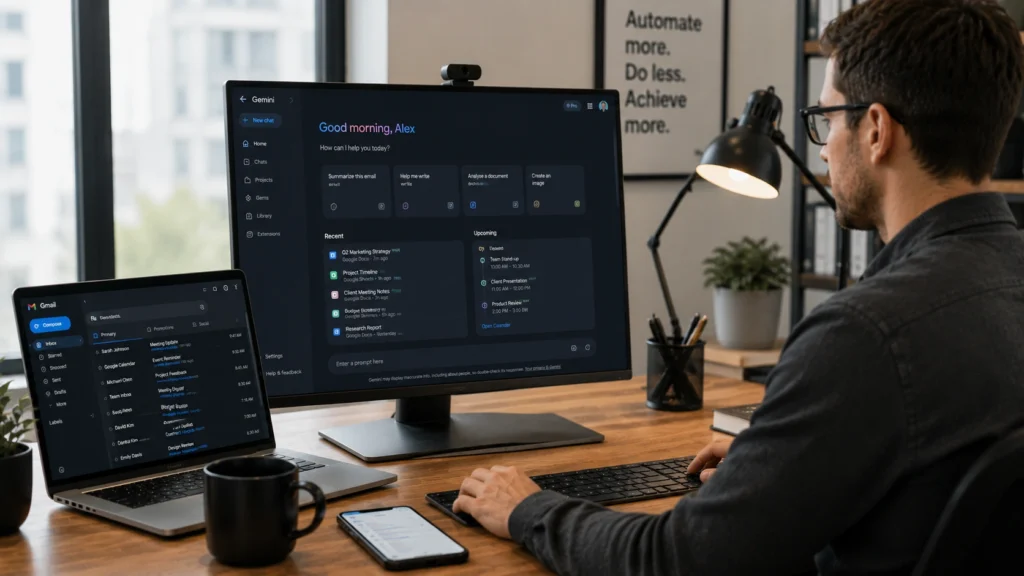
Gemini integrates closely with Google’s ecosystem.
Best for:
- Google Workspace users
- Document creation
- Spreadsheet assistance
- Email management
- Online research
For people already using Google Docs, Gmail, and Google Drive daily, Gemini offers a convenient workflow.
This makes it particularly useful for students and office professionals.
4. Microsoft Copilot
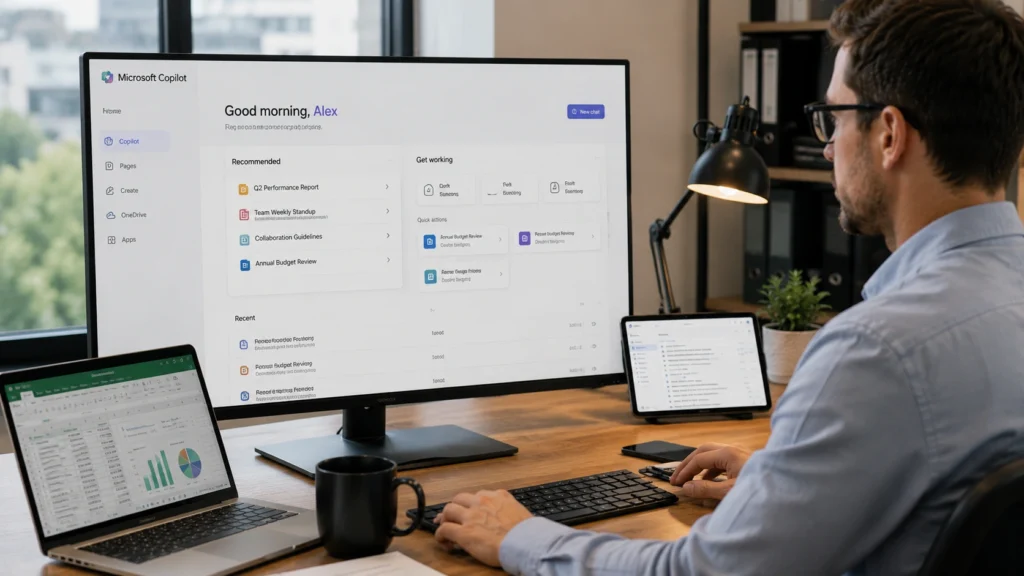
Microsoft Copilot is designed around workplace productivity.
Best for:
- Word documents
- Excel analysis
- PowerPoint presentations
- Business workflows
- Corporate productivity
Professionals working inside Microsoft 365 often benefit from having AI assistance directly within familiar tools.
A financial analyst, for instance, can summarize reports and analyze spreadsheet data more efficiently.
5. Notion AI
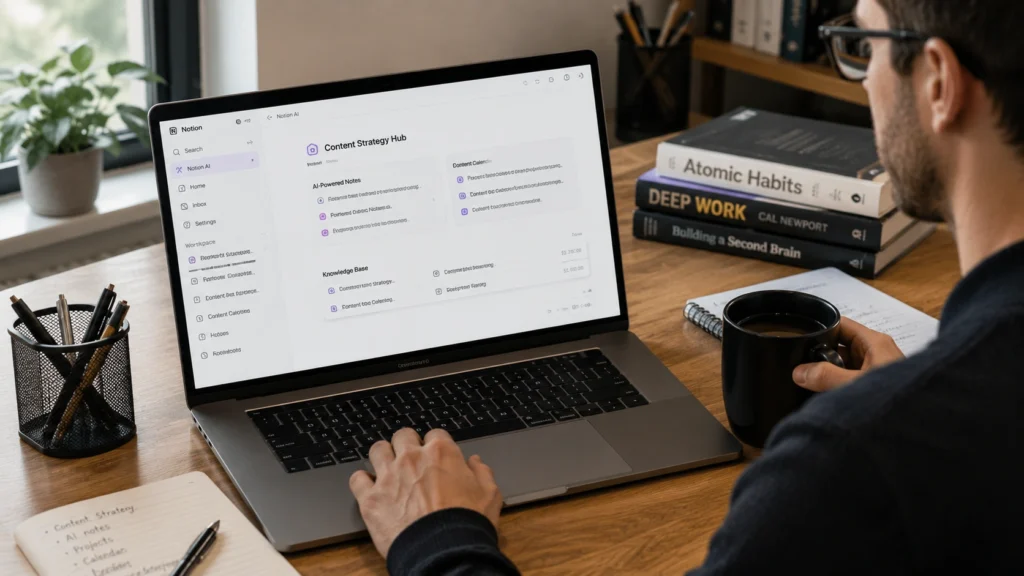
Notion AI combines productivity management with AI powered assistance.
Best for:
- Note taking
- Project planning
- Team collaboration
- Knowledge management
- Content organization
Students and creators frequently use Notion AI to keep everything organized in one place.
Instead of switching between multiple apps, users can manage tasks, notes, and projects from a single workspace.
6. Perplexity AI
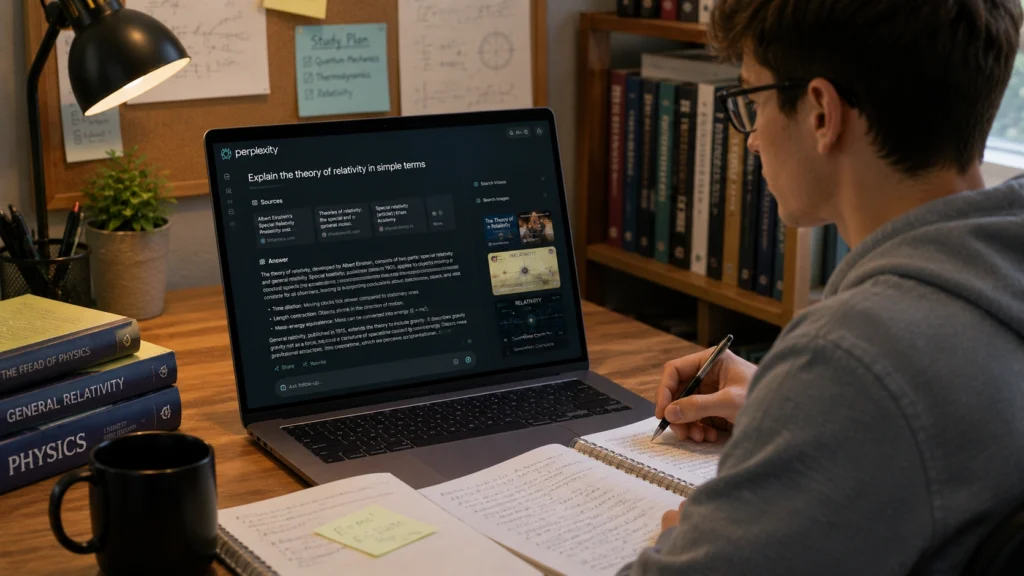
Perplexity AI focuses on research and information discovery.
Best for:
- Fact finding
- Source based research
- Academic exploration
- Learning new subjects
Unlike many assistants that provide answers without references, Perplexity often includes source citations.
This can improve trust when researching unfamiliar topics.
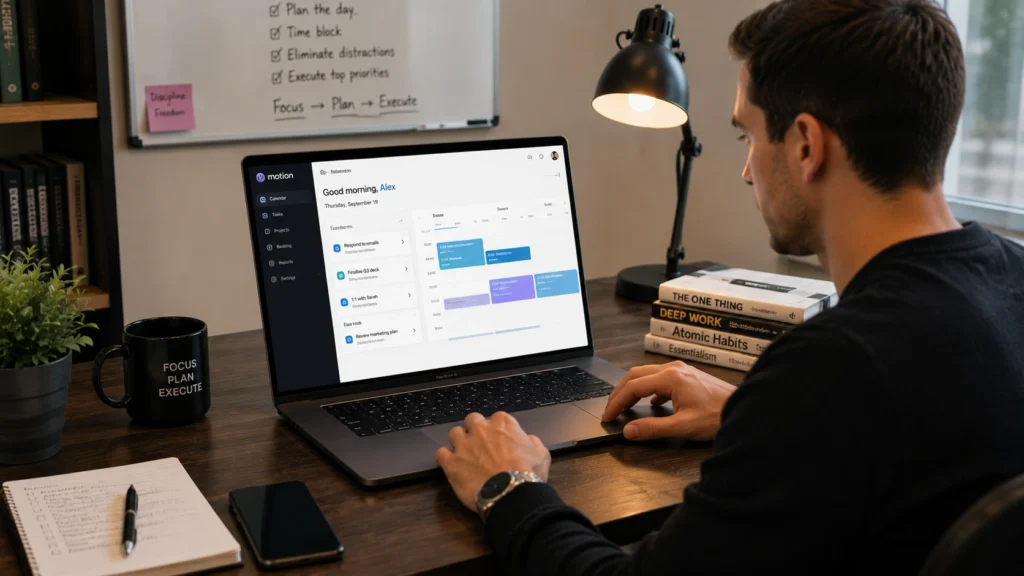
7. Motion
Motion combines scheduling and productivity management.
Best for:
- Calendar planning
- Task prioritization
- Time management
- Project scheduling
One practical advantage is automatic scheduling.
Instead of manually organizing tasks throughout the day, Motion intelligently places them into available time slots.
8. Reclaim AI
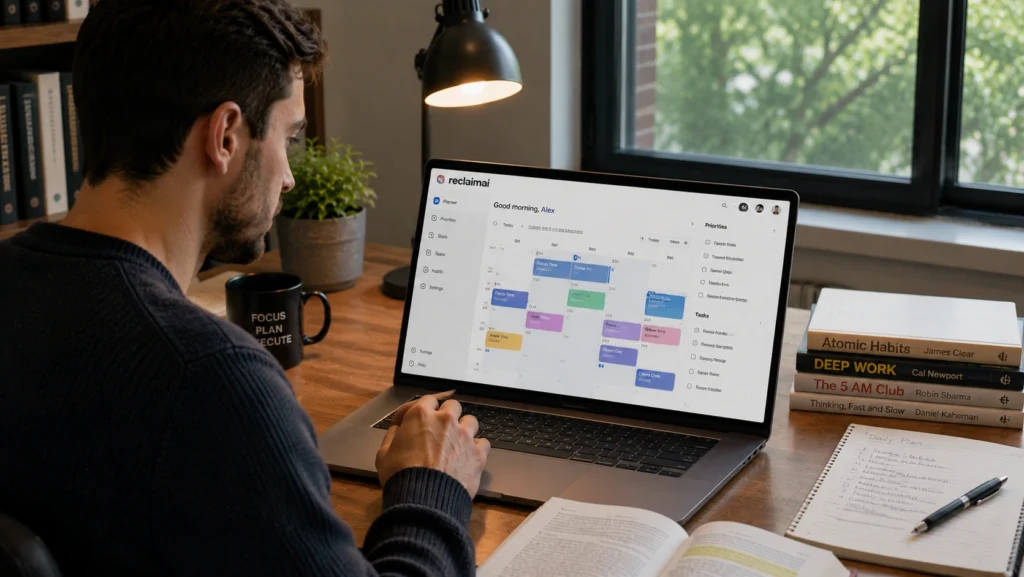
Reclaim AI helps users protect focus time and manage calendars more effectively.
Best for:
- Schedule optimization
- Habit tracking
- Work life balance
- Team scheduling
Many professionals discover they spend too much time reacting to meetings. Reclaim helps create structure and preserve uninterrupted work sessions.
9. Otter AI
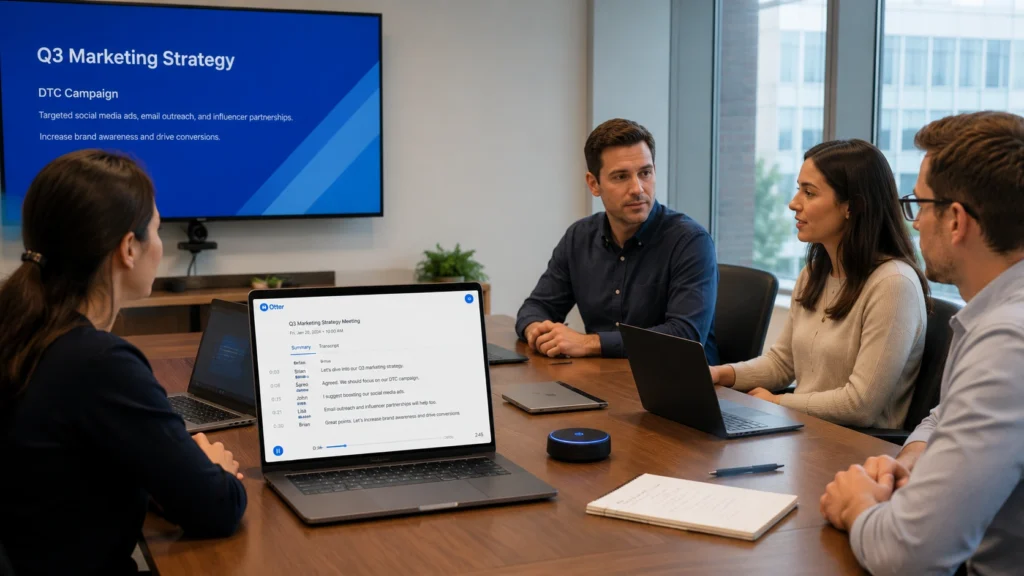
Otter AI specializes in meeting transcription and note generation.
Best for:
- Meeting summaries
- Lecture notes
- Interview documentation
- Team collaboration
Imagine attending several meetings daily without needing to write detailed notes manually.
Otter handles much of that work automatically.
10. Lindy
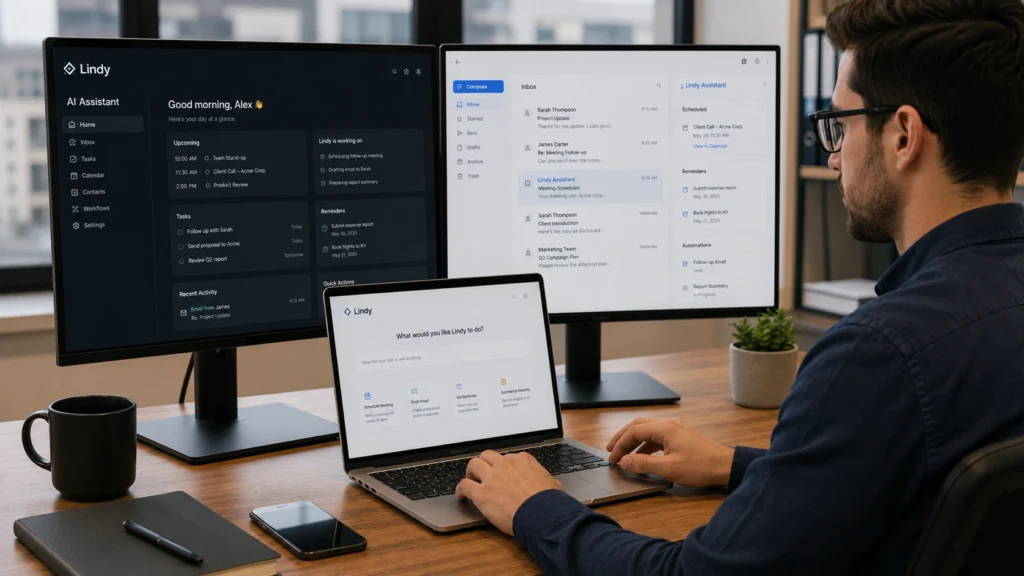
Lindy focuses on automation and task execution.
Best for:
- Workflow automation
- Email management
- Scheduling
- Administrative tasks
Businesses increasingly use tools like Lindy to reduce repetitive work and improve operational efficiency.
How Students Can Use AI Personal Assistants?
Students often gain significant benefits from AI assistants when used responsibly.
Examples include:
- Summarizing lecture notes
- Creating study guides
- Generating practice questions
- Improving writing quality
- Organizing assignments
A university student preparing for exams might use ChatGPT for explanations, Perplexity AI for research, and Notion AI for organization.
The result is a more structured study process with less wasted time.
However, students should avoid relying entirely on AI generated answers. Learning still requires critical thinking and independent understanding.
Best AI Personal Assistants for Work and Productivity
For professionals, productivity often depends on managing information efficiently.
Different assistants serve different needs:
| Need | Recommended Assistant |
|---|---|
| Writing and brainstorming | ChatGPT |
| Research and analysis | Claude |
| Google ecosystem | Gemini |
| Microsoft ecosystem | Copilot |
| Note organization | Notion AI |
| Scheduling | Motion |
| Meeting notes | Otter AI |
| Workflow automation | Lindy |
Choosing based on your workflow usually produces better results than selecting the most popular tool.
Common Mistakes People Make When Using AI Assistants
Expecting Perfect Results
AI assistants are powerful but not flawless.
Users should always review important outputs, especially for business, academic, or legal purposes.
Using Too Many Tools
Many people install several assistants but rarely use them effectively.
A focused setup with two or three strong tools is often more productive.
Ignoring Privacy Considerations
Before uploading sensitive information, always review a platform’s privacy policies and security features.
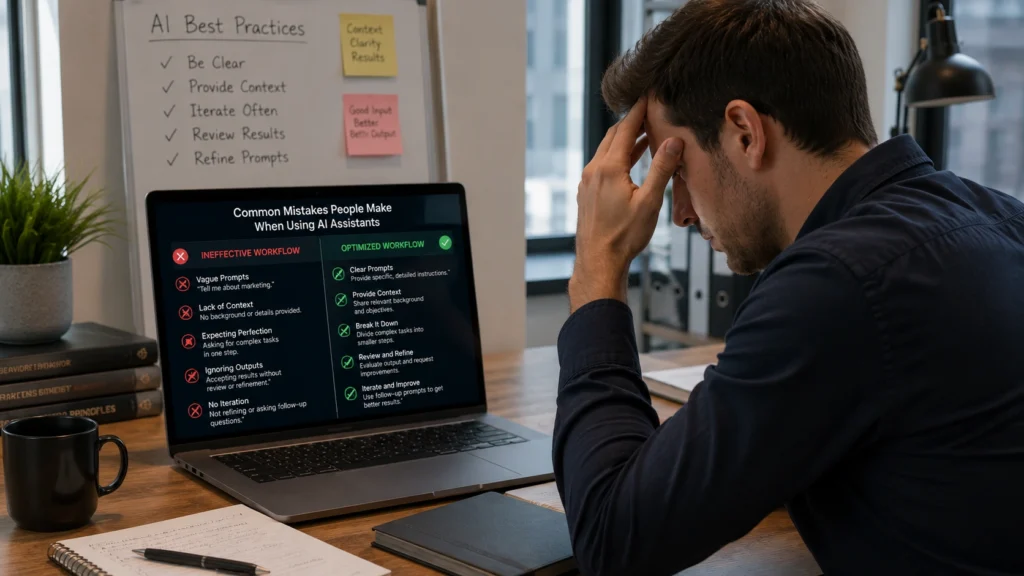
Best Practices for Getting Better Results
Give Clear Instructions
The quality of AI responses often depends on the quality of your prompts.
Specific requests generally produce better outcomes than vague questions.
Treat AI as a Partner
The best results come from collaboration.
Use AI to accelerate thinking, not replace it.
Build Repeatable Workflows
Identify recurring tasks and create systems around them.
This approach often produces larger productivity gains than one off uses.
Frequently Asked Questions
What are AI personal assistants?
AI personal assistants are software tools that use artificial intelligence to help users manage tasks, organize information, conduct research, create content, and improve productivity.
Which is the best AI personal assistant in 2026?
The best option depends on your needs. ChatGPT is highly versatile, Claude excels at document analysis, and Microsoft Copilot integrates well with workplace software.
Are AI personal assistants useful for students?
Yes. Students use AI assistants for note organization, research, study planning, writing support, and exam preparation.
Can AI assistants improve productivity?
Yes. They can automate repetitive tasks, summarize information, organize schedules, and reduce administrative workload.
Are AI personal assistants free?
Many offer free plans with limited features. Premium versions usually provide advanced capabilities and higher usag limits.
Conclusion
AI personal assistants have evolved far beyond simple chatbots. They now help people organize information, manage schedules, conduct research, create content, and automate everyday work.
The best AI personal assistants are not necessarily the most advanced ones. They are the tools that fit naturally into your daily routine and solve real problems.
Whether you are a student, researcher, freelancer, or office professional, choosing the right assistant can help you spend less time managing tasks and more time focusing on meaningful work.

Interested in discovering more AI tools that improve productivity, research, learning, and content creation? Explore additional guides and tool comparisons on your AI journey and find the solutions that fit your workflow best.