

Best AI Note-Taking Tools for Students and Professionals in 2026
Discover the best AI note taking tools for students, professionals, researchers, and creators. Learn which AI apps can summarize notes, organize information, transcribe meetings, and boost productivity in 2026.
Introduction
Taking notes sounds simple until you find yourself searching through dozens of documents, forgotten meeting recordings, scattered study materials, and random ideas saved across multiple apps. Whether you are a student preparing for exams, a researcher collecting information, or a professional attending daily meetings, staying organized can quickly become overwhelming.
This is where the best AI note taking tools are making a real difference in 2026. Modern note taking apps do far more than store text. They can summarize lectures, transcribe meetings, organize information automatically, generate action items, and help users find important details in seconds.
The challenge is that not every tool delivers the same value. Some excel at academic note taking, while others focus on workplace collaboration or research management. In this guide, we will explore the top AI note taking tools available today, who they are best suited for, and how to choose the right one for your needs.
Table of Contents
- What Are AI Note Taking Tools?
- Why AI Powered Note Taking Is Growing in 2026?
- 10 Best AI Note Taking Tools in 2026
- Best Note Taking Apps for Students
- Best Note Taking Apps for Professionals
- How Researchers and Creators Use AI Note Taking Tools?
- Common Mistakes People Make With AI Notes
- Best Practices for Better Note Taking
- FAQs
- Conclusion
What Are AI Note Taking Tools?
AI note taking tools are applications that help users capture, organize, summarize, and retrieve information more efficiently using artificial intelligence.
Traditional note taking apps require users to manually organize everything. AI powered tools reduce that workload by automatically categorizing notes, creating summaries, identifying important points, and generating action items.
For example, a student attending a one hour lecture can use AI to generate a concise summary within minutes. A project manager can automatically receive meeting notes, key decisions, and task assignments without typing everything manually.
The goal is not to replace note taking. The goal is to make information easier to manage and use.
Why AI Powered Note Taking Is Growing in 2026?
The amount of information people handle every day continues to increase.
Students attend online classes while managing assignments and research projects. Professionals sit through multiple meetings each week. Researchers collect information from articles, journals, reports, and interviews.
The problem is rarely collecting information. The problem is finding it later.
AI note taking tools solve this by creating searchable knowledge systems. Instead of digging through folders manually, users can ask questions and instantly find relevant notes.
This shift is one reason AI note taking software has become one of the fastest growing productivity categories in recent years.

10 Best AI Note Taking Tools in 2026
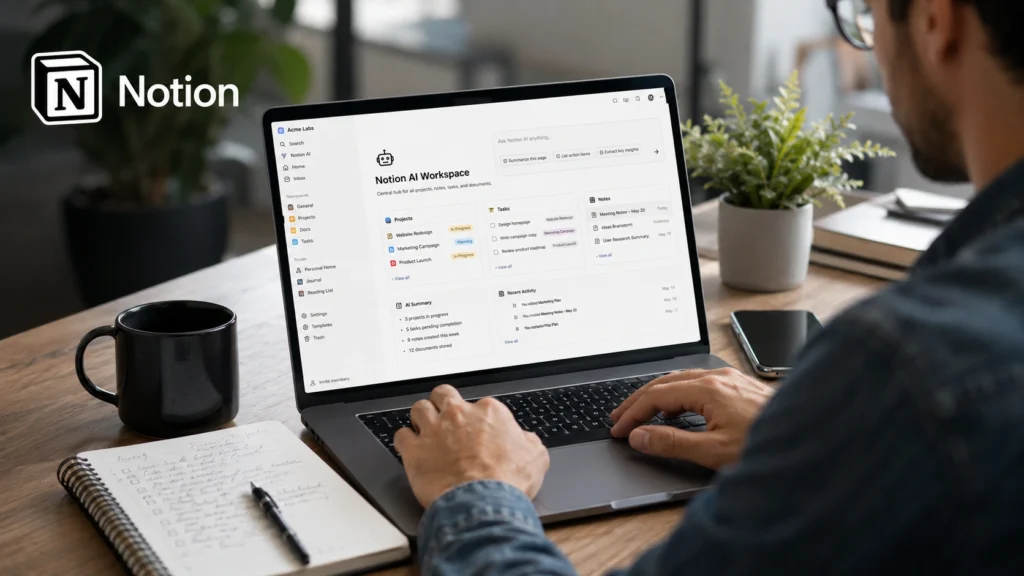
1. Notion AI
Notion AI remains one of the most versatile note taking ai tools available.
Best For
Students, creators, freelancers, and teams
Key Features
- AI summaries
- Note organization
- Task management
- Knowledge bases
- Content planning
Real World Example
A university student can store lecture notes, assignment deadlines, study schedules, and project research in one workspace while using AI to summarize lengthy notes.
2. Otter AI
Otter AI specializes in meeting transcription and conversation summaries.
Best For
Professionals and remote workers
Key Features
- Live transcription
- Meeting summaries
- Speaker identification
- Action item generation
Real World Example
A sales team can automatically record meetings and review key discussion points without manually taking notes.

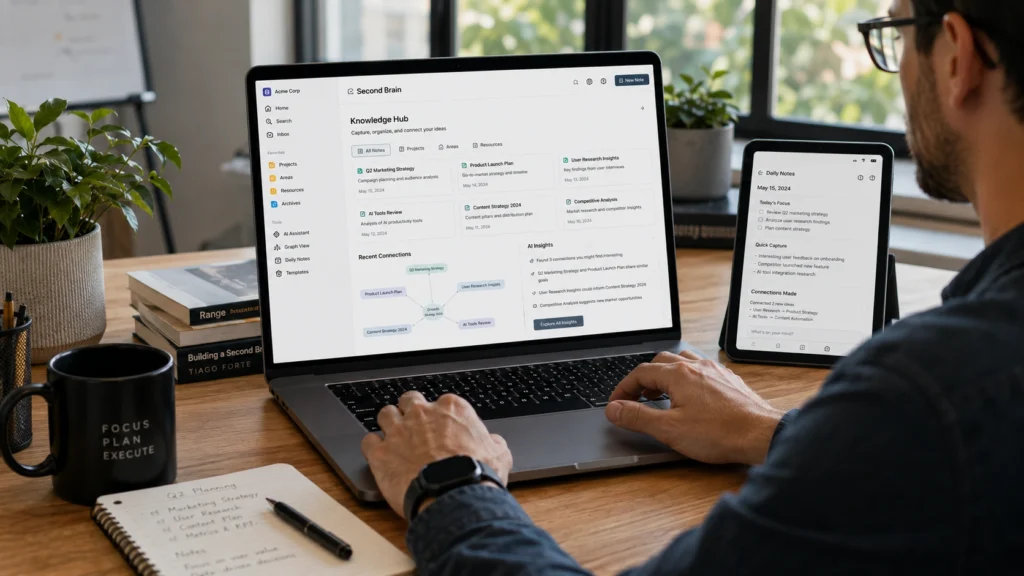
3. Mem AI
Mem AI focuses on intelligent organization rather than traditional folders.
Best For
Knowledge workers and researchers
Key Features
- Automatic categorization
- Smart search
- AI writing assistance
- Connected knowledge management
Many users appreciate how Mem surfaces related information automatically.
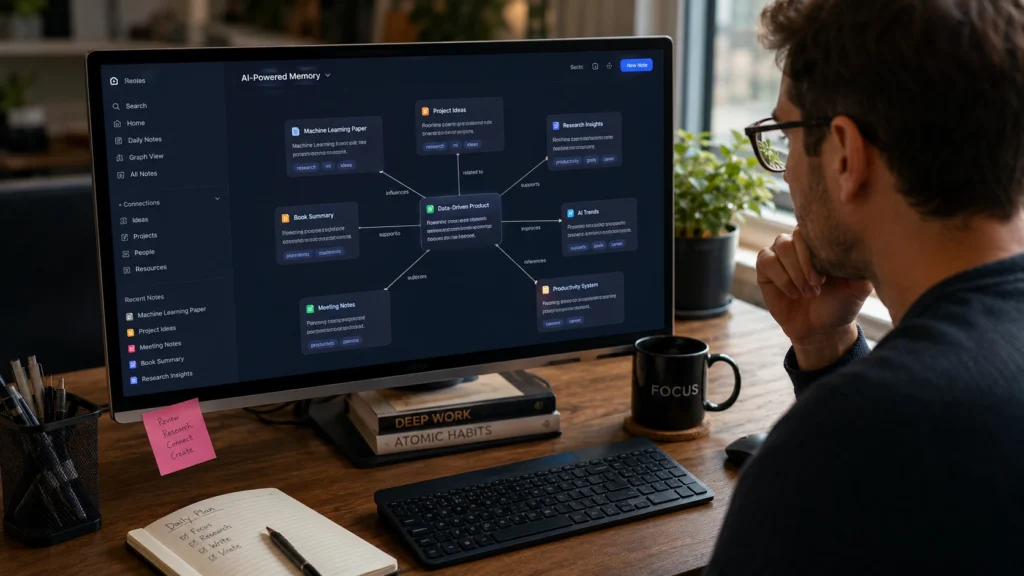
4. Evernote AI
Evernote has evolved beyond basic note storage by introducing AI powered assistance.
Best For
Professionals managing large amounts of information
Key Features
- AI search
- Note summaries
- Web clipping
- Document management
Evernote remains popular among professionals who handle extensive documentation.
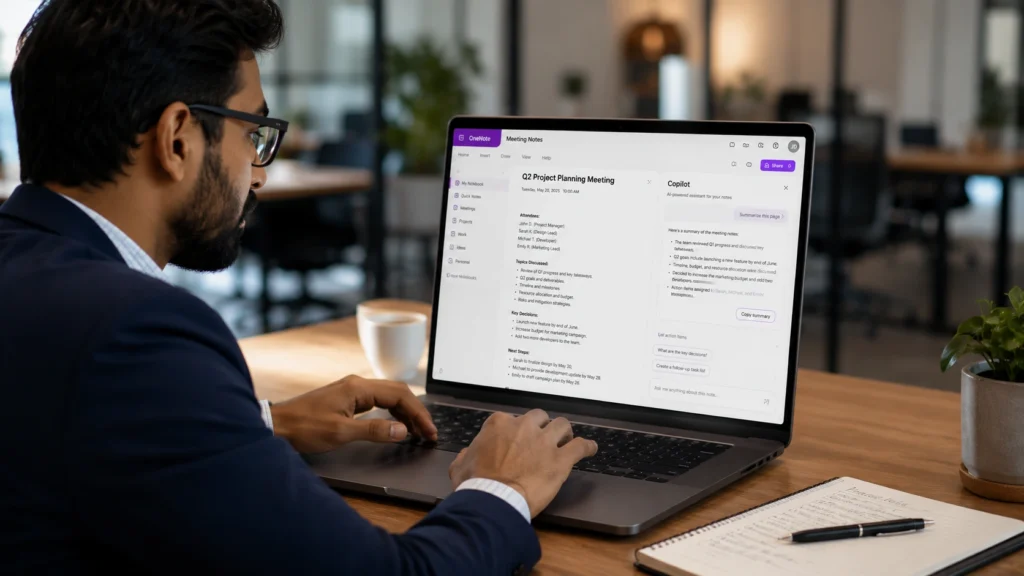
5. Microsoft OneNote Copilot
Microsoft has integrated AI capabilities directly into OneNote through Copilot.
Best For
Students and corporate users
Key Features
- AI generated summaries
- Meeting note assistance
- Content organization
- Integration with Microsoft 365
Organizations already using Microsoft products often find this solution convenient.
6. Reflect Notes
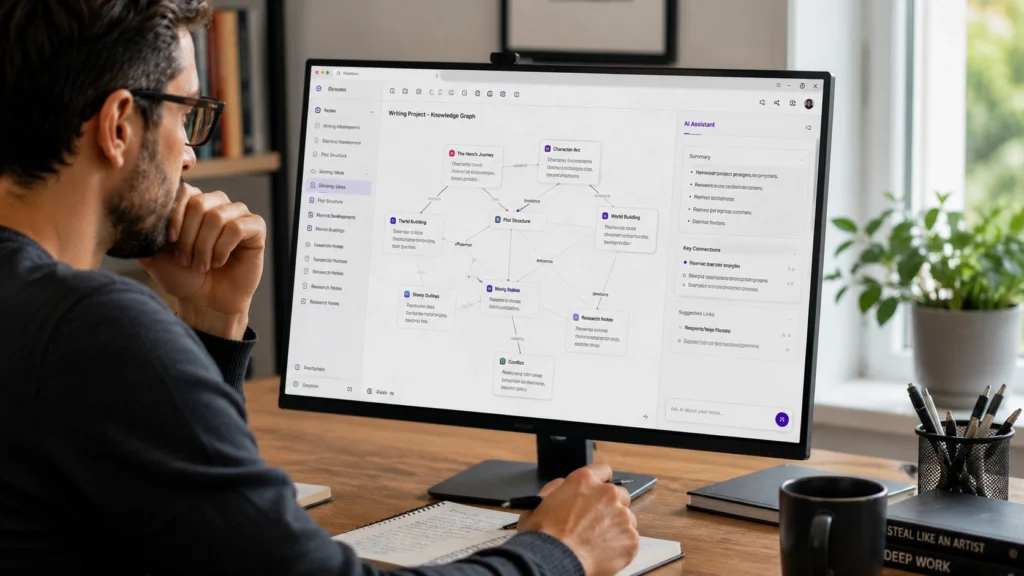
Reflect combines note taking with personal knowledge management.
Best For
Writers and creators
Key Features
- Backlinking
- AI summaries
- Connected note systems
- Calendar integration
Many content creators use Reflect to organize ideas and research
7. Fireflies AI
Fireflies AI focuses heavily on meeting productivity.
Best For
Teams and managers
Key Features
- Meeting recording
- AI summaries
- Action item extraction
- Collaboration features
It is particularly useful for businesses that conduct frequent online meetings.

8. Tana
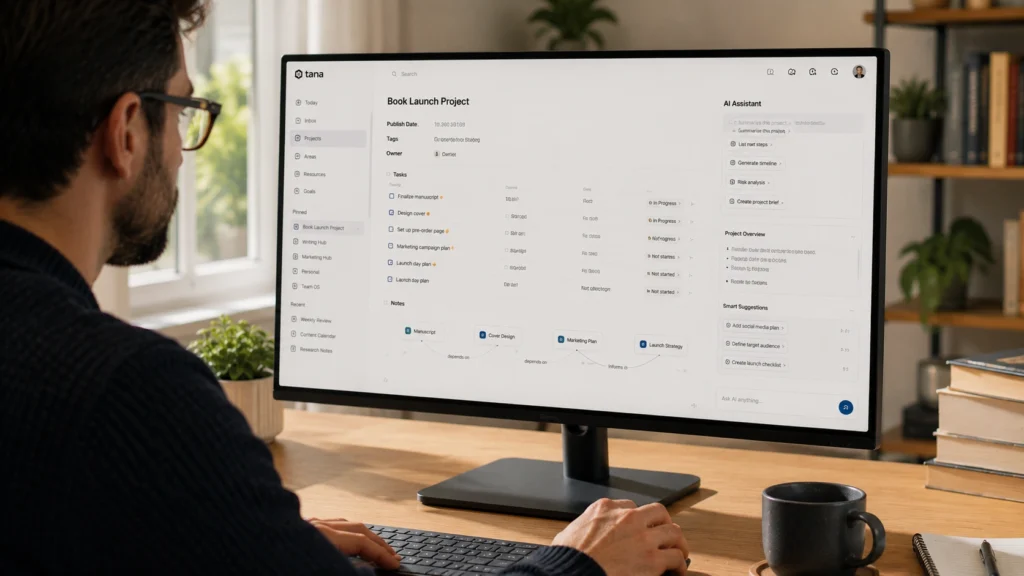
Tana introduces a unique approach to structured note organization.
Best For
Researchers and advanced users
Key Features
- Knowledge graphs
- AI organization
- Structured data management
- Advanced workflows
Although it has a learning curve, many power users consider it highly effective.
9. Obsidian AI Plugins
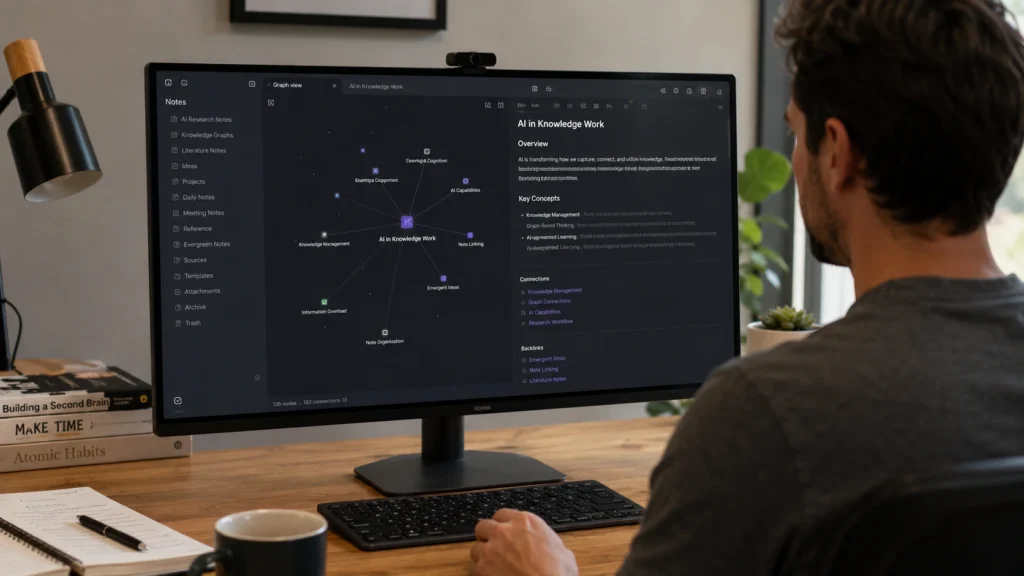
Obsidian remains one of the most flexible note taking environments available.
Best For
Researchers and technical users
Key Features
- Local note storage
- AI integrations
- Knowledge mapping
- Deep customization
Researchers often prefer Obsidian because it gives them complete control over their information.
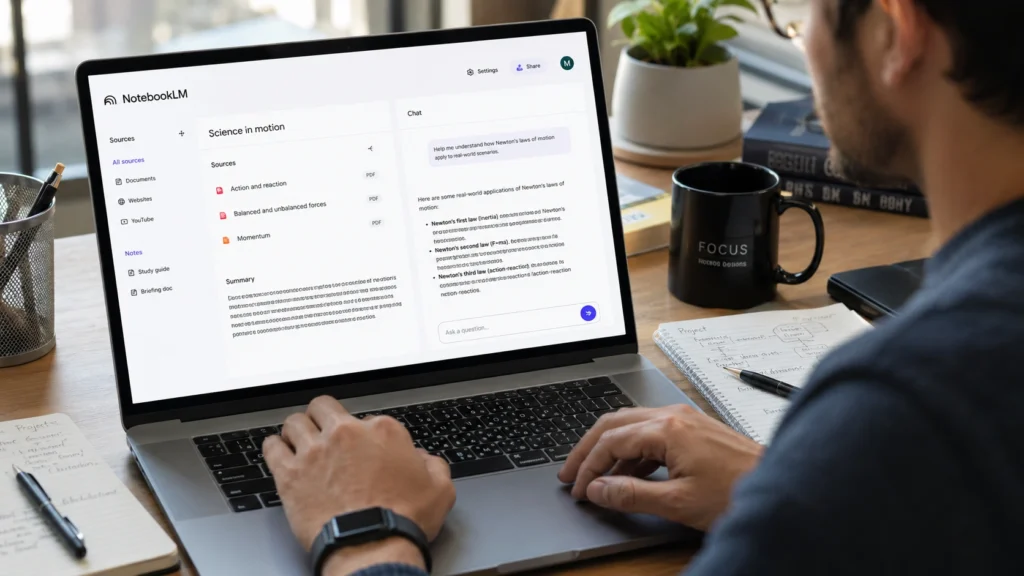
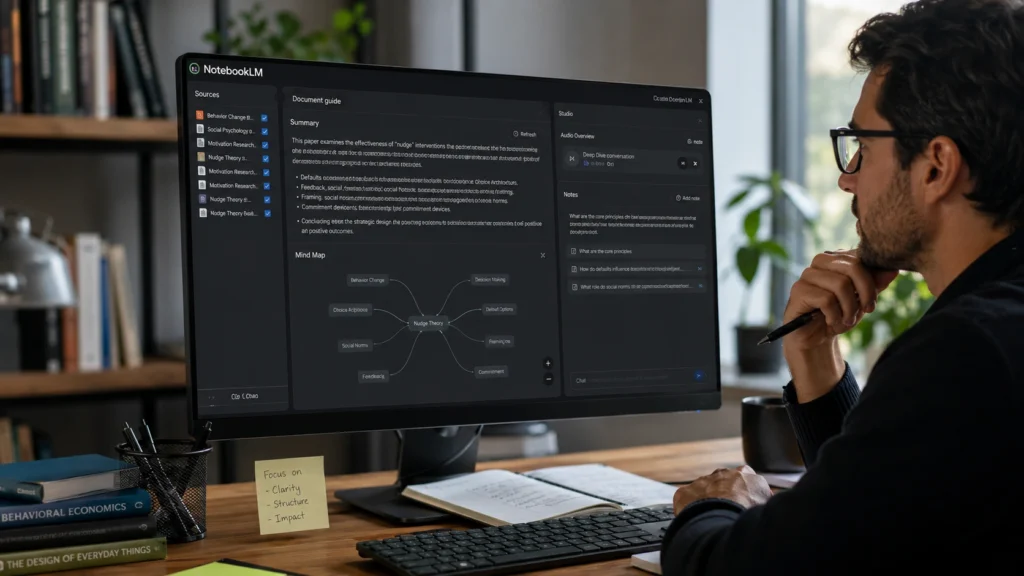
10. NotebookLM
NotebookLM from Google has gained attention for research focused note taking.
Best For
Students and researchers
Key Features
- Source based AI summaries
- Document analysis
- Research assistance
- Question answering
One of its strongest advantages is working directly from uploaded source materials.
Best Note Taking Apps for Students
Students often need tools that simplify studying and revision.
The best note taking apps for students typically include:
Notion AI
Excellent for organizing classes and assignments.
NotebookLM
Useful for understanding complex study materials.
OneNote Copilot
Strong option for students already using Microsoft tools.
Practical Tip
Do not rely solely on AI generated summaries. Reviewing original notes still improves long term retention and understanding.
Best Note Taking Apps for Professionals
Professionals often prioritize efficiency and collaboration.
The best note taking apps for professionals include:
Otter AI
Ideal for meetings and interviews.
Fireflies AI
Excellent for team collaboration.
Evernote AI
Useful for managing documents and information.
Practical Tip
Choose a note taking system that integrates with your existing workflow rather than adding another disconnected app.
How Researchers and Creators Use AI Note Taking Tools?
Researchers frequently collect information from multiple sources.
Instead of manually organizing hundreds of pages of notes, AI tools help identify patterns, summarize findings, and connect related ideas.
Creators use these tools differently.

A content creator might save:
- Video ideas
- Article research
- Audience feedback
- Content outlines
With AI assistance, these notes become easier to search and reuse later.
Common Mistakes People Make With AI Notes
Saving Everything
Many users collect more information than they actually need.
This creates digital clutter and makes important notes harder to find.
Trusting Summaries Without Verification
AI summaries are useful, but they should not replace reviewing critical information directly.
Ignoring Organization
Even intelligent note taking tools perform better when users maintain a basic structure.
Best Practices for Better Note Taking
Create a Consistent System
Use the same structure for classes, projects, meetings, and research.
Consistency improves retrieval later.
Review Notes Regularly
Information becomes more valuable when reviewed and applied.
A weekly review habit often improves productivity significantly.
Combine AI With Human Insight
AI helps process information faster, but meaningful understanding still comes from critical thinking and analysis.
Frequently Asked Questions
What are the best AI note taking tools in 2026?
Some of the best AI note taking tools include Notion AI, Otter AI, Mem AI, Evernote AI, OneNote Copilot, Reflect Notes, Fireflies AI, Tana, Obsidian, and NotebookLM.
Which AI note taking tool is best for students?
Notion AI, NotebookLM, and OneNote Copilot are among the strongest options for students due to their organization and study support features.
Are AI note taking apps useful for professionals?
Yes. Many professionals use AI note taking tools for meeting summaries, project management, documentation, and knowledge organization.
Can AI summarize lecture notes automatically?
Yes. Many modern AI note taking applications can summarize lectures, recordings, and study materials automatically.
Are AI note taking tools worth using?
For most students, professionals, researchers, and creators, AI note taking tools can save significant time while improving organization and information retrieval.
Conclusion
The best AI note taking tools in 2026 are helping people spend less time organizing information and more time using it effectively.
Whether you are a student preparing for exams, a researcher managing large projects, a creator collecting ideas, or a professional handling daily meetings, the right tool can make information easier to capture, understand, and retrieve.
The most effective approach is not choosing the tool with the longest feature list. It is choosing the one that fits naturally into your workflow and helps you stay organized consistently.

Looking for more AI productivity tools, study apps, research assistants, and workflow guides? Explore more practical AI resources and tutorials on AI With Sahil and discover tools that help you work smarter every day.