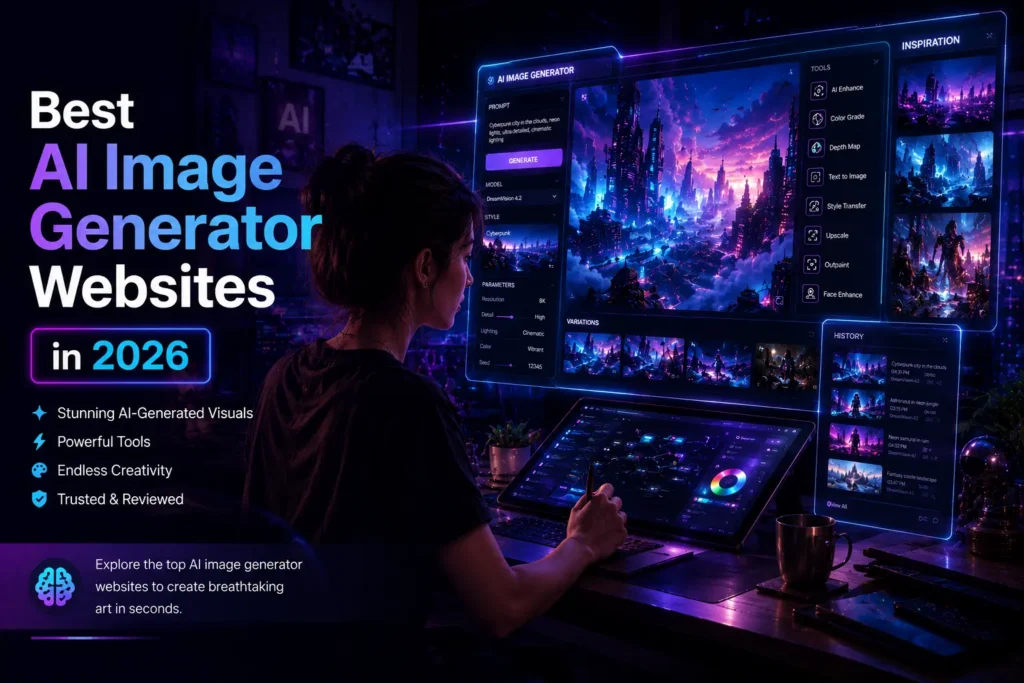
Best AI Image Generator Websites in 2026
The Best AI Tools for Creating Art, Designs, Thumbnails, and Digital Images
Introduction
AI image creation has improved faster than most people expected. A few years ago, generated images often looked unrealistic or full of strange details. In 2026, many tools can now create high quality artwork, YouTube thumbnails, product mockups, social media graphics, and digital illustrations within seconds.
The biggest reason behind this growth is accessibility. Today, students, content creators, designers, marketers, and business owners can use the best AI image generator websites without needing advanced design skills. Many platforms even offer beginner friendly templates, editing tools, and prompt suggestions that make image creation easier than ever.
At the same time, not every AI image tool delivers the same results. Some are better for realistic art, while others work better for anime, branding, or thumbnail design. Choosing the right platform depends on your goals, budget, and creative style.
This guide covers the best AI image generator websites in 2026, along with practical tips, common mistakes, and real use cases to help you choose the right tool.
Table of Contents
What Are AI Image Generator Websites?
AI image generator websites are online platforms that create digital images based on text prompts. Users simply describe what they want, and the AI produces an image within seconds.
For example, someone can type:
“Futuristic gaming room with neon lighting and cinematic atmosphere”
The AI then creates artwork matching that description.
Most modern AI image tools can generate:
- Digital art
- YouTube thumbnails
- Product advertisements
- Social media graphics
- Anime illustrations
- Concept art
- Website banners
- Logo ideas
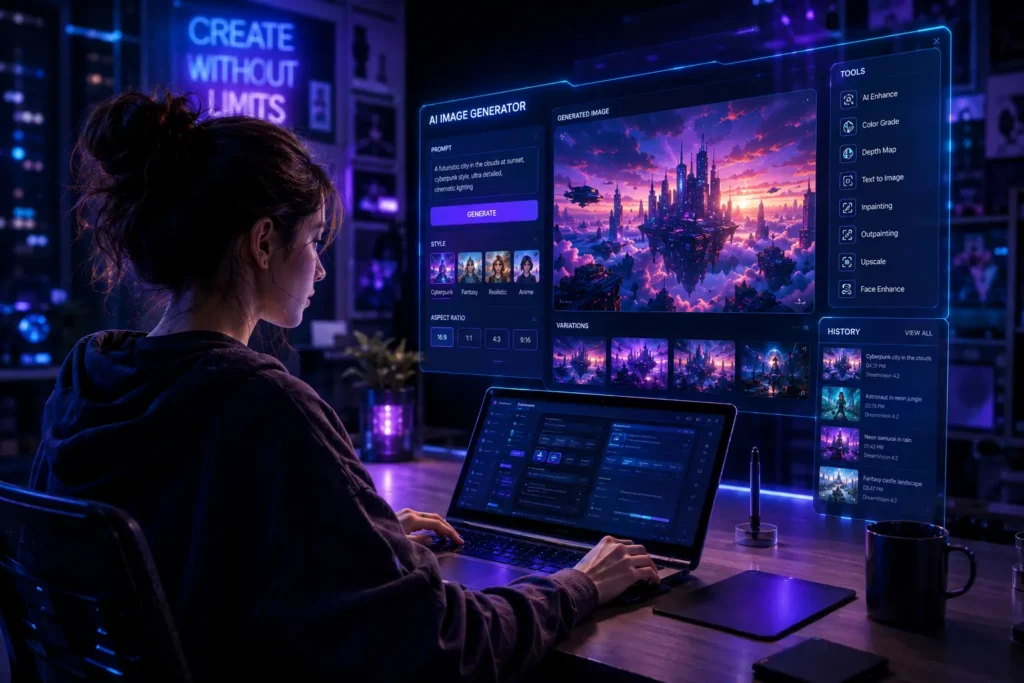
Some tools also allow editing existing images, improving quality, changing backgrounds, or creating variations.
Why AI Image Tools Became So Popular?
The popularity of AI image tools increased because they save time and reduce creative barriers.
A small content creator who previously spent hours designing thumbnails can now generate ideas in minutes. Similarly, online businesses can create product visuals without hiring a large design team.
Another reason is cost efficiency. Many free AI image generator websites now provide strong features without requiring expensive software.
There is also a growing demand for visual content across platforms like YouTube, Instagram, Pinterest, and blogs. High quality visuals help improve engagement, click through rates, and audience retention.
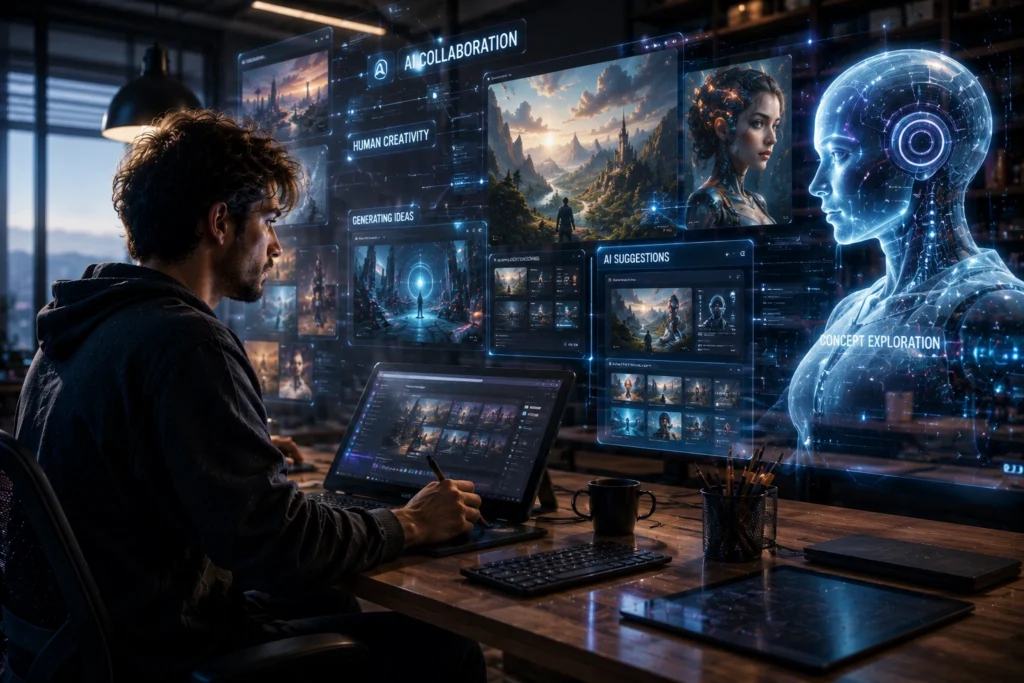
From personal experience, creators who combine AI generated visuals with human editing often produce the best results. AI handles speed, while human creativity improves originality and emotional appeal.
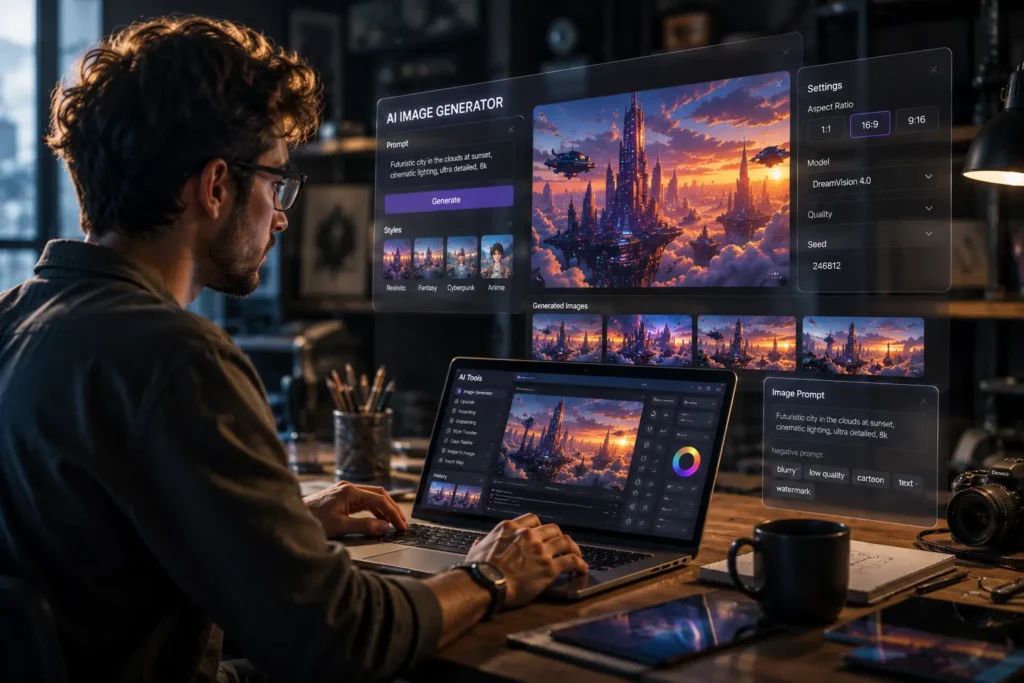
Best AI Image Generator Websites in 2026
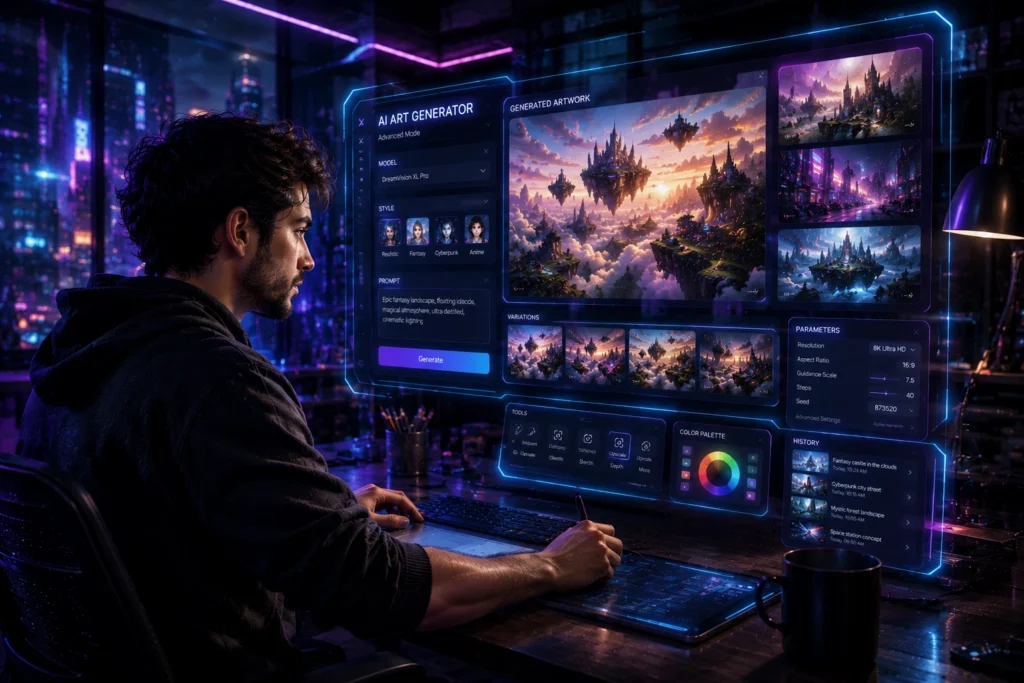
Midjourney
Midjourney remains one of the strongest platforms for artistic image creation.
It is especially popular among:
- Digital artists
- Fantasy creators
- Thumbnail designers
- Concept art creators
The image quality is impressive, especially for cinematic scenes and detailed environments.
Best Features
- Highly detailed artwork
- Strong lighting effects
- Realistic textures
- Excellent fantasy and sci fi visuals
Practical Use Case
Many YouTube creators use Midjourney for custom thumbnails because the visuals feel more unique than stock photos.
Limitation
Beginners sometimes struggle with prompt writing because the platform works best with detailed instructions.
DALL·E
OpenAI developed DALL·E for users who want easy and fast image generation.
The interface is beginner friendly, which makes it a strong choice for casual creators and bloggers.
Best Features
- Simple prompt system
- Clean editing tools
- Strong realistic image generation
- Good for blog visuals and social media graphics
Mini Insight
Many small businesses use DALL·E for website banners and promotional posts because it reduces dependency on stock images.
Leonardo AI
Leonardo AI gained popularity because of its flexibility.
It works well for gaming assets, character designs, and stylized artwork.
Best Features
- Fast generation speed
- AI training options
- Detailed character design
- Useful customization settings
Best For
- Game creators
- Digital artists
- Creative projects
- Branding visuals
Leonardo AI also offers generous free usage compared to several competitors.
Adobe Firefly
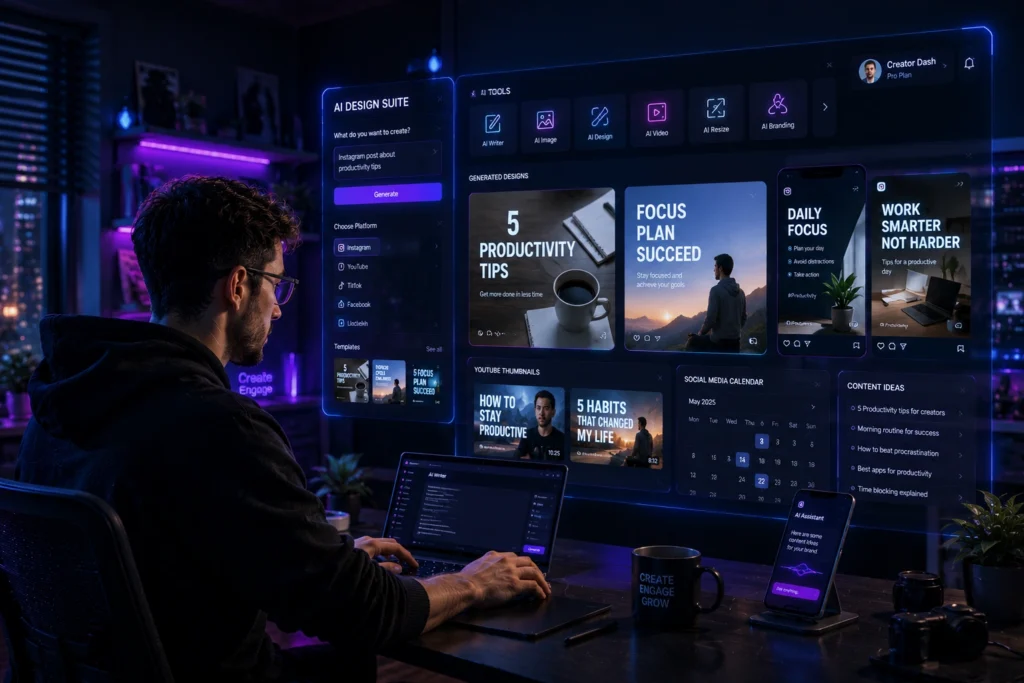
Adobe integrated Firefly into its creative ecosystem, making it useful for professional workflows.
Designers who already use Photoshop or Illustrator often prefer Firefly because it connects smoothly with existing tools.
Best Features
- Commercial friendly content generation
- Advanced editing options
- Strong typography support
- Reliable image quality
Industry Insight
Marketing agencies increasingly use Adobe Firefly for ad creatives and campaign mockups because it fits naturally into professional editing workflows.
Ideogram
Ideogram became widely known for one major reason.
It handles text inside images better than many competitors.
This makes it especially useful for:
- Posters
- Social media ads
- YouTube thumbnails
- Quote graphics
Common Advantage
Many AI tools still struggle with readable text generation. Ideogram performs surprisingly well in this area.
Canva AI
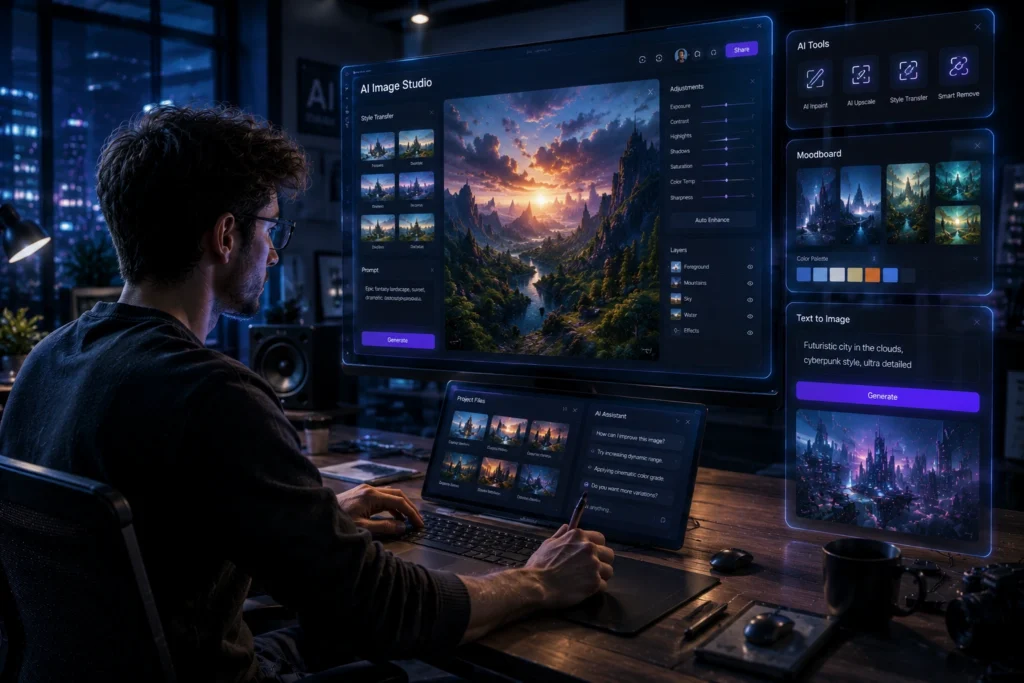
Canva continues to attract beginners because everything works inside a simple drag and drop editor.
Best Features
- Easy interface
- AI image generation
- Thumbnail templates
- Social media design tools
Best For Beginners
Students and small creators often prefer Canva AI because they can create visuals without learning advanced design software.
Free AI Image Generator Websites Worth Trying
Not everyone needs a paid platform immediately. Several free AI image generator websites provide enough features for learning and experimentation.
Some strong free options include:
- Canva AI
- Leonardo AI free plan
- Microsoft Designer
- Craiyon
- Adobe Firefly free credits
Free plans usually include limited image generations each day, but they are still useful for beginners testing different styles.
How to Choose the Right AI Image Tool?
The best AI image generator depends on your goals.
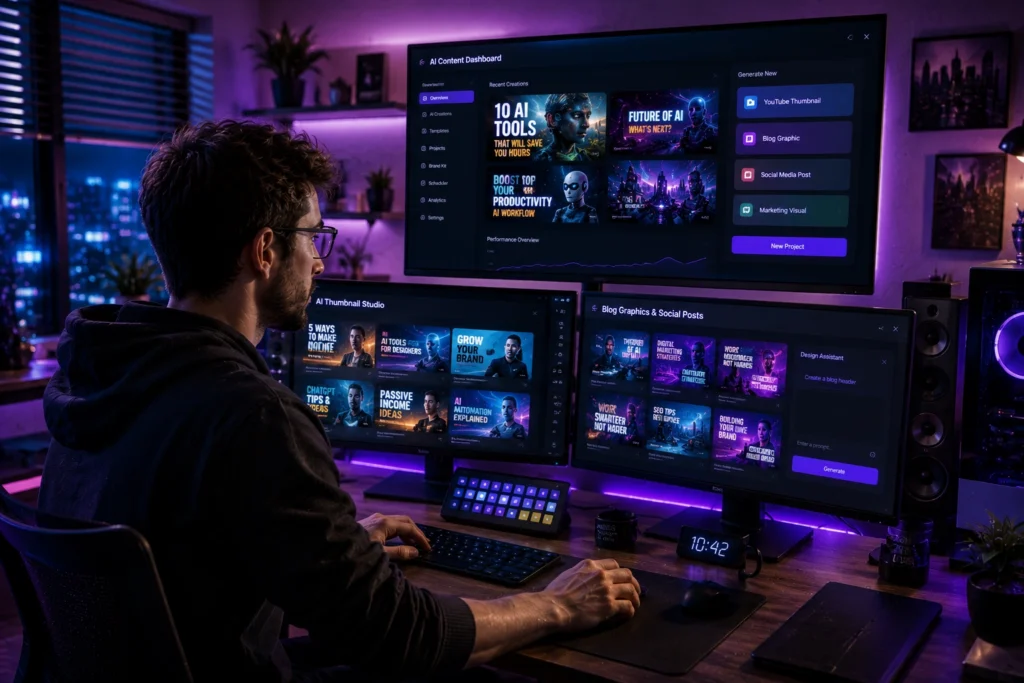
For YouTube Thumbnails
Choose tools with strong lighting and dramatic visuals.
Best options:
For Realistic Art
Choose platforms with detailed rendering.
Best options:
For Beginners
Use tools with simple interfaces.
Best options:
For Professional Design Work
Choose platforms with editing integration.
Best option:
Common Mistakes Beginners Make
Using Very Short Prompts
A vague prompt creates vague images.
Instead of writing:
“Cool room”
Try:
“Modern gaming room with purple neon lighting, ultra detailed desk setup, cinematic atmosphere”
Depending Fully on AI
AI generated images often still need editing.
Professional creators usually adjust:
- Colors
- Contrast
- Cropping
- Typography
Ignoring Copyright Rules
Some creators use generated images commercially without checking platform policies. Always review usage rights before publishing client work or advertisements.
Best Practices for Better AI Generated Images
Be Specific With Prompts
Detailed prompts improve quality dramatically.
Mention:
- Lighting
- Camera angle
- Mood
- Colors
- Art style
- Background details
Test Multiple Variations
Even strong prompts produce different results. Generating multiple versions helps you find the best image.
Combine AI With Human Editing
The best results usually come from combining AI generation with manual editing.
This workflow improves originality and branding consistency.
Study Real Visual Trends
Creators who understand thumbnail psychology, social media trends, and design principles usually create stronger AI generated visuals.
AI works best when guided by human creative direction.
FAQ
What is the best AI image generator in 2026?
Many creators consider Midjourney one of the best AI image generator websites because of its artistic quality and detailed visuals.
Are free AI image generator websites worth using?
Yes. Free tools like Canva AI and Leonardo AI are useful for beginners, students, and small creators testing ideas.
Which AI image tool is best for YouTube thumbnails?
Midjourney, Ideogram, and Canva AI are commonly used for thumbnail creation because they produce strong visual compositions.
Can AI image tools create realistic images?
Yes. Modern AI image tools can create highly realistic portraits, environments, and product visuals when given detailed prompts.
Do AI generated images require editing?
In many cases, yes. Basic editing helps improve branding, readability, and overall visual quality.
Conclusion
The best AI image generator websites in 2026 offer far more than quick artwork creation. They help creators produce thumbnails, social media graphics, digital art, branding visuals, and marketing content faster than traditional workflows.
Still, the most effective results come from combining AI efficiency with human creativity. Strong prompts, thoughtful editing, and understanding visual trends make a major difference.
Whether you are a student, designer, content creator, or business owner, experimenting with different AI image tools can help you discover which platform matches your style and creative goals best.
If you enjoy exploring AI tools and creative technology, you can also check out more guides, tutorials, and AI website recommendations to improve your content creation workflow and digital projects.
Want more AI tools, tutorials, and creator resources?
Visit AI With Sahil for practical AI guides, tool comparisons, and beginner friendly tutorials.