
Best AI Tools, I Wish I Knew Earlier in 2026
Powerful AI Tools That Save Time, Improve Productivity, and Make Daily Work Easier
Introduction
A few years ago, most people used AI tools out of curiosity. In 2026, many creators, students, freelancers, and professionals use them because they genuinely save time and reduce stress during daily work. Some tools help organize ideas faster. Others improve writing, automate repetitive tasks, or simplify research that normally takes hours.
When I first started exploring AI seriously, I wasted time testing random apps that looked impressive but added very little value. That is why this list of ai tools I wish I knew earlier matters. These are tools that actually help people work smarter without making workflows complicated.
Some are useful for content creators managing multiple projects. Some help students stay organized. Others are practical for daily work, especially when attention gets scattered between emails, meetings, editing, and planning.
The best part is that many of these tools are simple enough for beginners to start using immediately.
Why AI Tools Became Essential in 2026?
People are handling more digital work than ever before. Students manage assignments across multiple platforms. Creators edit videos, write captions, research trends, and respond to audiences daily. Freelancers switch constantly between client communication, planning, editing, and content creation.
That workload creates mental fatigue.
The reason AI tools that save time became so popular is simple. They remove repetitive tasks that consume energy without adding real value.
For example:
- Writing first drafts
- Organizing notes
- Editing transcripts
- Summarizing long documents
- Scheduling tasks
- Creating presentation visuals
AI does not replace creativity or critical thinking. Instead, it helps reduce unnecessary workload so people can focus on more important decisions.

AI Tools I Wish I Knew Earlier in 2026
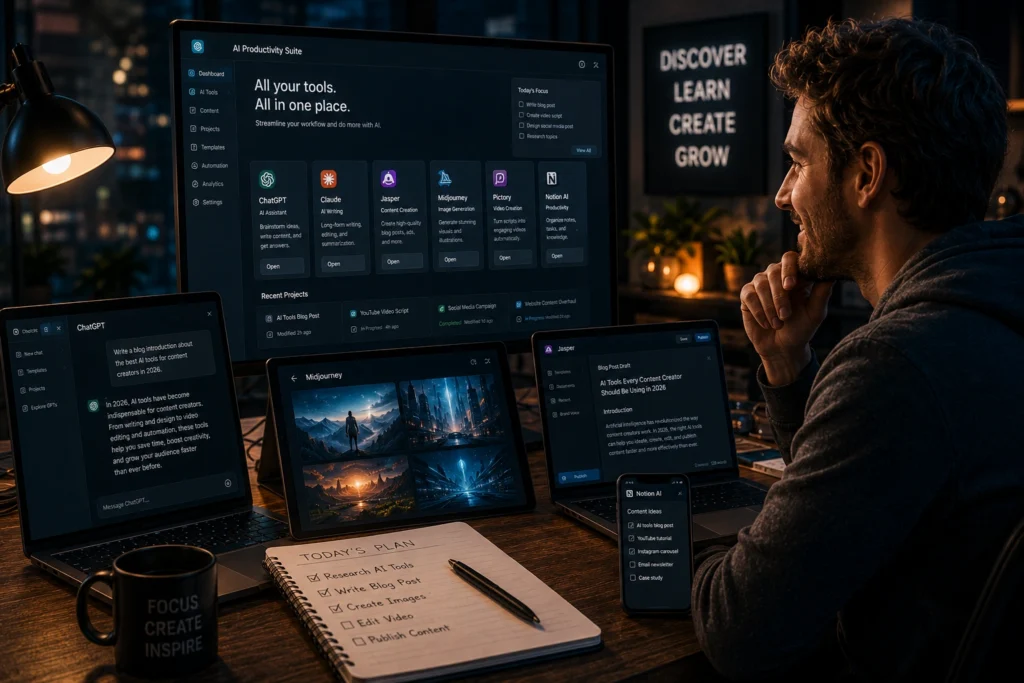
ChatGPT
OpenAI developed ChatGPT, and it remains one of the most flexible AI tools available.
People often think it is only useful for writing. In reality, it helps with:
- Brainstorming ideas
- Learning new topics
- Script writing
- Research summaries
- Content planning
- Email drafting
One creator I know uses ChatGPT to organize YouTube video ideas before recording. Instead of staring at a blank page for an hour, they generate outlines in minutes and refine them manually.
The important part is using it as a thinking assistant rather than copying everything directly.
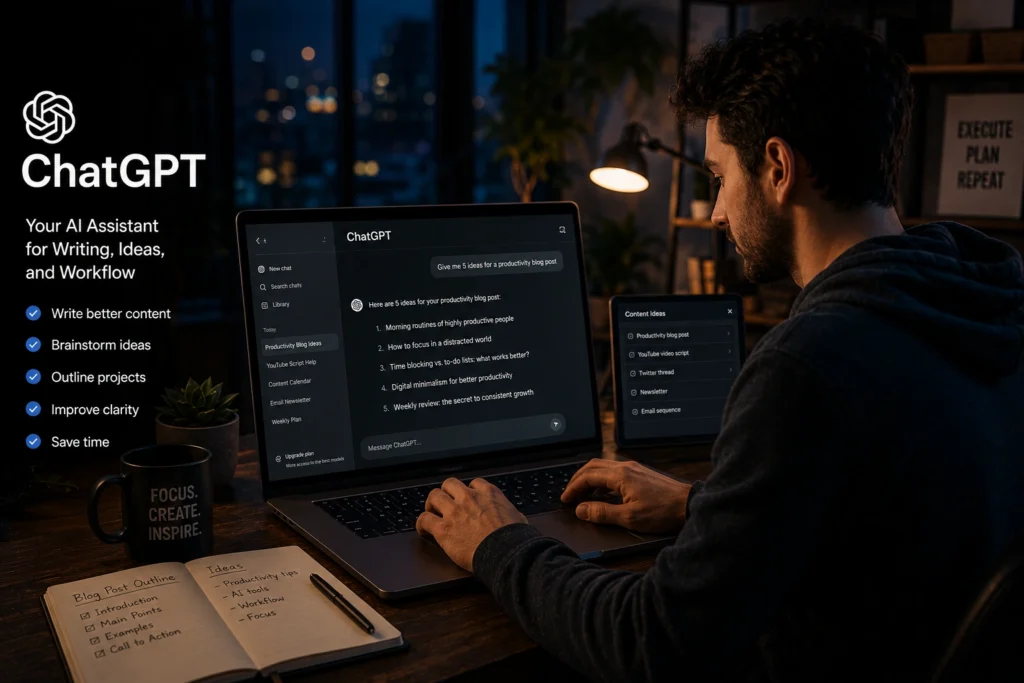
Notion AI
Notion Labs built one of the most practical organization systems for students and creators.
Notion AI works well for:
- Study notes
- Project planning
- Content calendars
- Task tracking
- Knowledge organization
One reason people stay productive with Notion is clarity. Everything stays in one place.
For example, a student preparing for exams can organize revision notes, assignment deadlines, and research links inside one dashboard instead of searching through scattered apps and folders.
That structure reduces stress more than people expect.
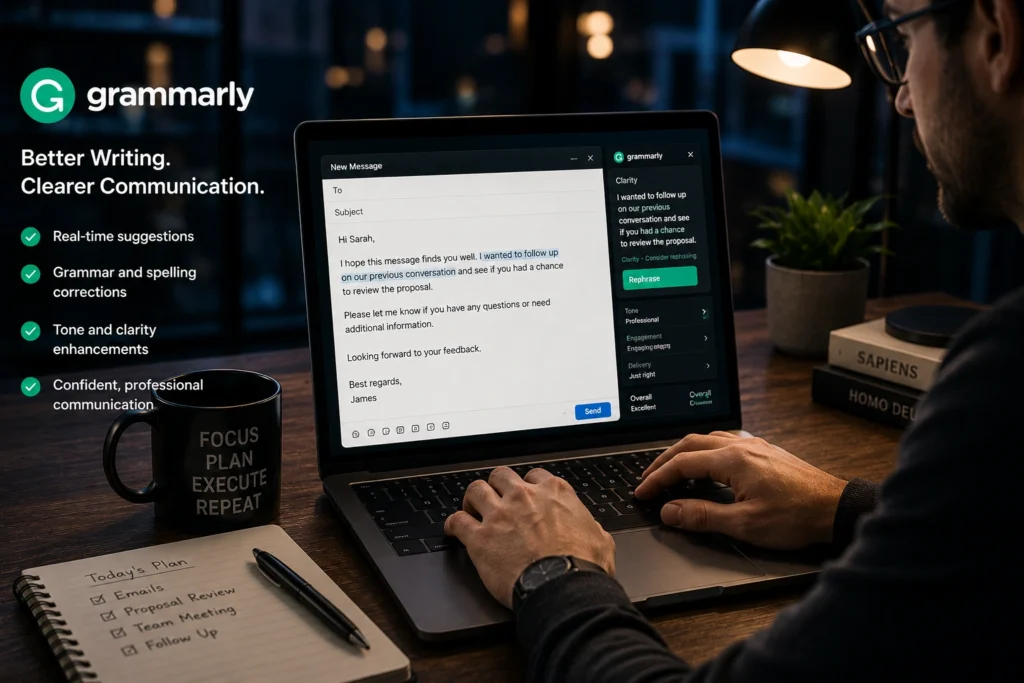
Grammarly
Grammarly is still one of the most useful AI tools for daily work.
It helps improve:
- Grammar
- Clarity
- Professional tone
- Sentence flow
- Readability
Many freelancers lose opportunities because of unclear communication rather than lack of skill. Grammarly helps fix small writing mistakes before they become larger problems.
However, blindly accepting every suggestion can make writing sound unnatural. Personal tone still matters.
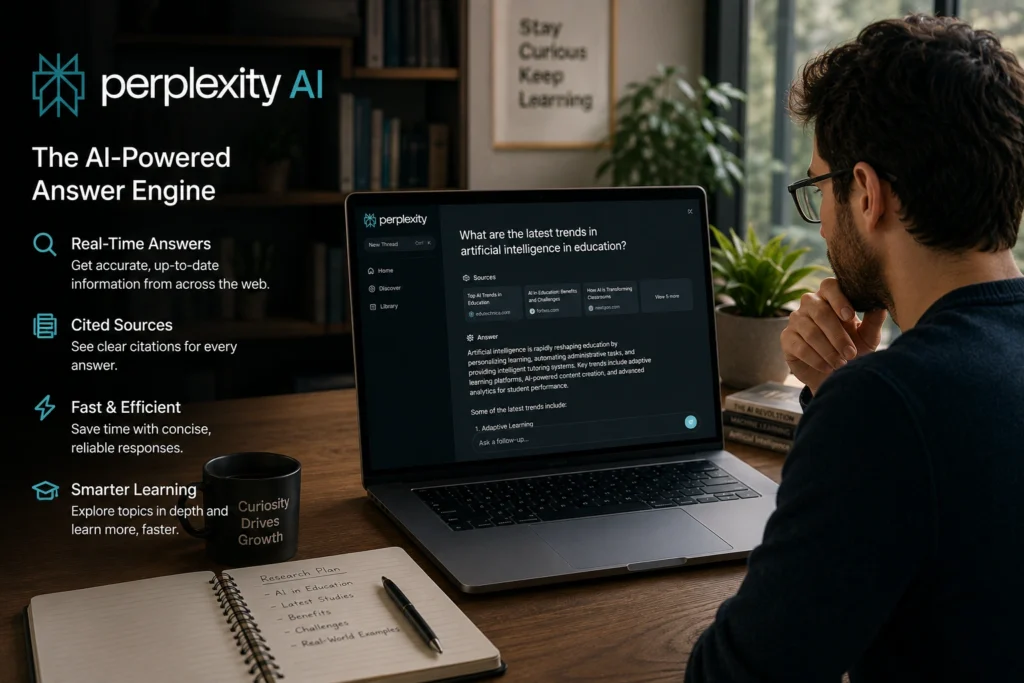
Perplexity AI
Perplexity AI became popular because it combines AI answers with source based research.
This makes it useful for:
- Fast research
- Topic summaries
- Fact checking
- Learning complex subjects
- Comparing information
Instead of opening fifteen browser tabs during research, users can quickly gather information in one place.
A content creator researching social media trends, for instance, can save hours every week using tools like this efficiently.
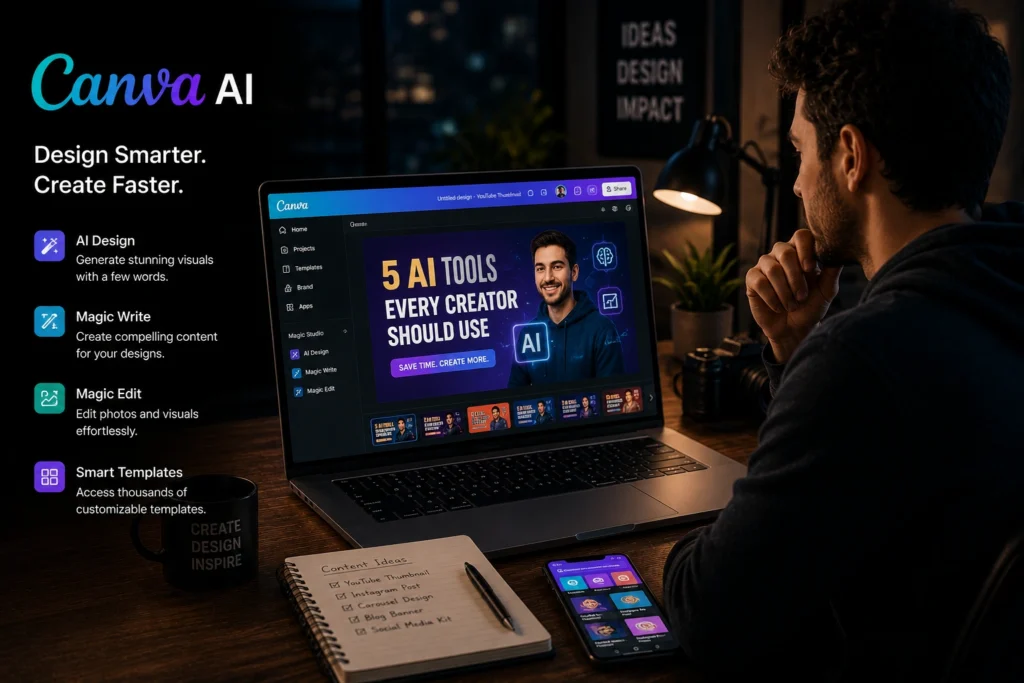
Canva AI
Canva added AI features that simplified design work for beginners and professionals alike.
Canva AI helps with:
- Presentation design
- Social media graphics
- Thumbnail creation
- Short form video editing
- Marketing visuals
One thing many creators realize late is that consistency matters more than complicated design skills. Canva helps maintain professional looking visuals quickly.
This is especially useful for solo creators managing content across multiple platforms.
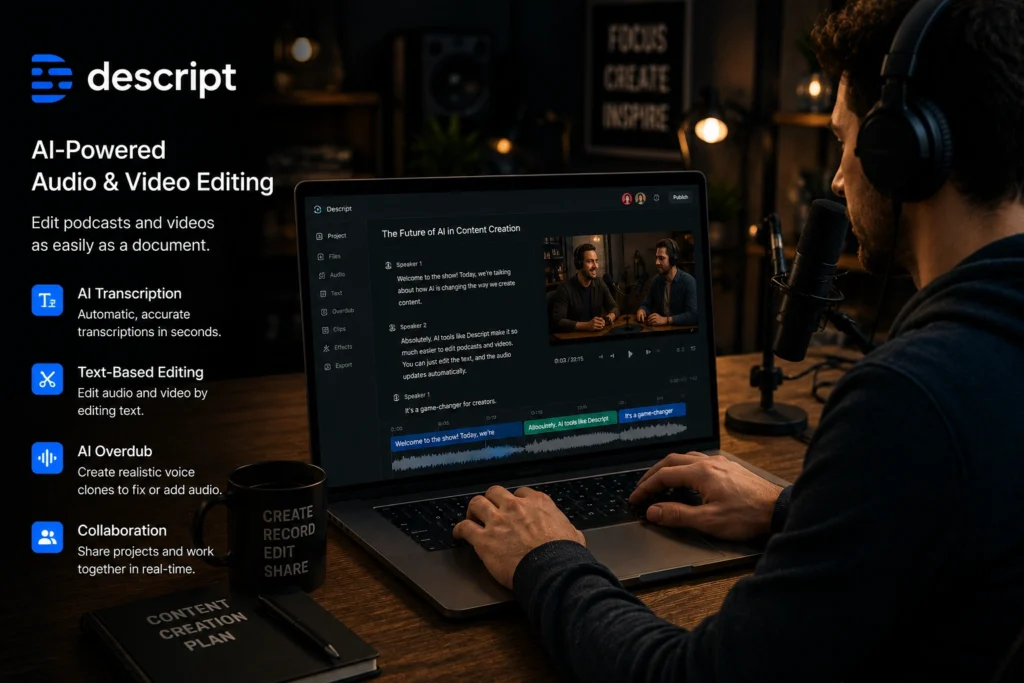
Descript
Descript changed how many creators edit podcasts and videos.
Instead of editing audio traditionally, users can edit text transcripts directly.
It works well for:
- Podcast editing
- Video captions
- Interview cleanup
- Removing filler words
- Repurposing content
A beginner creator can save hours during editing simply by removing unnecessary pauses and repeated words automatically.
For people producing regular content, this becomes a huge time saver.
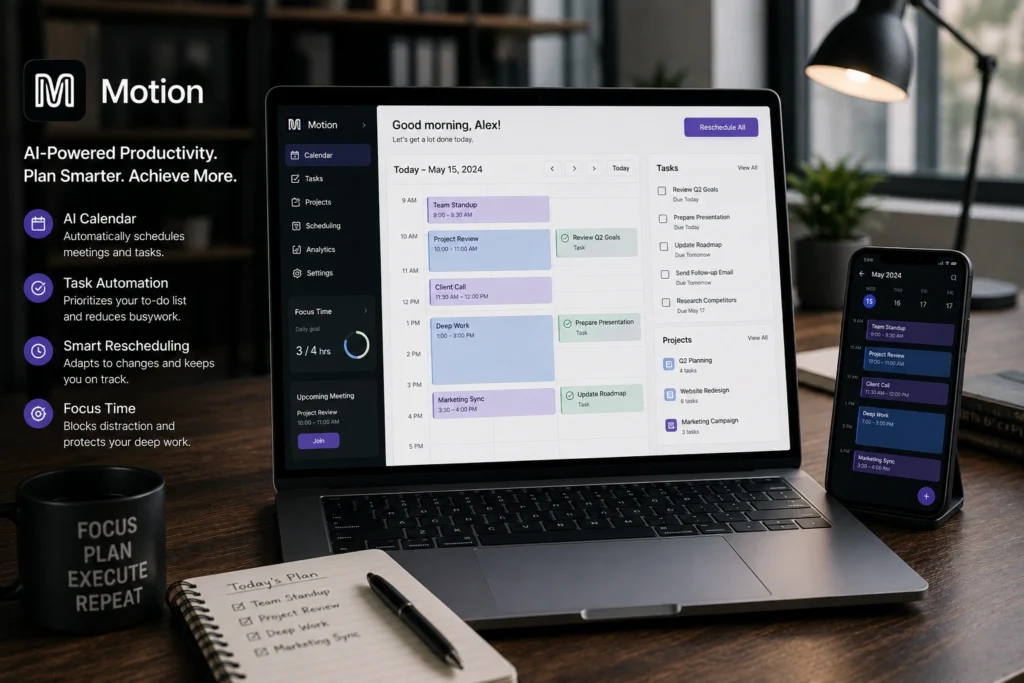
Motion
Motion focuses on task scheduling and time management.
Most people underestimate how exhausting planning can become.
Motion helps by:
- Automatically scheduling tasks
- Organizing priorities
- Managing deadlines
- Adjusting calendars dynamically
Freelancers juggling multiple projects often struggle with decision fatigue. Motion reduces that pressure by helping structure the day automatically.
Useful AI Tools for Creators
Creators often lose time on support tasks instead of actual creativity.
For example:
- Thumbnail design
- Caption writing
- Editing transcripts
- Researching trends
- Organizing content schedules
Useful AI tools for creators reduce workload behind the scenes.
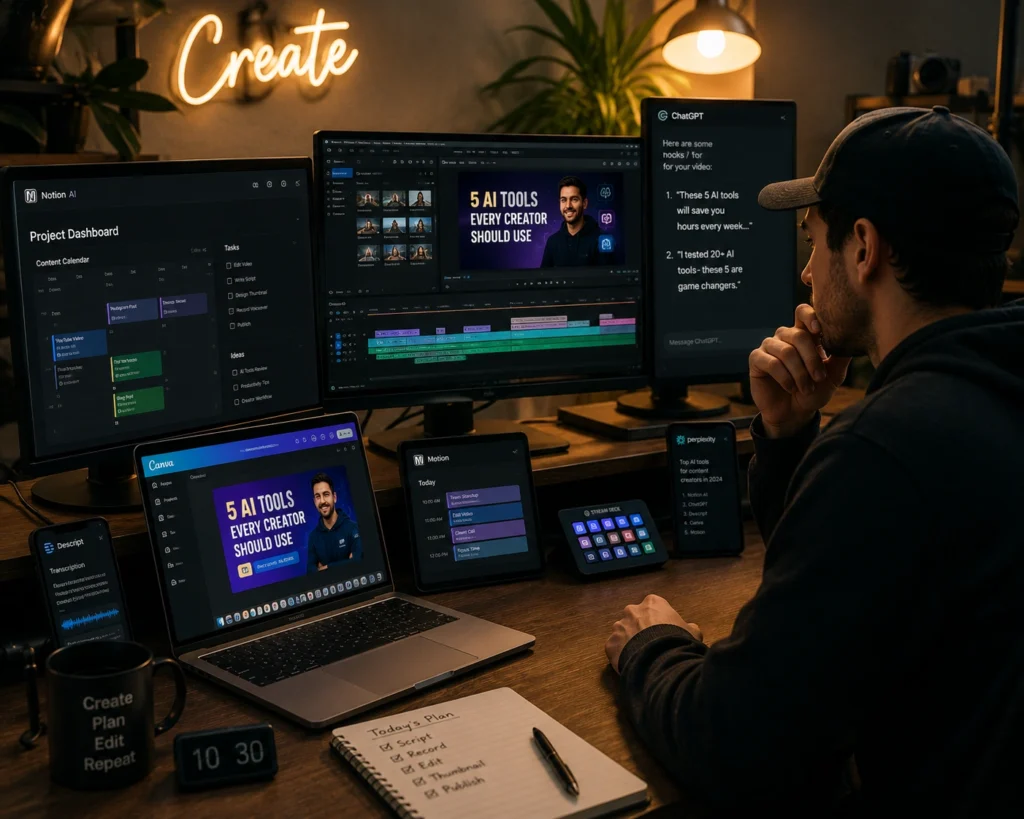
A solo YouTube creator may use:
- ChatGPT for scripts
- Canva AI for thumbnails
- Descript for editing
- Notion AI for planning
This creates a smoother workflow without needing a large team.
The biggest advantage is consistency. Creators who stay organized usually grow faster than creators constantly overwhelmed by scattered systems.
AI Tools for Daily Work and Productivity
AI tools for daily work are no longer limited to tech professionals.
Students, office workers, freelancers, marketers, and even small business owners use them regularly.
Here are a few practical daily uses:
- Summarizing meetings
- Organizing schedules
- Writing emails
- Managing notes
- Creating presentations
- Researching topics faster
One small business owner I spoke with recently reduced weekly admin work by several hours simply by organizing communication and planning with AI support tools.
The goal is not working endlessly. The goal is reducing unnecessary friction during work
Common Mistakes People Make With AI Tools
Using Too Many Tools At Once
Many beginners install every trending app they see online.
That usually creates more distractions than productivity.
A smaller setup with a few reliable tools often works better.
Depending Fully on AI
AI can assist with thinking, but it should not replace human judgment.
Creators still need originality. Students still need understanding. Professionals still need critical thinking.
Ignoring Workflow Organization
Even good AI apps become chaotic without structure.
Folders, naming systems, schedules, and priorities still matter.

Best Practices for Using AI Efficiently
Start With One Real Problem
Instead of downloading random apps, identify what wastes most of your time.
Maybe it is:
- Editing
- Planning
- Research
- Writing
- Scheduling
Then choose tools that directly solve that issue.
Keep Your Workflow Simple
Simple systems are easier to maintain consistently.
A creator using three organized AI tools productively often performs better than someone using ten tools poorly.
Combine AI With Human Creativity
The best results happen when AI handles repetitive work while humans focus on creativity, strategy, and emotional connection.
That balance matters more than automation alone.
Frequently Asked Questions
What are the best AI tools I wish I knew earlier in 2026?
Some of the best AI tools people wish they discovered earlier include ChatGPT, Notion AI, Grammarly, Canva AI, Descript, Motion, and Perplexity AI.
Which AI tools save the most time for creators?
Creators often save time using AI tools for scripting, editing, scheduling, and graphic design. Descript, Canva AI, and ChatGPT are popular choices.
Are AI productivity tools worth using for students?
Yes. Students use AI tools for note organization, research assistance, grammar correction, and study planning.
What are useful AI tools for daily work?
Useful AI tools for daily work include writing assistants, scheduling tools, research platforms, and project organization apps.
Can beginners use AI productivity tools easily?
Most modern AI tools are beginner friendly and designed with simple interfaces. Many also offer free versions for new users.
Conclusion
The most useful AI tools are not always the most complicated ones. Often, the best tools are the ones that quietly remove stress from everyday work.
Looking back, there are several ai tools I wish I knew earlier because they would have saved hours of unnecessary effort during content creation, research, planning, and editing.
Still, tools alone are not enough. Good workflows, consistency, and thoughtful decision making matter just as much.
AI works best when it supports human creativity instead of replacing it.
If you enjoy learning about practical AI tools, creator workflows, productivity systems, and smart digital resources, explore more guides and tutorials on AI With Sahil