
Best AI Animation Tools in 2026
The Best AI Tools for Creating Animated Videos, Cartoons, Motion Graphics, and Social Media Content
Introduction
Animation used to require expensive software, advanced editing skills, and long production hours. That has changed quickly over the last few years. The best AI animation tools in 2026 now help creators produce animated videos, motion graphics, social media clips, and even cartoon style content much faster than before.
Many creators, freelancers, YouTubers, and influencers are now using AI to simplify difficult parts of animation work. Tasks like lip syncing, scene generation, subtitle animation, character movement, voice syncing, and motion effects can now be handled in minutes instead of days.
Still, not every AI animation platform gives good results. Some tools create low quality visuals, while others make editing more confusing than helpful. This guide breaks down the best AI animation generator platforms worth using in 2026, along with practical examples, common mistakes, and smart ways to use them effectively.
What Are AI Animation Tools?
AI animation tools are software platforms that use artificial intelligence to help create animated content faster and more efficiently. These tools can automate character movement, scene transitions, subtitles, voice syncing, visual effects, and motion graphics.
Some platforms focus on social media animations. Others are designed for business presentations, YouTube storytelling, explainer videos, or cinematic visuals.
For example, a creator making Instagram Reels may use AI video animation tools to generate subtitles and motion effects automatically. Meanwhile, a YouTuber creating educational content may use AI tools for animation to build animated scenes without drawing every frame manually.
The biggest advantage is speed. However, speed alone does not guarantee quality. Good storytelling and creative direction still matter.
Why AI Animation Is Growing Fast in 2026?
Video content continues to dominate platforms like YouTube, Instagram, TikTok, and LinkedIn. At the same time, audiences expect faster uploads and more polished visuals.
That pressure has pushed creators toward AI motion graphics tools and automated animation software.
A small content creator who previously needed:
- A video editor
- A motion designer
- A voice artist
- An animator
can now manage most of the workflow alone using AI powered platforms.
Another major reason for growth is accessibility. Traditional animation software often required months of learning. AI tools reduce that learning curve significantly.
Even beginners can now create animated explainers, cartoon clips, and short visual stories with minimal editing experience.
Best AI Animation Tools in 2026
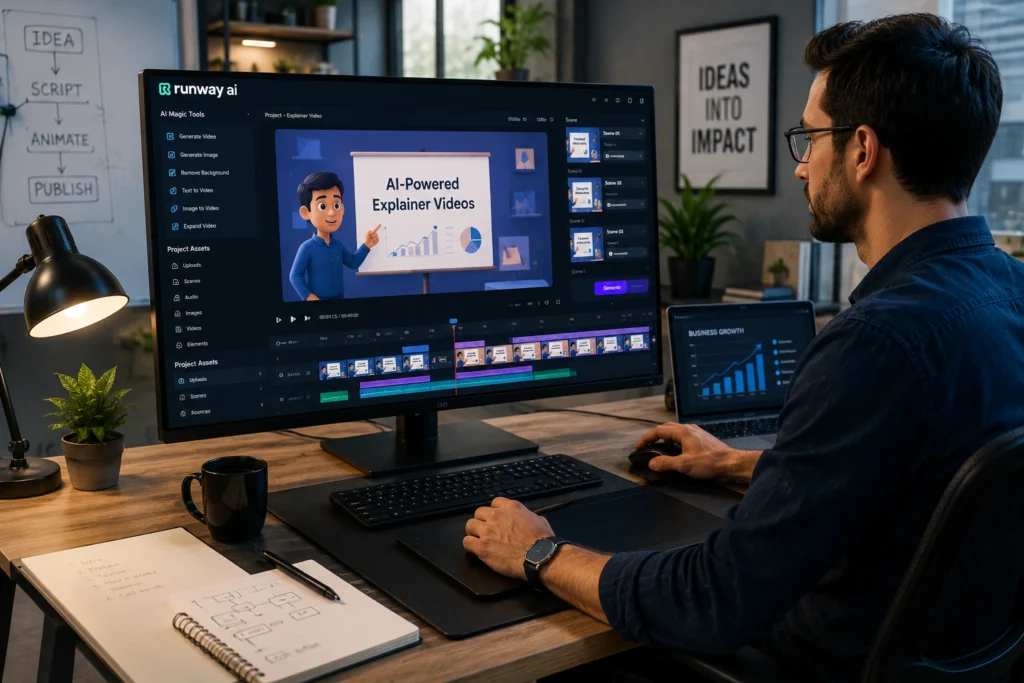
Runway
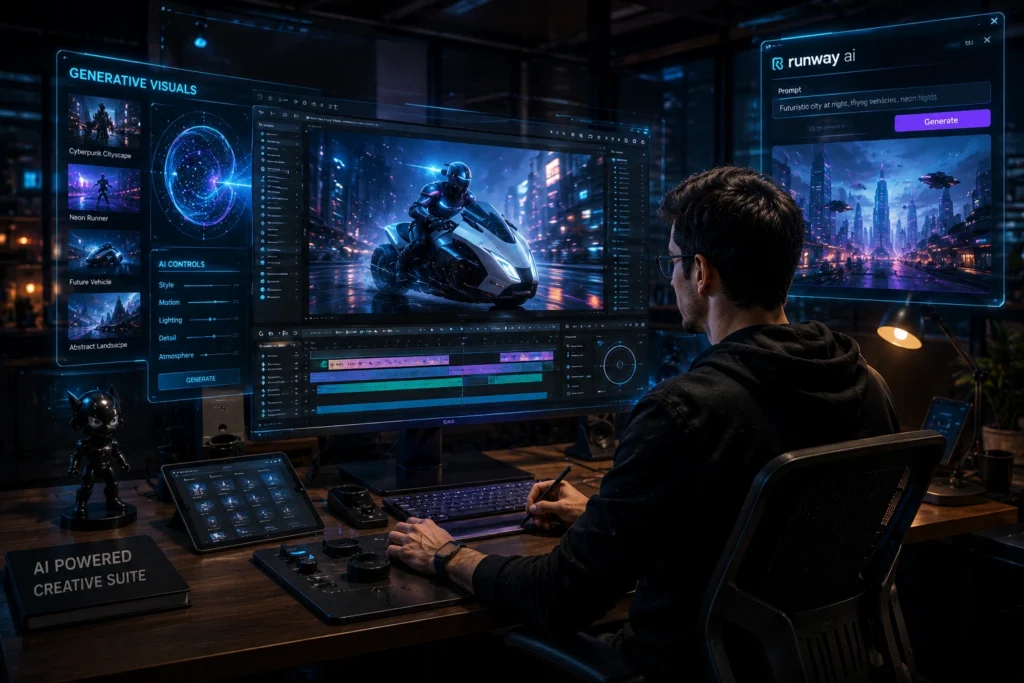
Runway has become one of the most talked about AI creative platforms among video creators and editors.
It is widely used for:
- AI video generation
- Motion effects
- Background removal
- Text to video creation
- Cinematic visual editing
One reason creators like Runway is flexibility. It works well for cinematic content, short films, trailers, and social media visuals.
For example, a YouTube creator making storytelling videos can use Runway to generate visual scenes quickly without shooting every sequence manually.
The platform still works best when users guide the output carefully. Random prompts usually produce inconsistent results.
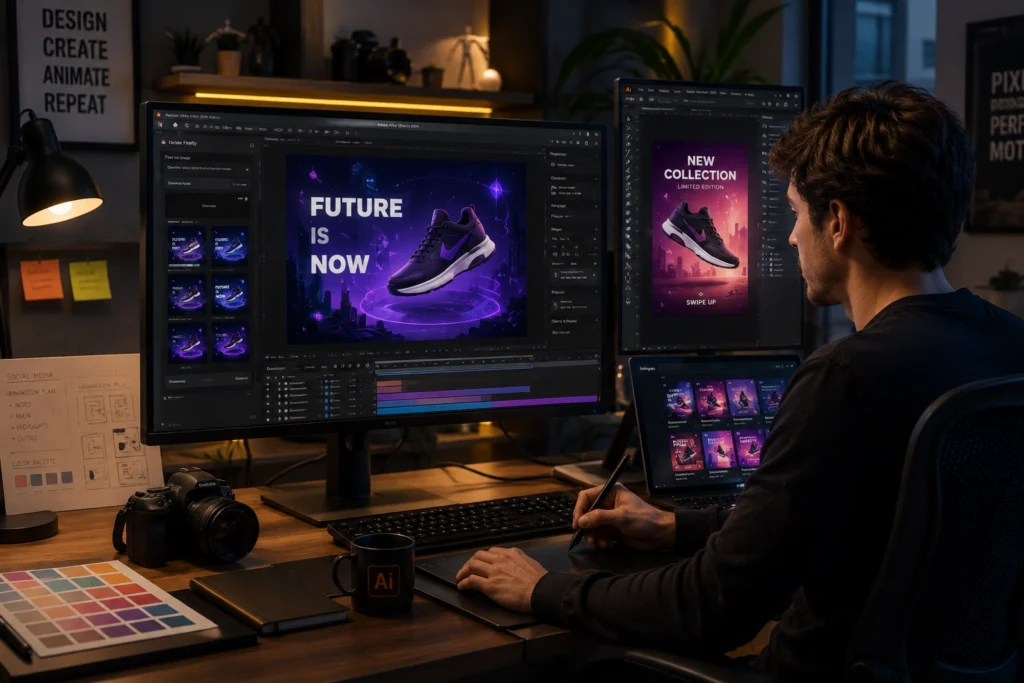
Adobe Express AI Animation
Adobe integrated AI animation features into Adobe Express to simplify motion content creation.
This platform works especially well for:
- Animated social media posts
- Presentation videos
- Marketing visuals
- Short promotional clips
Many beginners prefer Adobe Express because the interface feels less overwhelming than professional editing software.
A freelancer managing multiple client accounts, for example, can quickly produce animated Instagram stories and branded visuals without spending hours editing manually.
The templates also help maintain visual consistency across content.
Animaker
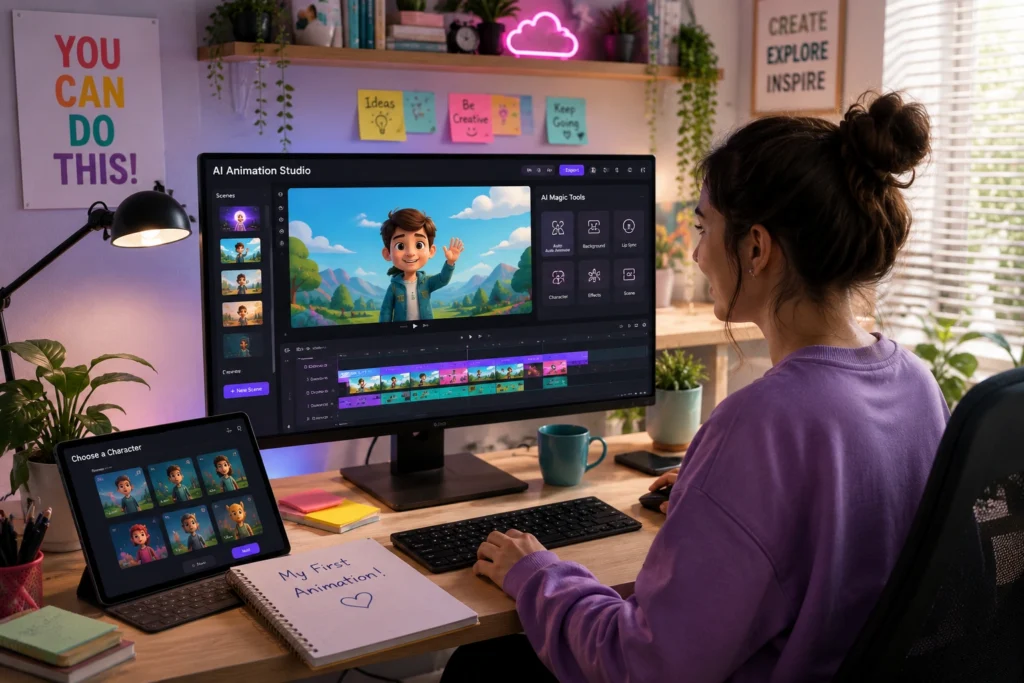
Animaker focuses heavily on beginner friendly animation creation.
It is commonly used for:
- Cartoon videos
- Educational explainers
- Animated presentations
- Business videos
Animaker includes drag and drop tools that make animation easier for non designers.
One practical example comes from teachers and online educators. Many now use Animaker to create simple educational animations instead of recording traditional lecture videos.
That often improves viewer retention because animated visuals hold attention longer.
Kaiber
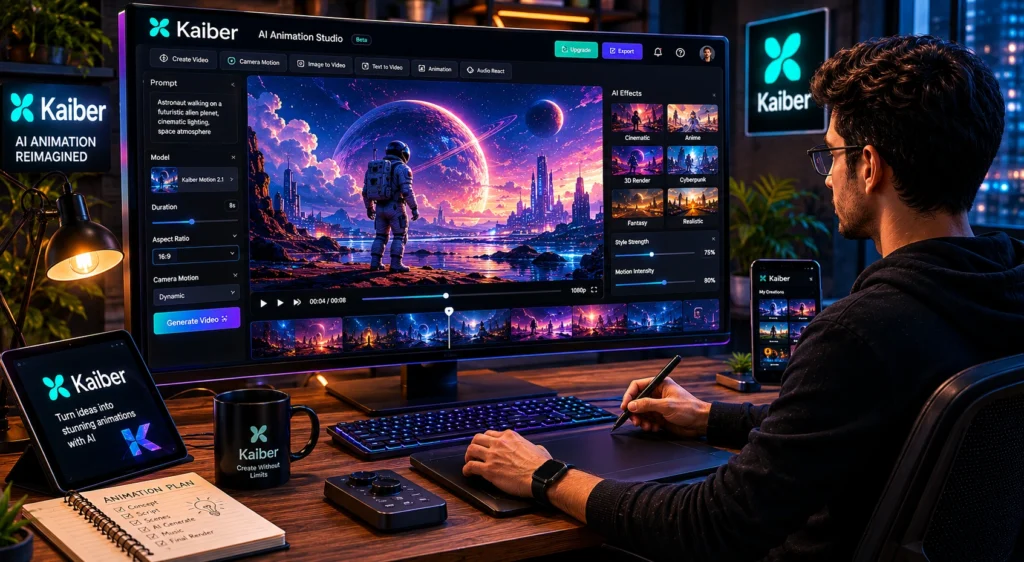
Kaiber became popular among creators making artistic and music focused visuals.
The platform is known for:
- AI generated visual sequences
- Music video effects
- Artistic animation styles
- Creative transitions
Kaiber works particularly well for creators who want visually unique content instead of traditional corporate animation.
Musicians and digital artists often use it to create moving visuals for social content and album promotions.
However, strong prompt writing is important. Better prompts usually produce more controlled and usable animations.
Vyond
Vyond remains one of the strongest AI tools for animation in business and educational environments.
Companies use it for:
- Employee training videos
- Corporate explainers
- Internal presentations
- Educational content
Unlike highly artistic AI generators, Vyond focuses more on clarity and communication.
For example, startups often use animated explainer videos to simplify technical products for customers.
That makes information easier to understand compared to static presentations.
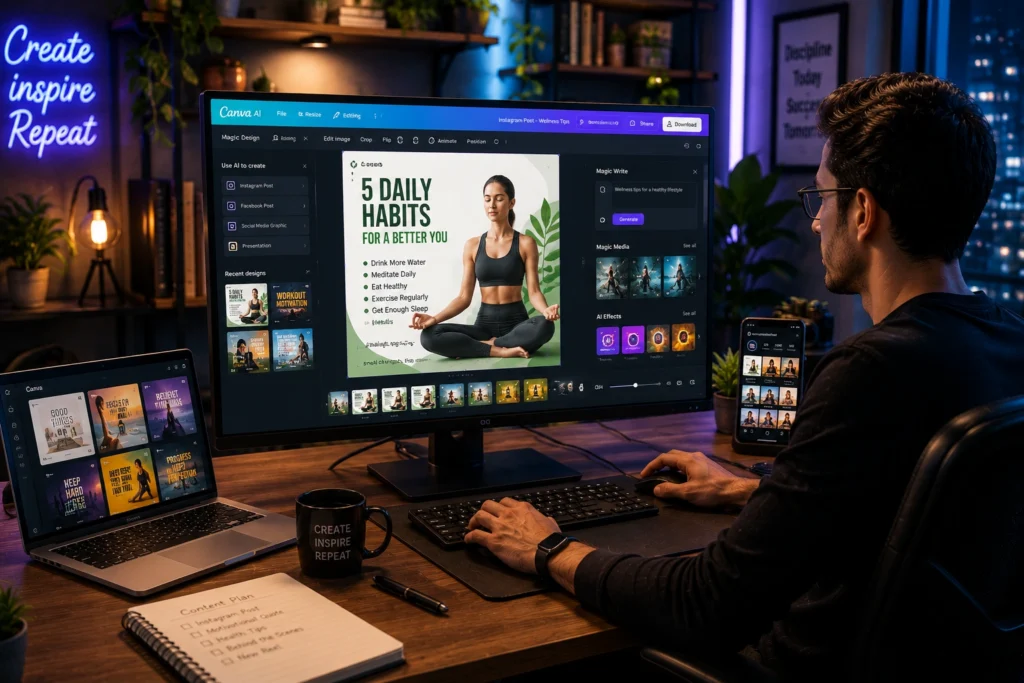
Canva AI Animation
Canva added AI powered animation features that help creators build quick visual content without advanced editing skills.
Users commonly create:
- Animated reels
- Motion graphics
- Text animations
- Presentation visuals
- YouTube intros
One reason Canva remains popular is simplicity. Many creators already use Canva for thumbnails and graphics, so adding animation feels natural inside the same workflow.
For influencers posting daily content, that convenience saves significant time.
Renderforest
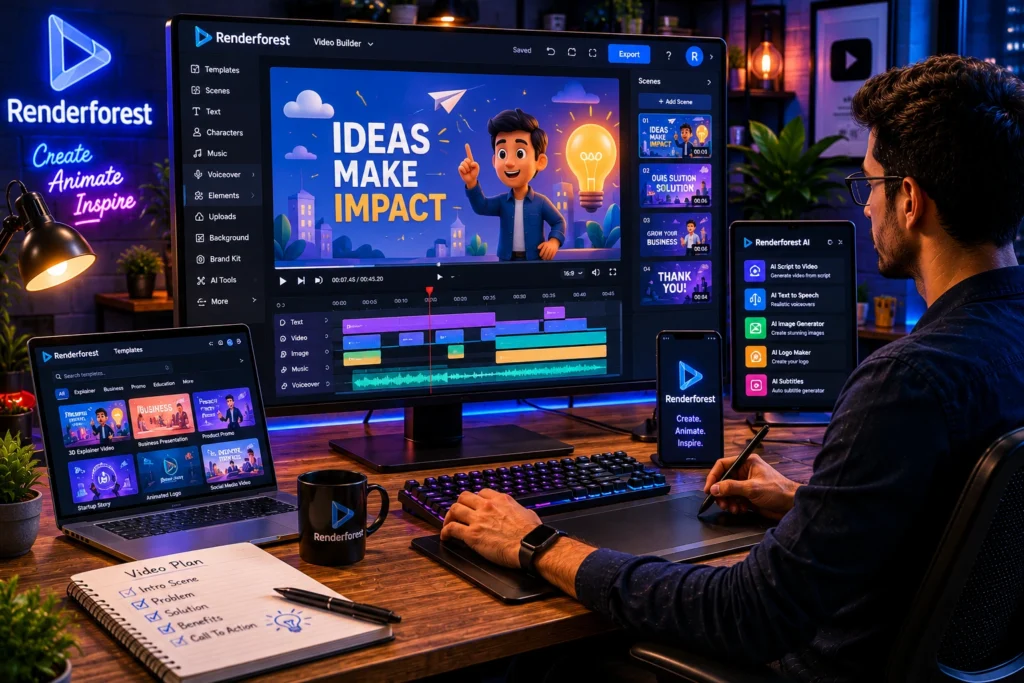
Renderforest offers AI assisted tools for branding and video animation.
It works well for:
- Logo animation
- Intro videos
- Promotional content
- Social media ads
Small business owners often use Renderforest because it combines branding tools with video templates inside one platform.
This helps beginners create polished visuals without hiring a full production team.
Best AI Tools for Different Types of Creators
For YouTubers
Runway and Canva AI Animation work well for creators producing tutorials, storytelling videos, and Shorts content.
For Social Media Influencers
Adobe Express AI Animation and Kaiber help create visually engaging Instagram Reels and TikTok content quickly.
For Business Content
Vyond and Renderforest are better for explainers, presentations, and educational videos.
For Beginners
Animaker and Canva are easier starting points because the interfaces are simpler and less technical.
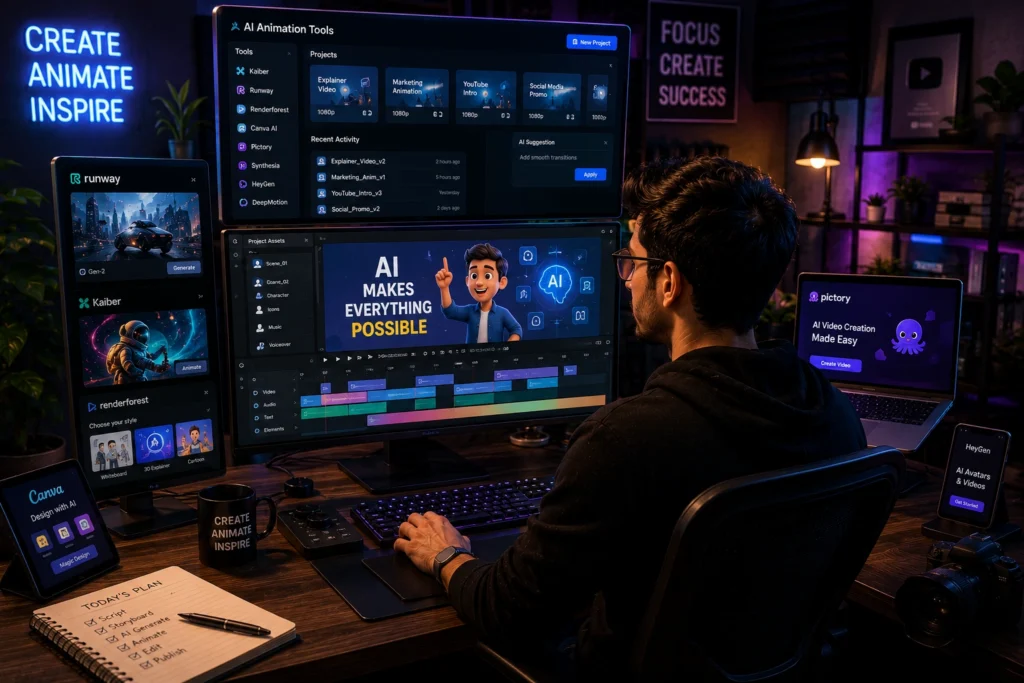
Animation is only one part of modern content production. Many creators also use a wider range of AI content creation tools for writing, editing, image generation, and workflow management.
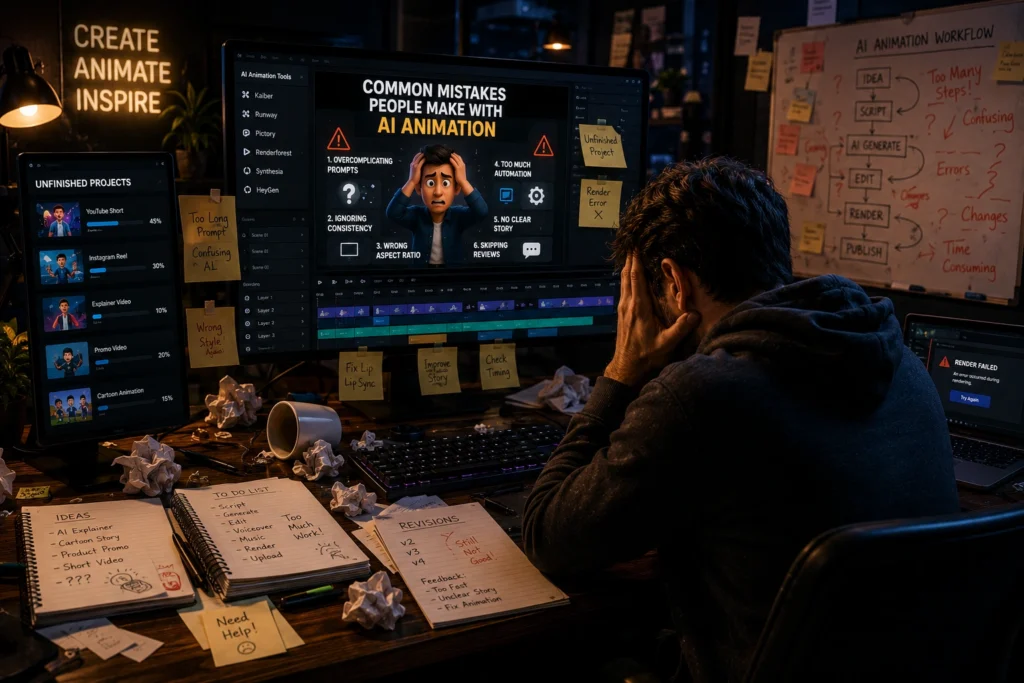
Common Mistakes Beginners Make With AI Animation
Depending Completely on Automation
AI speeds up editing, but it cannot fully replace creative direction.
Creators still need to think about pacing, storytelling, visual clarity, and audience attention.
Using Too Many Effects
Many beginners overload videos with transitions and animations.
Simple visuals often perform better because viewers can focus on the actual message.
Ignoring Audio Quality
Even strong visuals cannot save poor audio.
Clear voiceovers and balanced sound design remain important for audience retention.
Best Practices for Creating Better AI Animated Videos
Start With a Clear Script
Animation works better when the message is already structured.
Good scripts reduce unnecessary editing later.
Focus on Short Attention Spans
Most viewers decide within seconds whether to continue watching.
Strong openings matter more than complicated visual effects.
Keep Branding Consistent
Creators should maintain consistent fonts, colors, and editing styles across videos.
This helps audiences recognize content faster.
Learn Prompt Writing
For AI animation generators, prompt quality affects output quality heavily.
Specific instructions usually produce better scenes than vague descriptions.
Frequently Asked Questions
What are the best AI animation tools in 2026?
Some of the best AI animation tools in 2026 include Runway, Adobe Express AI Animation, Animaker, Kaiber, Vyond, Canva AI Animation, and Renderforest.
Which AI animation generator is best for beginners?
Animaker and Canva AI Animation are beginner friendly because they offer simple interfaces and ready made templates.
Are AI video animation tools good for YouTube creators?
Yes. Many YouTubers use AI video animation tools for subtitles, visual effects, animated intros, and storytelling scenes.
Can AI tools create cartoon animations?
Yes. Platforms like Animaker and Vyond can help users create cartoon style animations without advanced drawing skills.
Are AI motion graphics tools worth using?
AI motion graphics tools can save significant editing time, especially for creators making social media content regularly.
Conclusion
The best AI animation tools in 2026 are making animation more accessible for creators of every skill level. What once required large teams and expensive production setups can now be handled by individual creators using smart workflows and AI assisted editing.
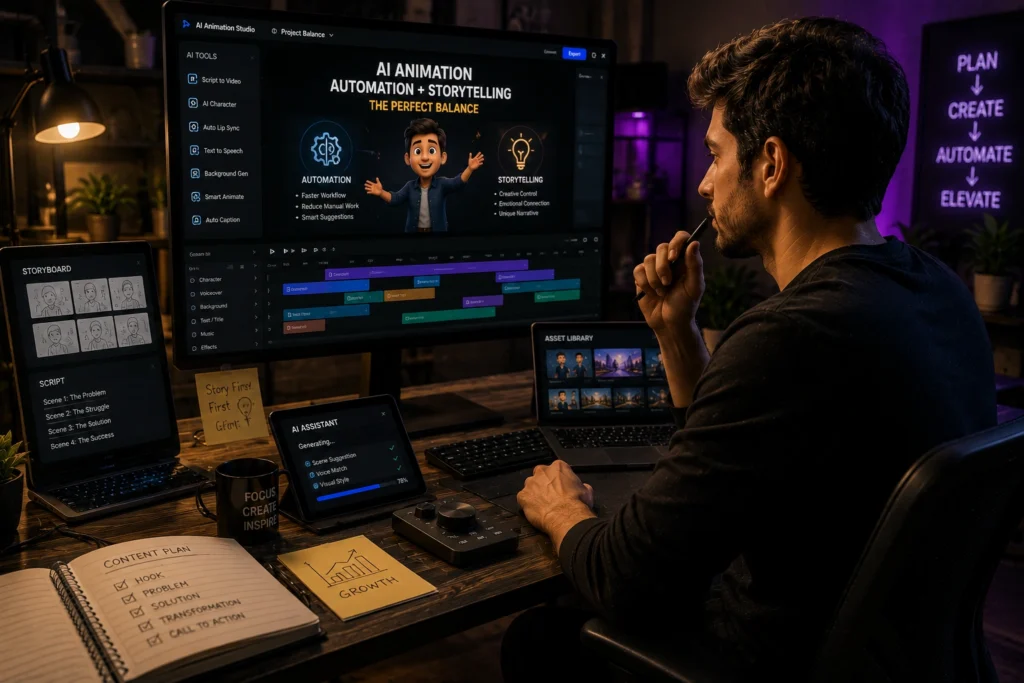
Still, successful content does not come from automation alone. The creators getting the best results are usually the ones combining AI efficiency with strong storytelling, creative thinking, and audience understanding.
AI can speed up animation workflows dramatically, but human creativity still shapes the final impact.
If you enjoy exploring practical AI tools for content creation, video editing, productivity, and online growth, you can discover more tutorials and creator focused guides on AI With Sahil