
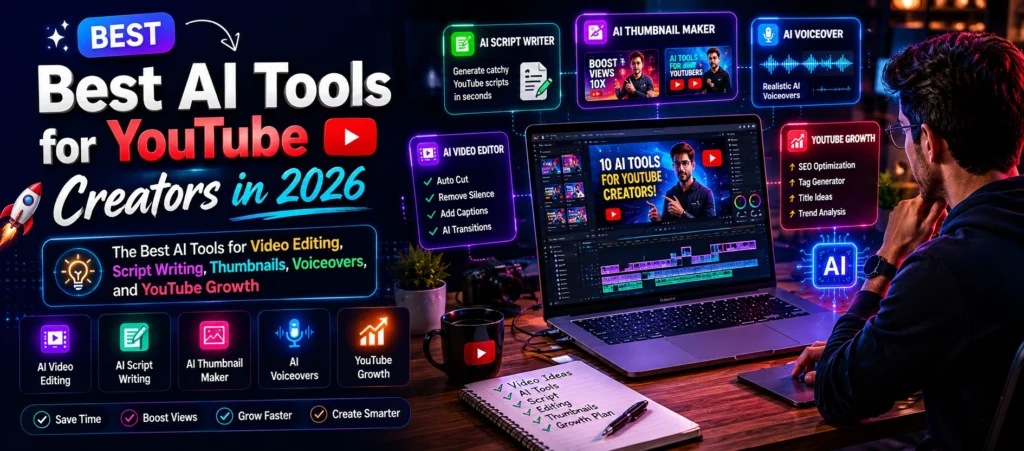
Best AI Tools for YouTube Creators in 2026
The Best AI Tools for Video Editing, Script Writing, Thumbnails, Voiceovers, and YouTube Growth
Introduction
Running a YouTube channel in 2026 takes more than just recording videos. Creators now handle scripting, editing, thumbnails, research, captions, analytics, and content planning at the same time. That workload becomes exhausting quickly, especially for solo creators trying to stay consistent.
This is exactly why the best AI tools for YouTube creators are becoming part of everyday workflows. These tools help reduce repetitive tasks so creators can spend more time improving content quality and audience engagement.
Some AI tools help edit videos faster. Others improve thumbnails, generate voiceovers, organize ideas, or simplify script writing. The important thing is understanding which tools actually help and which ones simply add noise to the process.
In this guide, you will learn about the most useful AI tools for YouTube, how creators use them in real situations, and how to avoid common mistakes while relying on artificial intelligence for content creation.
Why AI Tools Matter for YouTube Creators?
YouTube content creation has changed heavily over the past few years. Earlier, creators mainly focused on filming and editing. Now creators also compete through thumbnails, retention rates, SEO, short form clips, captions, posting consistency, and audience engagement.
That creates pressure, especially for new creators.
Many successful channels now use AI tools for content creators to simplify repetitive tasks like:
- Writing video outlines
- Editing captions
- Creating thumbnails
- Researching trends
- Repurposing content
- Improving titles
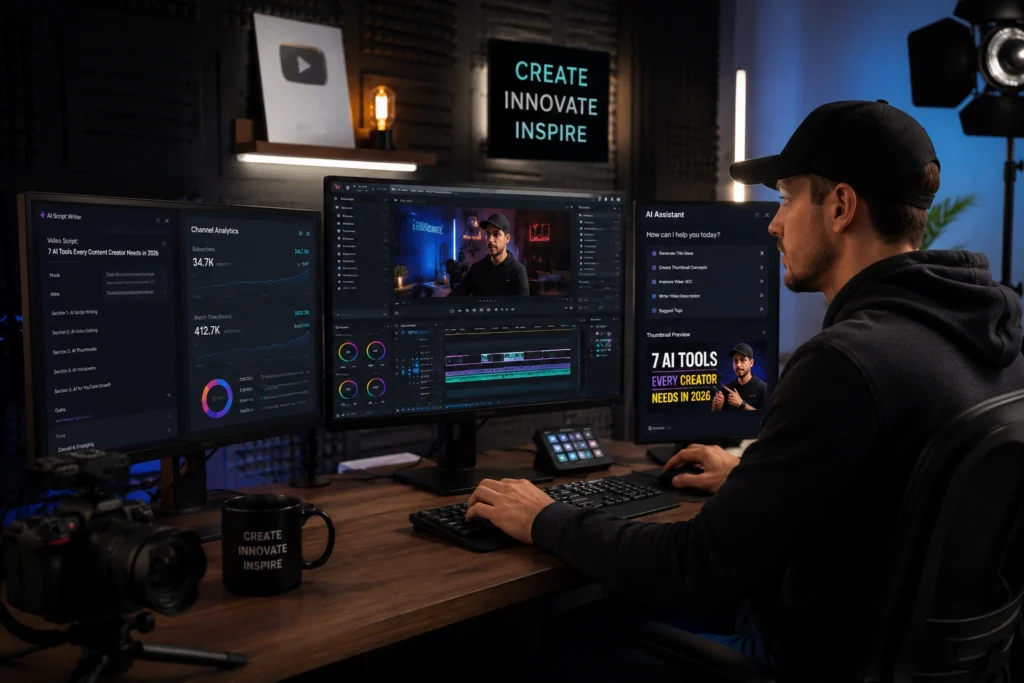
The biggest advantage is time efficiency.
For example, a creator who once spent four hours editing captions manually can now finish the same task in minutes using AI assisted editing tools.
However, experienced creators usually use AI as support, not replacement. Personality, storytelling, and creativity still matter far more than automation.
Best AI Tools for YouTube Creators in 2026
ChatGPT
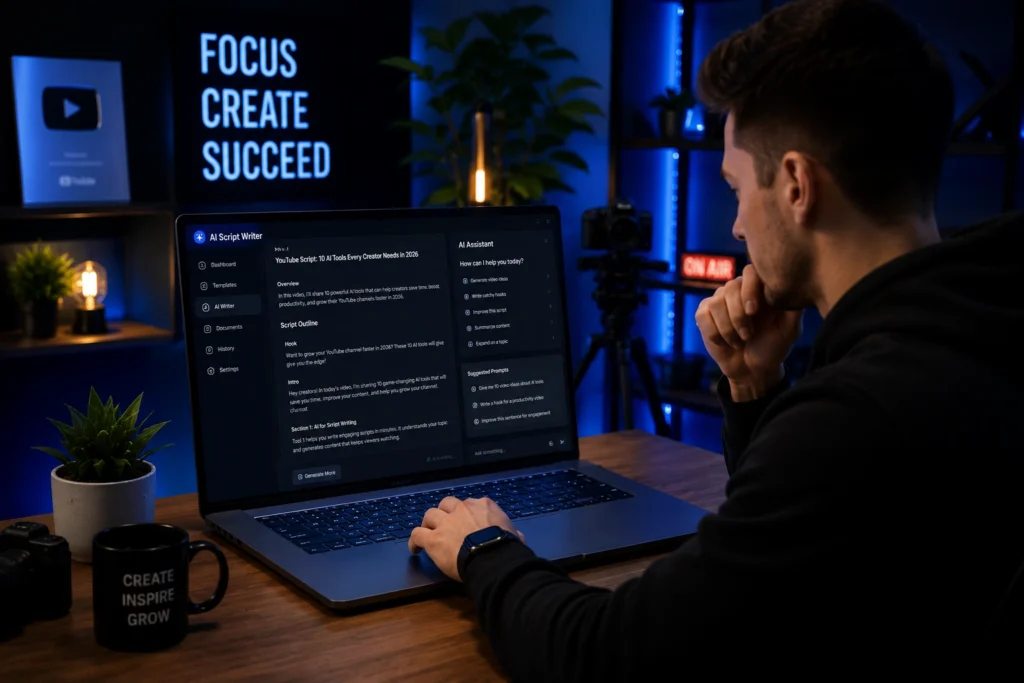
OpenAI created ChatGPT, and many YouTube creators now use it daily for content planning and script support.
Creators use it for:
- Brainstorming video ideas
- Writing outlines
- Creating titles
- Research assistance
- Organizing talking points
- Generating hooks
For example, a tech creator making smartphone comparison videos can ask ChatGPT to organize pros and cons, explain technical features simply, and generate engaging intro ideas.
One thing experienced creators understand is that AI generated scripts should never sound copied directly. The best results happen when creators rewrite ideas in their own voice.
Descript
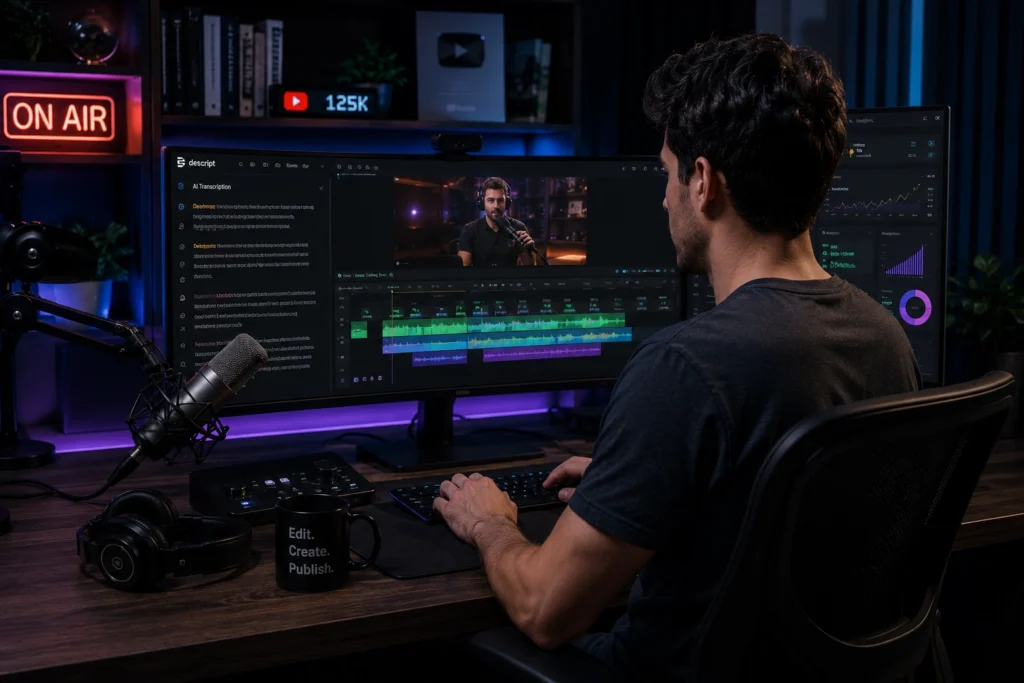
Descript became extremely popular among YouTubers because it simplifies editing through text based controls.
Instead of editing timelines manually for hours, creators can edit video sections by editing text transcripts.
Descript helps with:
- Podcast editing
- Video trimming
- Automatic captions
- Removing filler words
- Voice cloning
- Screen recording
This is especially useful for educational creators, interview channels, and podcast style content.
A small business creator posting tutorials every week can save several editing hours simply by removing pauses and filler words automatically.
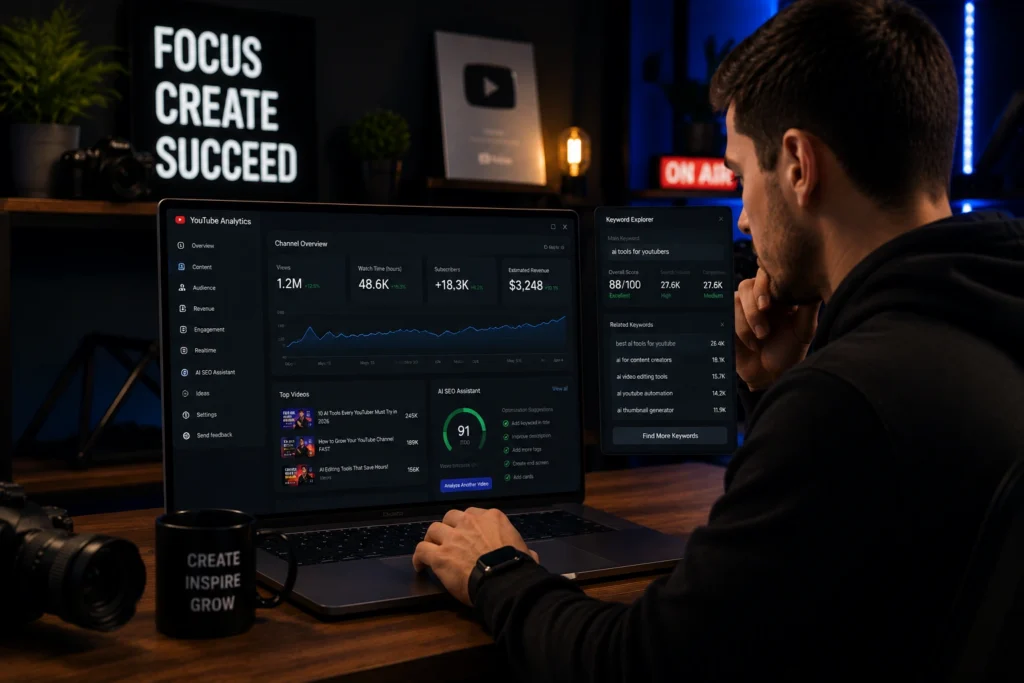
VidIQ
VidIQ focuses heavily on YouTube optimization and channel growth.
Creators use it for:
- Keyword research
- Trend analysis
- SEO suggestions
- Video optimization
- Competitor research
Many beginners struggle because they upload videos without understanding search intent or audience demand.
VidIQ helps creators understand:
- What people are searching for
- Which topics are trending
- Which titles perform better
This makes content planning more strategic instead of random.
Canva AI
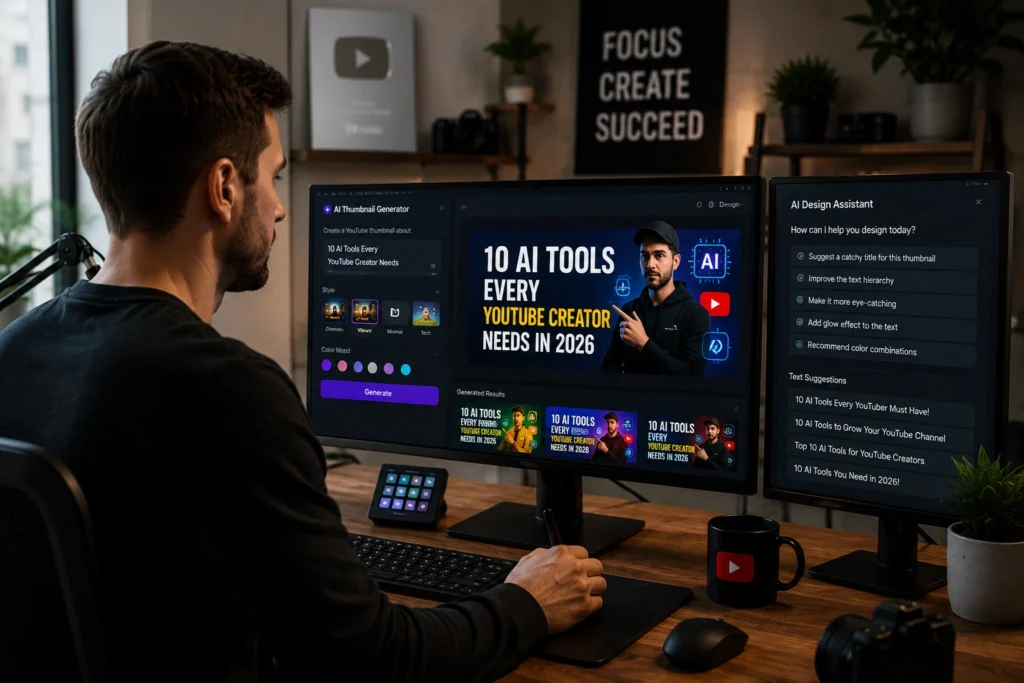
Canva remains one of the easiest AI tools for YouTube creators who want better thumbnails without advanced design skills.
Creators use Canva AI for:
- Thumbnail creation
- YouTube banners
- Social media promotion
- Shorts graphics
- Channel branding
Good thumbnails still play a massive role in click through rates.
One common mistake new creators make is overcrowding thumbnails with too much text. Simpler visuals usually perform better because viewers understand them instantly.
ElevenLabs
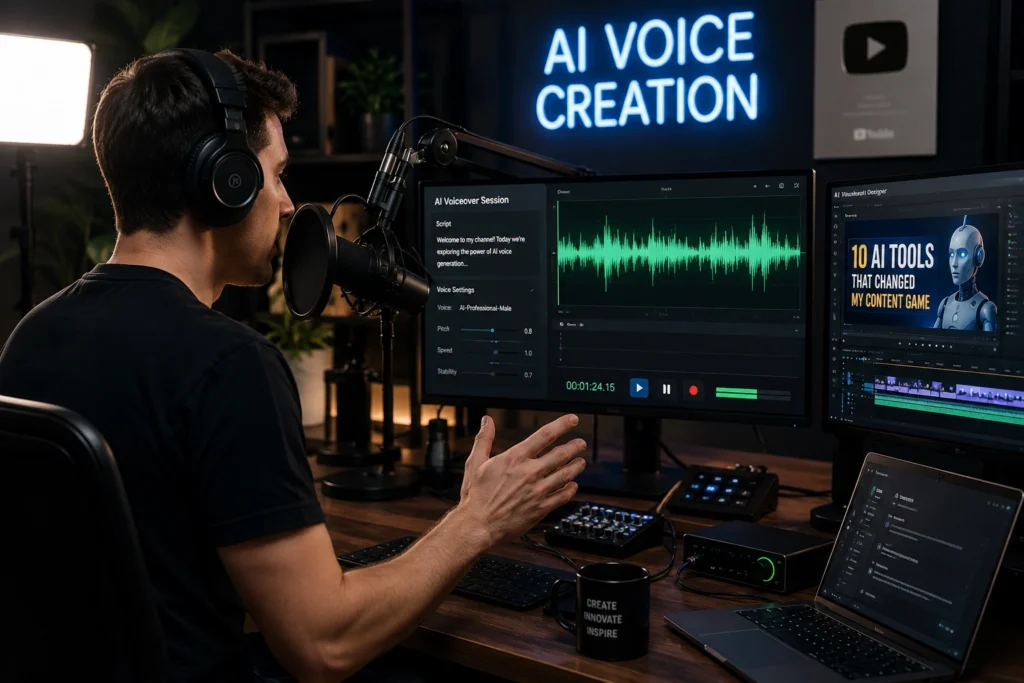
ElevenLabs became one of the most talked about AI voiceover tools for creators.
It helps with:
- Realistic AI voiceovers
- Narration videos
- Documentary content
- Multilingual dubbing
- Audio enhancement
Some faceless YouTube channels use AI narration completely. Others use it only for small sections or translation support.
The important part is maintaining natural pacing and emotion. Robotic sounding voiceovers still reduce audience retention quickly.
CapCut AI
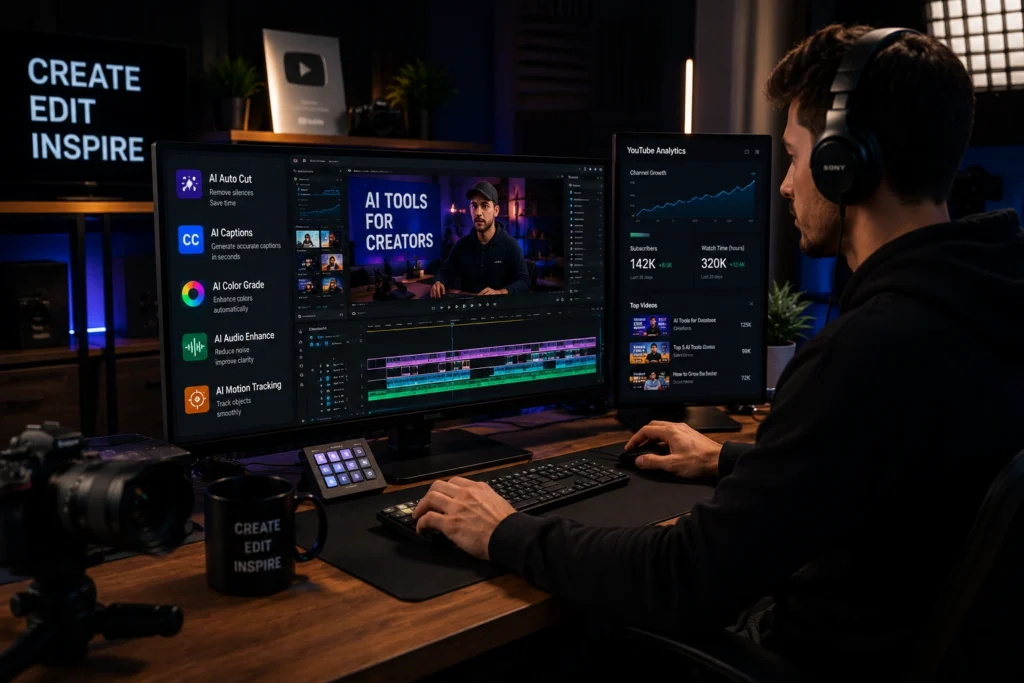
CapCut grew rapidly because it combines beginner friendly editing with powerful AI features.
Creators use it for:
- Automatic captions
- Short form editing
- AI effects
- Background removal
- Mobile editing
- Social media clips
Short form creators especially benefit from faster editing workflows.
For example, a fitness creator repurposing long YouTube videos into Shorts can generate multiple clips quickly using AI assisted editing features.
TubeBuddy
TubeBuddy helps creators manage and optimize channels more efficiently.
It includes tools for:
- SEO optimization
- Thumbnail testing
- Bulk editing
- Productivity management
- Channel analytics
Large channels often manage hundreds of videos. TubeBuddy helps simplify organization and optimization across older content as well.
That becomes important because older videos can still generate traffic years later when optimized properly.
How AI Helps Small Creators Grow Faster?
Small creators often believe they need expensive equipment first. In reality, workflow consistency matters more during early growth.
AI YouTube tools help smaller creators:
- Publish consistently
- Save editing time
- Improve research
- Create stronger thumbnails
- Repurpose content faster
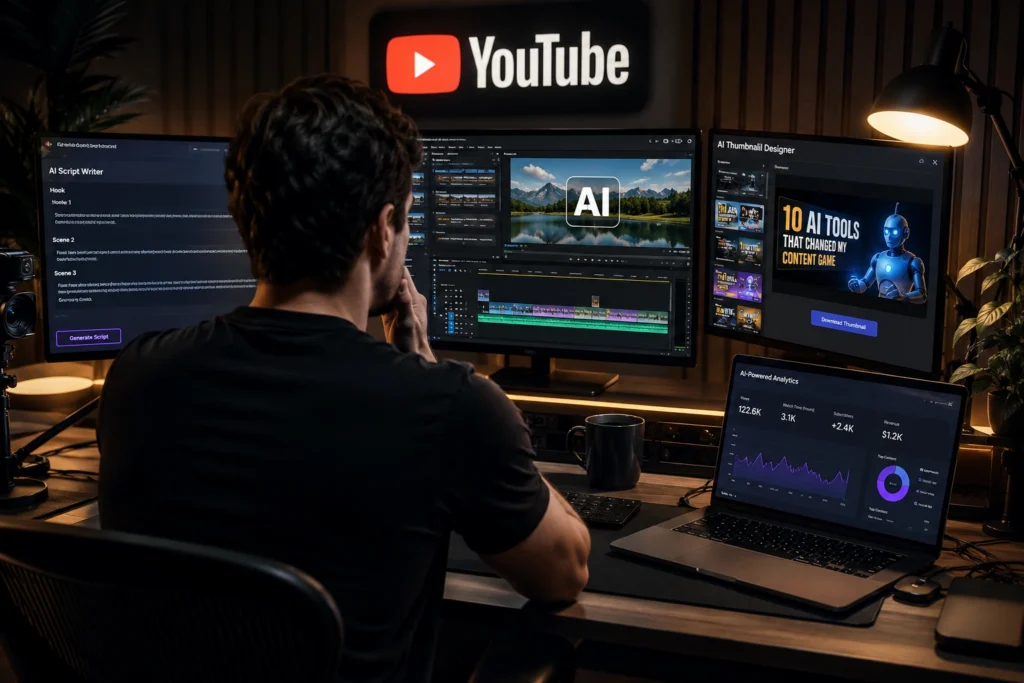
For example, a student creator balancing studies and YouTube may use:
- ChatGPT for scripts
- CapCut AI for editing
- Canva AI for thumbnails
- VidIQ for SEO research
This creates a smoother production system without needing a large team.
Many creators grow faster once they reduce time spent on repetitive work.
Best AI Video Editing Tools for Faster Workflows
Tools That Save the Most Time
Among the best AI video editing tools, Descript and CapCut currently save creators the most editing time.
Descript works especially well for:
- Podcasts
- Talking head videos
- Tutorials
CapCut works well for:
- Shorts
- Reels
- Fast paced edits
- Mobile creators
The best choice depends on content style.
Long form educational creators usually prefer cleaner editing systems. Short form creators often prioritize speed and visual effects.

Common Mistakes YouTube Creators Make With AI
Copying AI Content Directly
Audiences quickly notice generic scripts.
Creators who simply paste AI generated content without adding personality often struggle with audience retention.
Ignoring Storytelling
AI can organize ideas, but storytelling still comes from human experience.
Good YouTube videos create curiosity, emotion, or connection. That cannot be automated fully.
Using Too Many Tools
Many beginners install every trending AI app they see online.
That usually creates confusion instead of productivity.
A smaller setup with reliable tools works much better long term.
Best Practices for Using AI YouTube Tools
Keep Your Personal Style
The most successful creators still sound human.
AI should support your workflow, not erase your personality.
Focus on Audience Value First
No AI tool can save weak content ideas.
Creators who understand their audience usually perform better than creators relying only on automation.
Build Repeatable Workflows
Strong YouTube growth often comes from repeatable systems.
For example:
- Research topic
- Generate outline
- Record video
- Edit clips
- Create thumbnail
- Optimize SEO
AI tools simply help speed up those stages.
Frequently Asked Questions
What are the best AI tools for YouTube creators in 2026?
Some of the best AI tools for YouTube creators include ChatGPT, Descript, VidIQ, Canva AI, ElevenLabs, CapCut AI, and TubeBuddy.
Which AI tools for YouTube help with video editing?
Descript and CapCut are among the best AI video editing tools for creators who want faster workflows and automatic editing support.
Can AI tools help small YouTube creators grow?
Yes. AI tools can help creators save time, improve thumbnails, optimize SEO, and publish content more consistently.
Are AI voiceovers good for YouTube videos?
AI voiceovers work well when they sound natural and match the tone of the content. Many documentary and faceless channels use them successfully.
Which AI YouTube tools help with SEO?
VidIQ and TubeBuddy are widely used for YouTube SEO, keyword research, analytics, and video optimization.
Conclusion
The best AI tools for YouTube creators in 2026 are helping creators work faster without sacrificing creativity. From editing videos and generating thumbnails to writing scripts and researching content ideas, AI now supports almost every part of the content creation process.
Still, the creators growing the fastest are usually the ones who combine smart workflows with strong personality and audience understanding.
AI can improve efficiency. It cannot replace authenticity.
Creators who use these tools thoughtfully will likely save time, reduce burnout, and stay more consistent over the long term.
Want more AI tools, tutorials, and creator resources?
Visit AI With Sahil for practical AI guides, tool comparisons, and beginner friendly tutorials.